
Sending ad clicks to a generic product page is one of the most common ways ecommerce stores waste budget. A dedicated landing page keeps the shopper on one offer, and a Shopify landing page builder lets you make those pages without a developer. The hard part is choosing one: page limits, A/B testing tiers and free plans differ far more than the headline prices suggest.
I compared 7 page builder apps on the Shopify App Store. I checked every price and plan limit on the listings and vendor pricing pages on October 25, 2026, and I read recent merchant reviews for each app.
What Is a Shopify Landing Page?
A Shopify landing page is a standalone page on your store built for one campaign goal, such as selling one product, collecting emails or promoting a sale. Most get their traffic from ads or email. Unlike a product page, it usually has no main navigation, and the copy, offer and layout match the message that brought the visitor there.
3 Ways to Build Shopify Landing Pages
- Shopify’s theme editor (free). On an Online Store 2.0 theme, you create a new page template, build it from your theme’s sections and assign it to a page (Shopify Help Center). It costs nothing, but you’re limited to the sections your theme offers, there’s no built-in split testing, and any change to a template affects every page that uses it.
- A landing page builder app. Apps add drag-and-drop editing, ready-made landing page templates, and on many plans A/B testing and analytics. You pay monthly, and most plans cap how many pages you can publish.
- Custom code. A developer can build a page in Liquid, Shopify’s theme language. You get full control, but every new campaign page or test means another round of developer time.
For one evergreen page, the theme editor is enough. For a store that launches campaign pages every month and wants to test them, an app is usually cheaper than developer hours.
Shopify Landing Page Builder Apps Comparison Table
Scroll sideways for more →
| App | Cheapest paid plan | Free plan or trial | Built-in A/B testing | Built for Shopify badge |
|---|---|---|---|---|
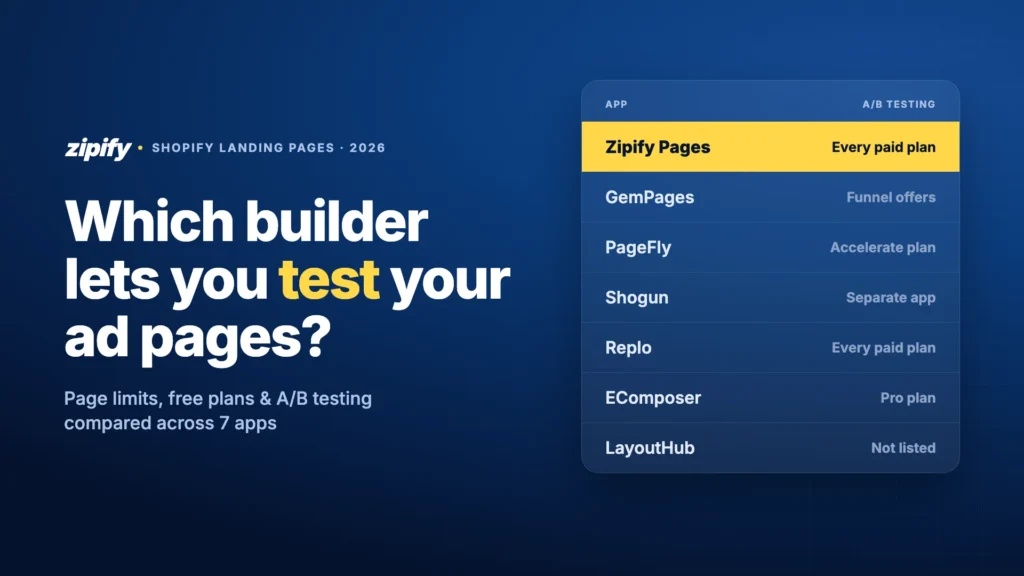
| Zipify PagesOur app | $19/mo5 landing pages | 14-day free trial | Every paid plan | Yes |
| GemPages | $29/mounlimited published pages | Free plan (1 page) | Offer tests inside sales funnels | No |
| PageFly | From $24/mo5 page slots | Free plan (1 page) | From Accelerate plan: $99/mo | No |
| Shogun | $39/mo25 pages | 10-day trial; free plan can’t publish | Separate app | No |
| Replo | $119/mo15 items | Free previews; can’t publish | Every paid plan | No |
| EComposer | $25/mo15 pages | Free plan (1 page) + 7-day trial | From Pro plan: $49/mo | Yes |
| LayoutHub | $14.99/mo10 pages | Free plan (3 pages) | Not listed | Yes |
| Instant | $39/mounlimited landing pages | 7-day trial | From Pro plan: $99/mo | No |
| Foxify | $19/mo10 pages | Free plan (1 page) + 7-day trial | Not listed | Yes |
Monthly prices from each app’s Shopify App Store listing, checked October 25, 2026. Annual billing is cheaper on most apps.
How I Compared These Apps
I picked the apps that are listed on the Shopify App Store today and come up most in the page builder category and in the pages that rank for “best landing page builder for Shopify”. For each one I compared five things:
- Page limits on the entry plan, since that’s what usually forces an upgrade;
- A/B testing: whether it’s included, and on which plan;
- Free plan or trial, and whether the free plan can publish to a live store;
- Templates and AI tools for building campaign pages quickly;
- Recent App Store reviews, one or two positive and critical each.
Instant and Foxify are in the table for reference but don’t get full entries.
The 7 Best Shopify Landing Page Builder Apps
1. Zipify Pages — landing pages with split testing on every plan
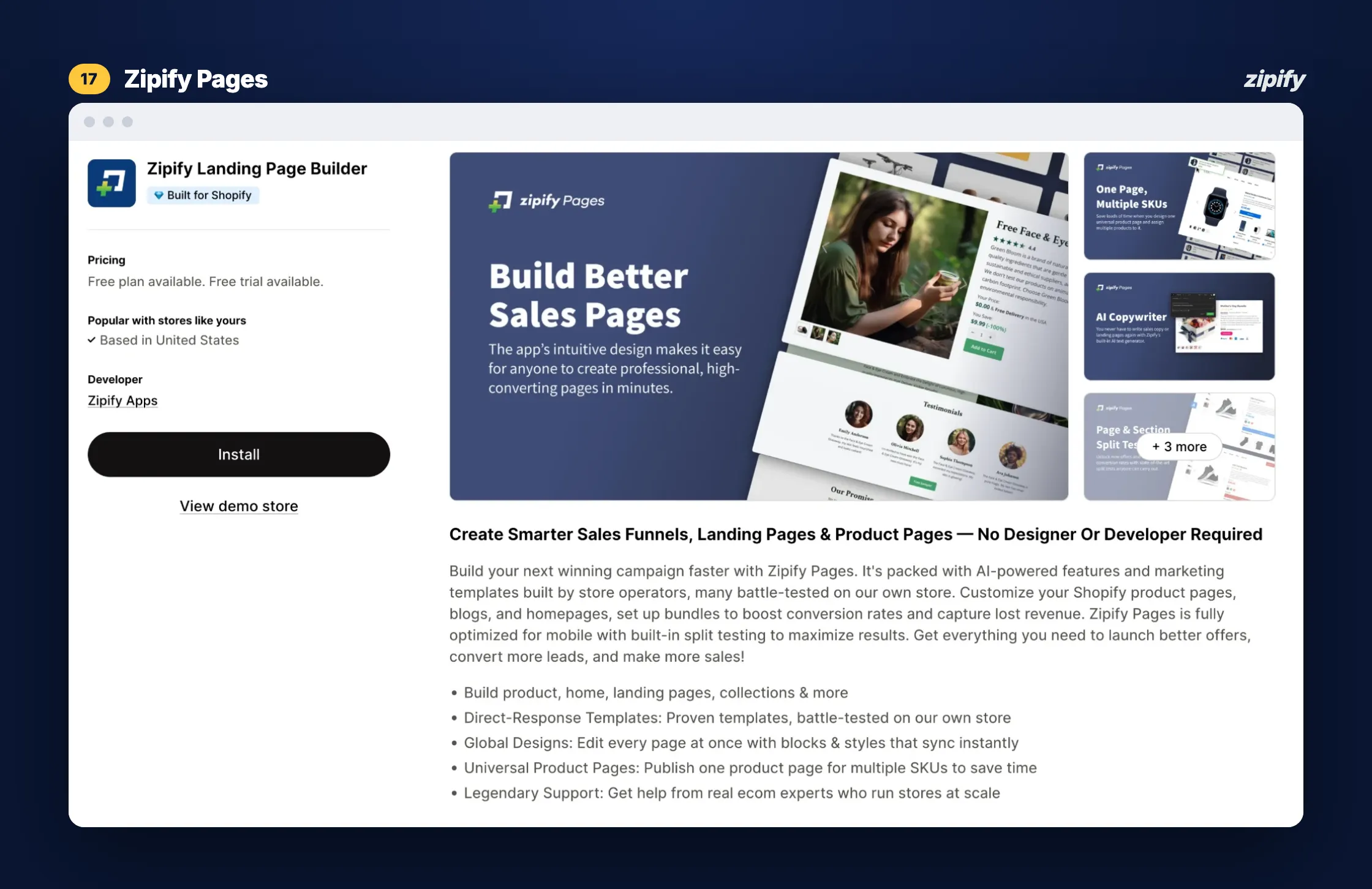
Zipify Landing Page Builder is a drag-and-drop builder for landing, product, home, collection and blog pages. It publishes to your Shopify store without plugins, subdomains or theme edits, and has Built for Shopify status. Its layouts come from 10 years of split tests on Zipify’s own $180M store.
Key features
- 125+ templates, including pre-sell and opt-in pages;
- Split testing of whole pages or single sections;
- AI Copywriter (unlimited on Advanced);
- Global Designs that sync blocks and styles across pages;
- Works with OneClickUpsell, Klaviyo and Recharge.
Start your 14-day free trial of Zipify Pages on the Shopify App Store
Pricing
Starter $19/month (5 landing pages, 1 page and 1 section split test), Basic $39 (15 landing pages), Advanced $99 (unlimited pages and tests, Shopify Markets). 14-day free trial (Zipify Pages pricing).
Pros
- Split testing from $19
- AI automation
- Fast support (review)
Cons
- No free plan for live stores
- Markets on Advanced only
2. GemPages — templates, sales funnels and AI building via MCP
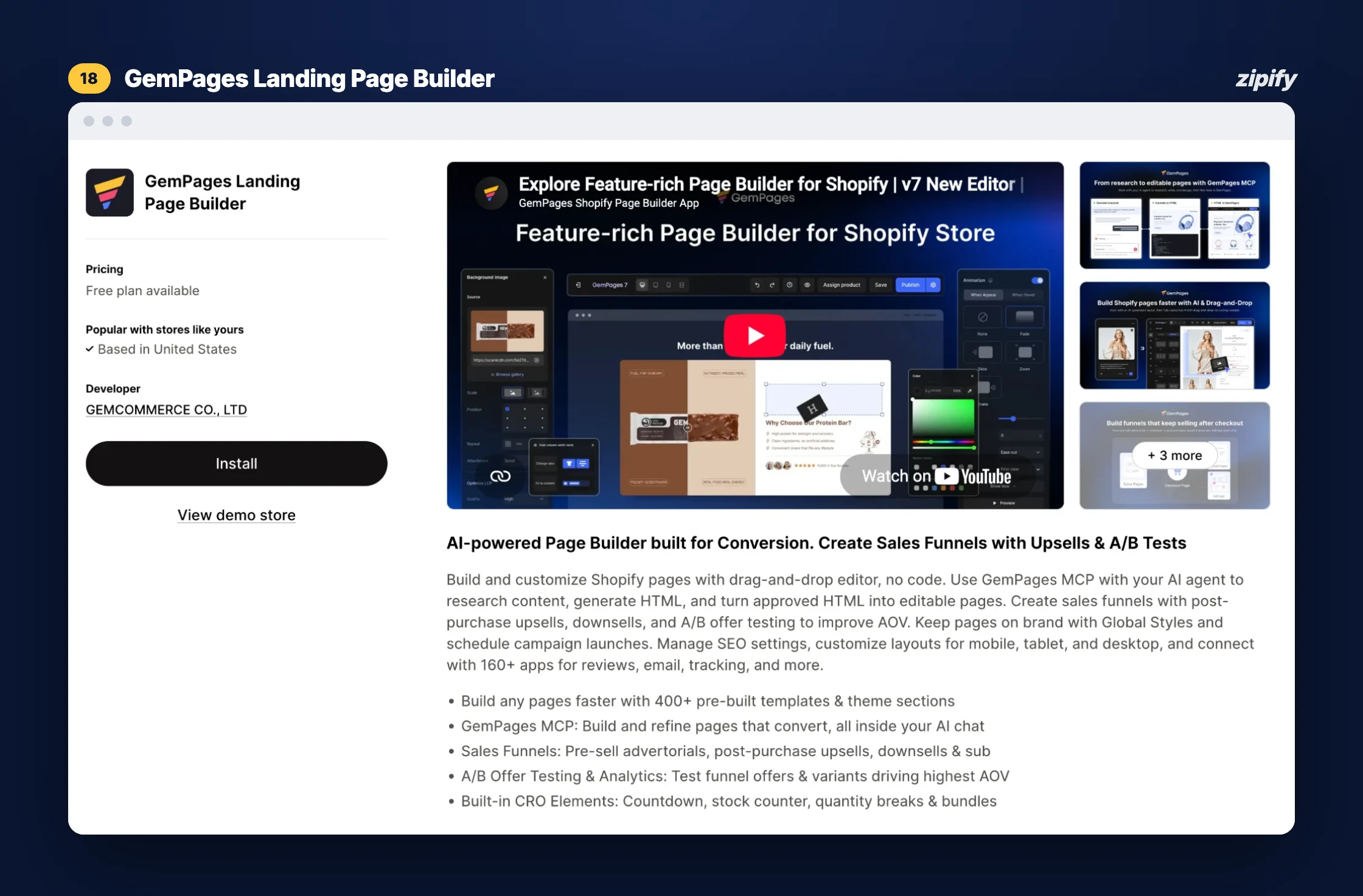
GemPages Landing Page Builder builds landing, product, collection, cart and thank-you pages in a drag-and-drop editor. It adds sales funnels with pre-sell advertorials, post-purchase upsells and downsells. Its MCP connector lets you build pages from an AI chat agent or turn HTML into editable pages.
Key features
- 400+ templates and theme sections;
- Sales funnels with A/B testing of offers;
- GemPages MCP for building with AI agents;
- Scheduled publishing and headless pages (Optimize);
- Countdowns, stock counters, quantity breaks and bundles.
Pricing
Free (1 published page, no time limit); Build $29/month (unlimited published pages); Optimize $59; Enterprise $199. Annual billing lowers these on the vendor’s site.
Pros
- Free plan with no time limit
- Unlimited published pages from $29
- Support stayed until a page was fixed (review)
3. PageFly — free plan, A/B testing on higher tiers
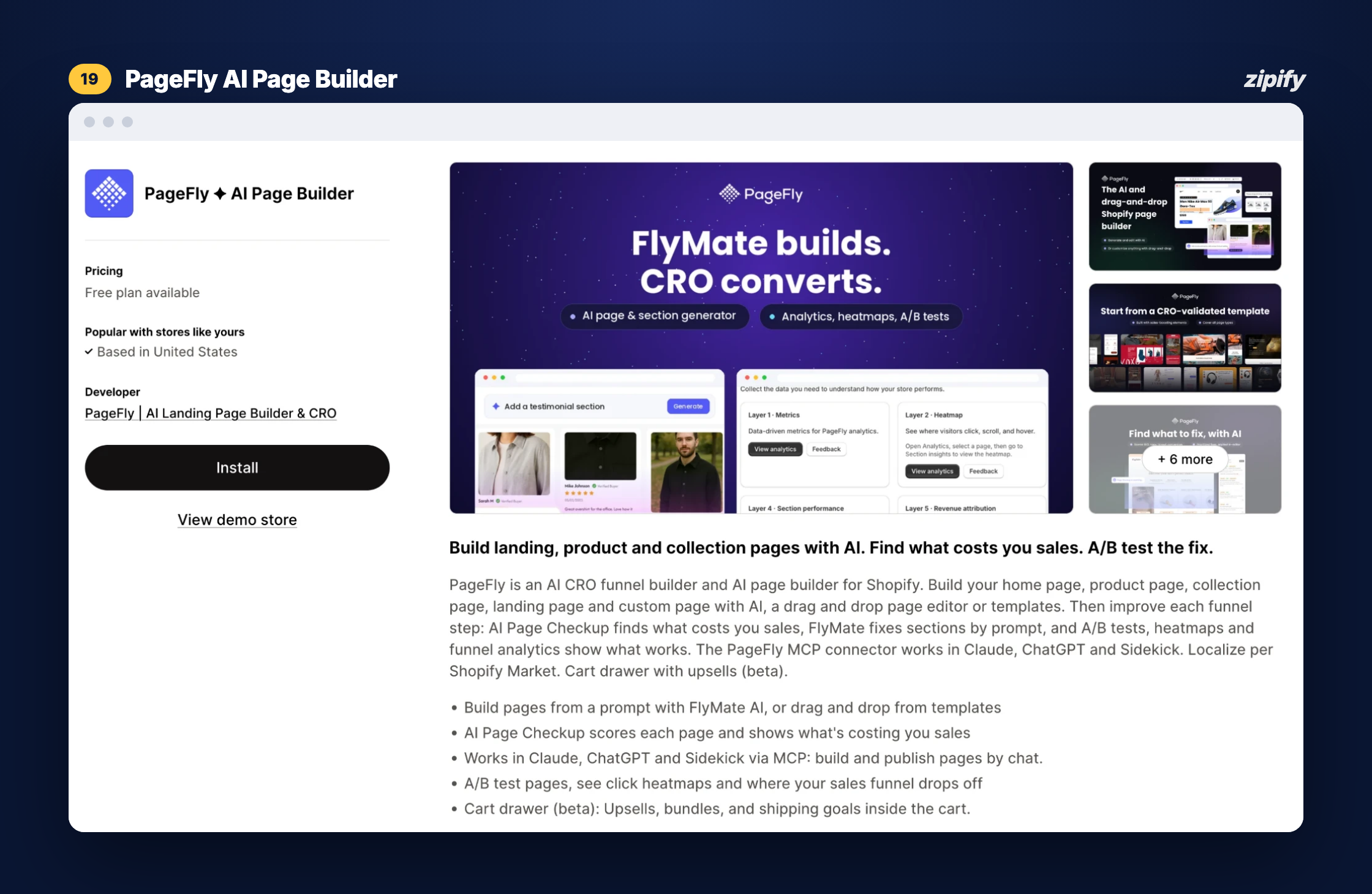
PageFly ✦ AI Page Builder is a drag-and-drop builder with 320+ templates and FlyMate, an AI assistant that builds or fixes sections from a prompt. Higher plans add A/B tests, heatmaps and an AI Page Checkup that scores pages for conversion issues. Its MCP connector works with Claude, ChatGPT and Shopify Sidekick.
Key features
- FlyMate AI section building;
- AI Page Checkup for conversion issues;
- A/B tests, click heatmaps and funnel analytics (Accelerate);
- Localization per Shopify Market;
- 200+ app integrations.
Pricing
Free (1 published page, 10 AI credits/month); Builder from $24/month (5 slots, plus $5 per 5 more); Accelerate $99 (unlimited pages, A/B testing); Enterprise $299. PageFly’s own pricing page shows a longer plan ladder.
Pros
- Free plan to start
- Wide feature set
- Design help from PageFly’s team (review)
4. Shogun — content pages across stores, testing sold separately
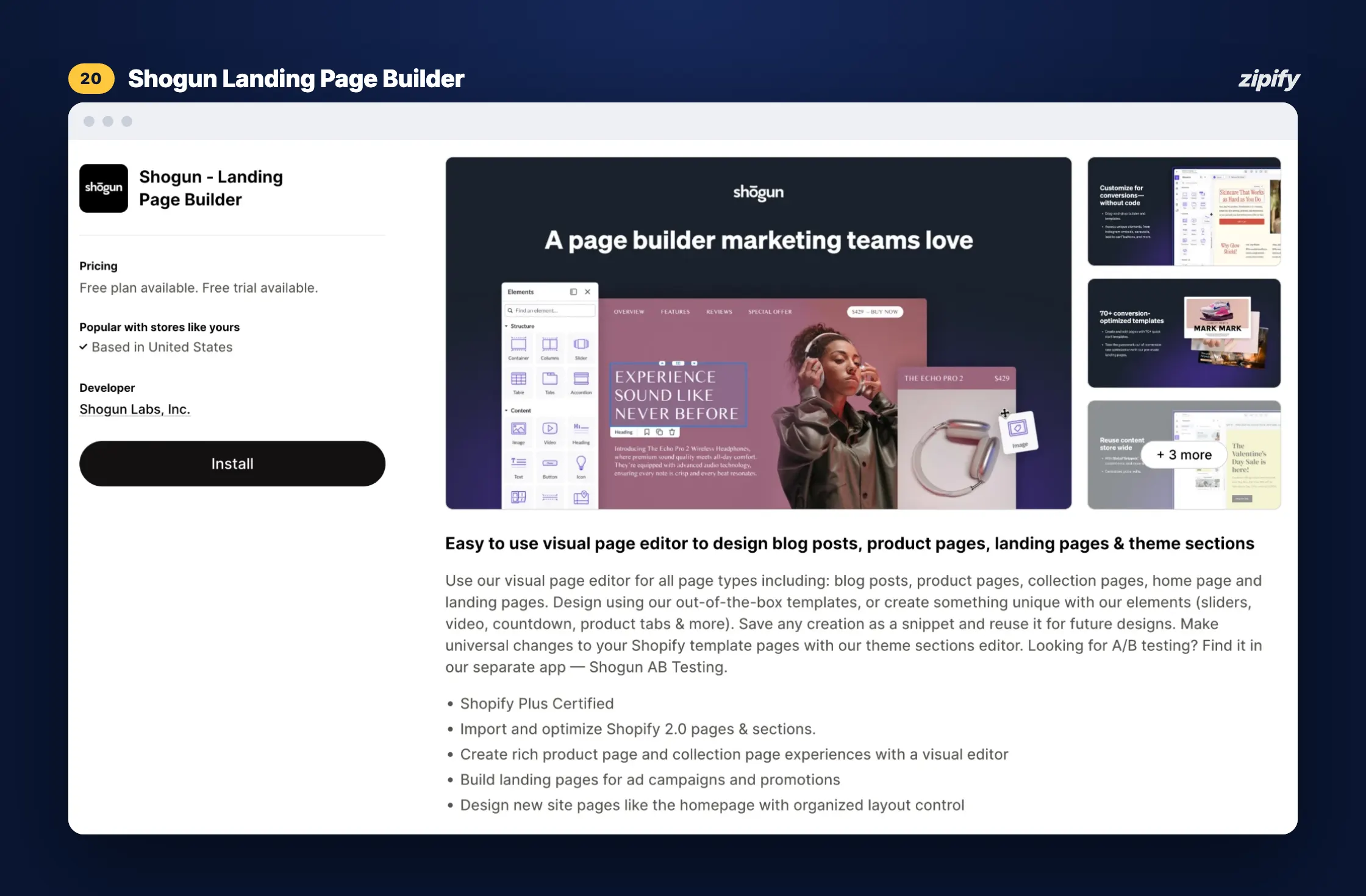
Shogun ‑ Landing Page Builder edits landing, product, collection, home and blog pages in a visual editor and can import existing Shopify 2.0 pages and sections. Higher plans add scheduling, global sections and content syncing between stores. A/B testing and personalization are separate Shogun apps.
Key features
- Visual editor for five page types;
- Reusable snippets and theme section editing;
- Import of Shopify 2.0 pages;
- Page analytics on every paid plan;
- Content syncing between stores (Advanced).
Pricing
Draft Mode free (no publishing); Build $39/month (25 published pages); Grow $199 (unlimited pages); Advanced $499. 10-day free trial. Shogun AB Testing is a separate app from $39/month.
Pros
- 25 published pages on the entry plan
- Multi-store content syncing
- Six-year user praises support (review)
5. Replo — section-based builder with experiments
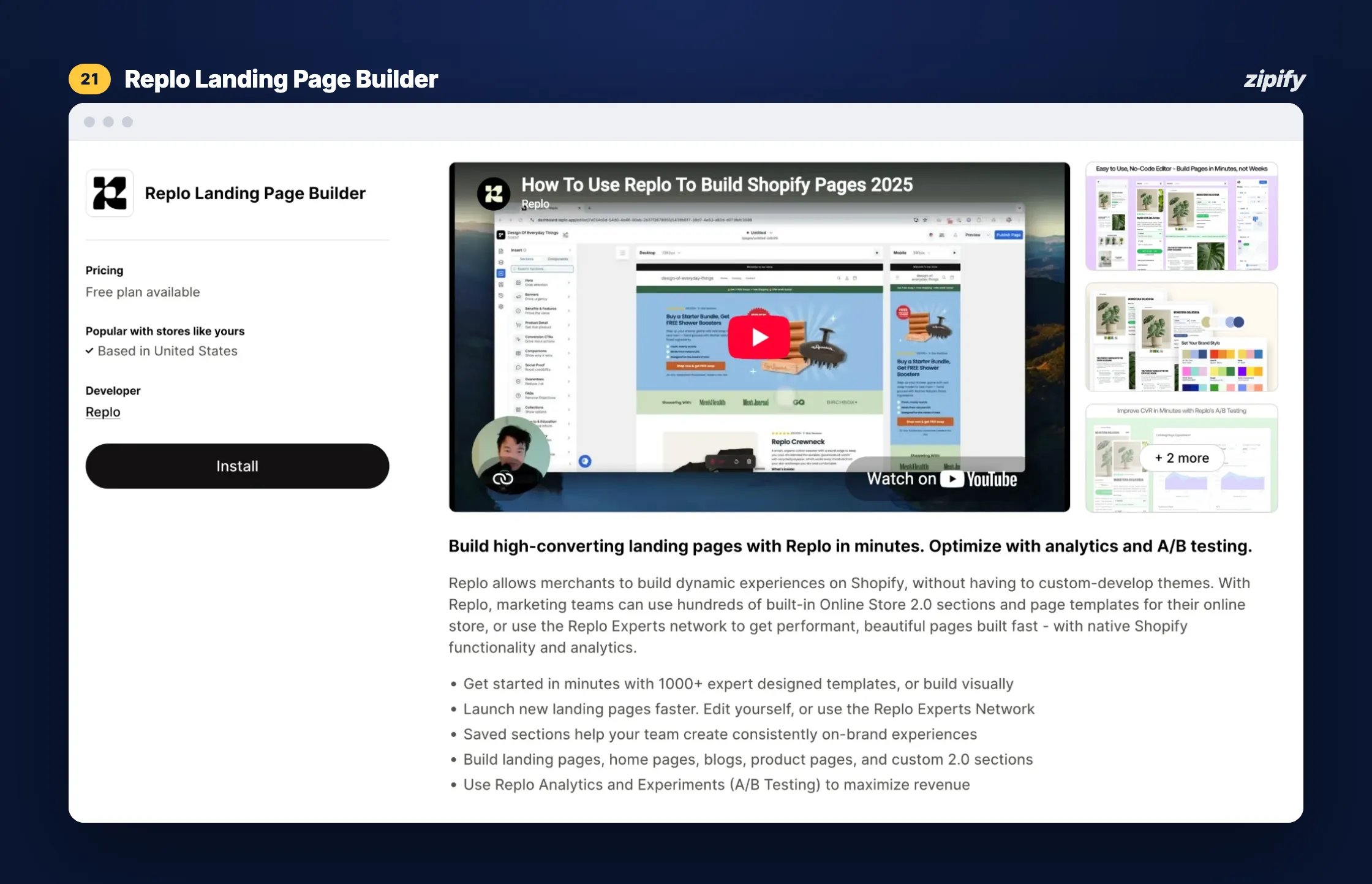
Replo Landing Page Builder builds landing pages and Online Store 2.0 sections, with built-in analytics and Experiments for A/B testing. Replo Experts, a partner network, can build pages for you. Replo’s website now shows a credits-based plan centred on an AI agent, so check which version you’re signing up for.
Key features
- 200+ templates on Starter;
- Online Store 2.0 sections and saved sections;
- Experiments with 10,000 test sessions/month on Starter;
- Replo Experts for done-for-you pages;
- Klaviyo, Recharge, Yotpo and GA4 integrations.
Pricing
Free previews (can’t publish); Starter $119/month (15 published items, plus $100 per 20 more); Pro $599 (unlimited pages, 5 stores, 50,000 test sessions). On replo.app, plans show as $99 and $499 with credits.
Pros
- A/B testing on the entry plan
- Pro covers 5 stores
- A non-developer built pages without help (review)
6. EComposer — low-cost plans with CRO add-ons
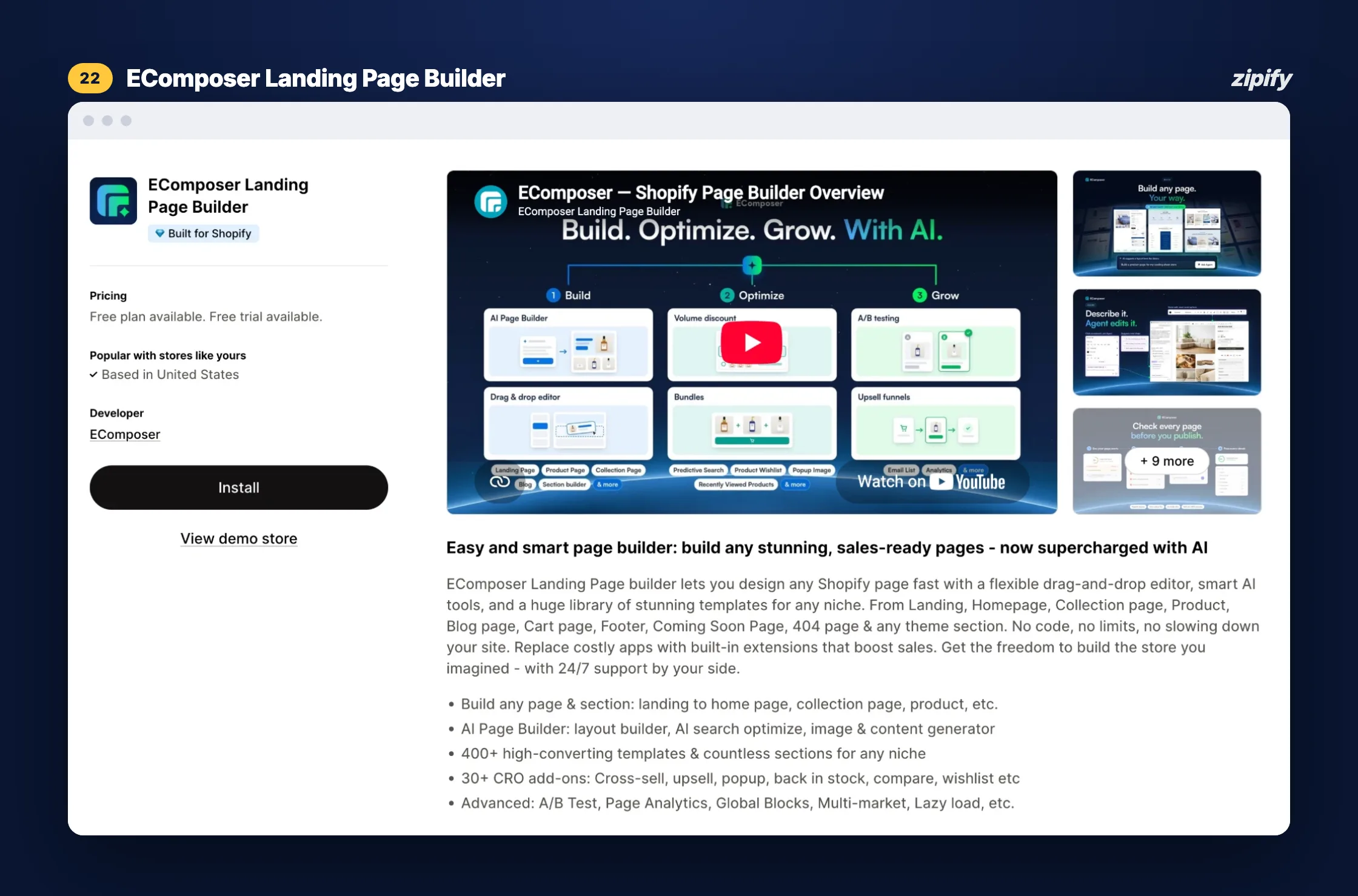
EComposer Landing Page Builder builds landing, product, collection, cart, 404 and coming-soon pages, plus any theme section. It bundles 30+ CRO add-ons such as upsells, pop-ups, back-in-stock alerts and wishlists. Its listing carries the Built for Shopify badge.
Key features
- 400+ templates;
- AI layout, copy and image generation (credits per plan);
- 30+ CRO extensions (Pro);
- A/B testing and Shopify Markets (Pro);
- Page analytics and global blocks.
Pricing
Free (1 live page or section, 50 AI credits); Standard $25/month (15 live pages); Pro $49 (50 live pages, A/B testing); Premium $129 (unlimited pages and tests). 7-day free trial.
7. LayoutHub — simple builder with 3 free published pages
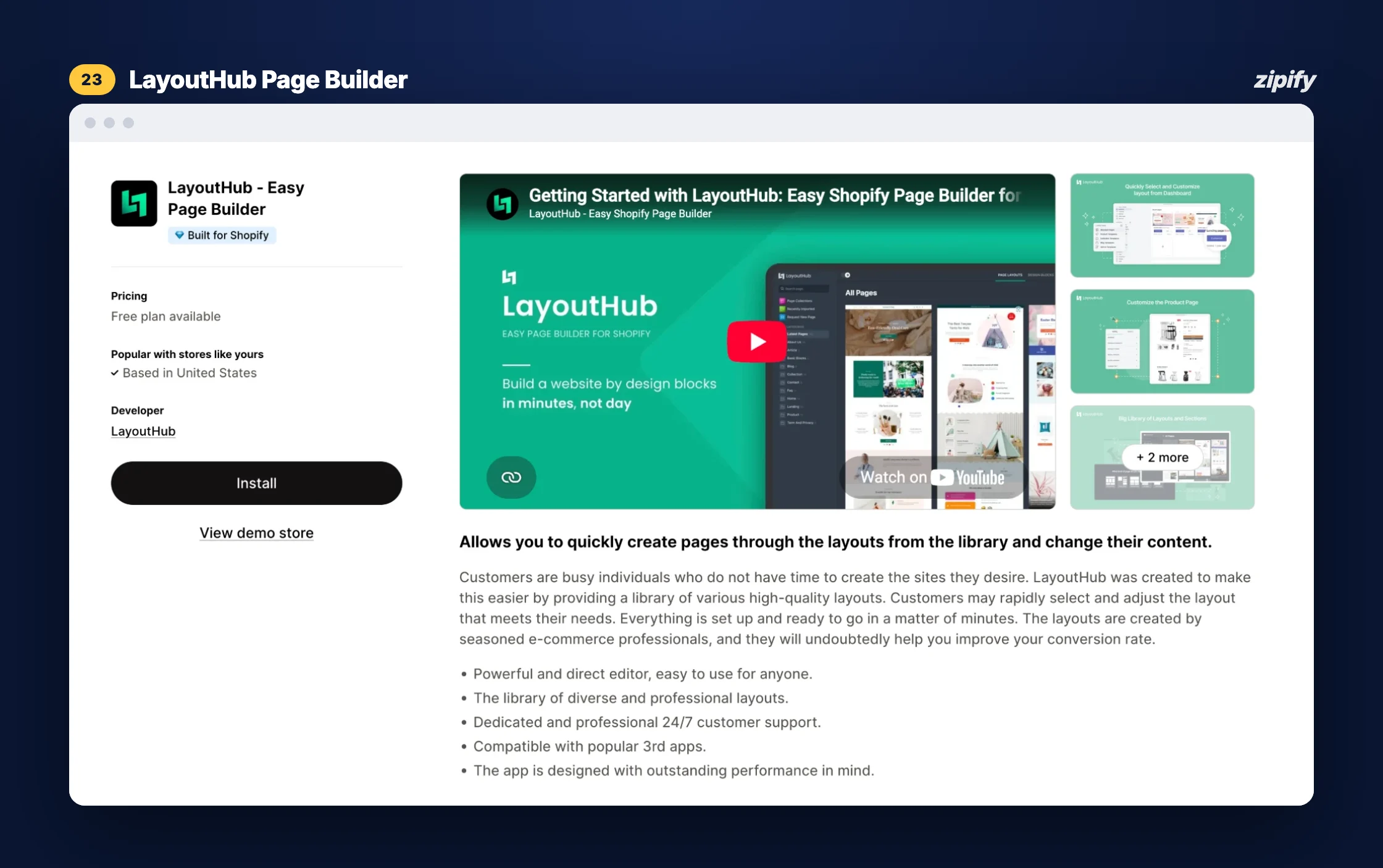
LayoutHub ‑ Easy Page Builder is a simple builder built around a library of pre-made layouts for landing and product pages. It has the lowest paid price in this list and carries the Built for Shopify badge. Its listing doesn’t mention A/B testing, AI or analytics.
Key features
- Pre-made layout library;
- Simple editor with live desktop and mobile preview;
- Loox, Yotpo, Stamped and Growave review integrations;
- 24/7 chat support, video calls on Pro;
- 10 drafts on the free plan.
Pricing
Free (3 published pages); Basic $14.99/month (10 pages); Pro $29.99 (50 pages); Premium $59.99 (unlimited). No free trial listed; the free plan does that job.
Pros
- 3 published pages free
- Lowest paid price here
- Templates and desktop/mobile preview save build time
Cons
- No A/B testing
- Mobile layouts need a lot of tweaking
- A banner broke on mobile until support fixed it
What Makes a Shopify Landing Page Convert for Paid Traffic
The builder matters less than what you put on the page. Google Ads rates landing page experience as “how relevant and useful your landing page is to people who click your ad” and makes it one of three parts of Quality Score (Google Ads Help). In practice:
- Match the ad. Repeat the ad’s headline, offer and product image above the fold.
- One page, one offer. Remove the main navigation and keep one call to action, repeated down the page.
- Build for mobile first. Most ad clicks are on phones, so check the page on one before launch.
- Put proof near the button. Reviews, guarantees and shipping terms answer the last objection.
- Test one change at a time. Headline, offer or hero image, not all three at once.
Fit Kit Bodycare used this approach with a Zipify Pages opt-in template for a holiday giveaway. After 11 days and £300 of Facebook ads, the brand had over 565 new leads and more than 200% return on ad spend (Fit Kit Bodycare case study). For the page sections that do the heavy lifting, see the elements of a high-converting Shopify landing page.
Which Shopify Landing Page Builder Should You Choose?
| Your situation | Apps that fit |
|---|---|
| One evergreen page, $0 budget | Shopify’s theme editor, or the free plans of LayoutHub (3 pages), GemPages, PageFly or EComposer (1 page each) |
| Split testing on a small budget | Zipify Pages Starter at $19, tests included; EComposer Pro at $49 if you need 50 pages |
| Direct-response pages for paid traffic | Zipify Pages (templates tested on Zipify’s own store); GemPages for pre-sell advertorials and funnels |
| Many pages, no testing needed | GemPages Build (unlimited pages at $29) or LayoutHub |
| Several stores sharing content | Shogun Advanced (content syncing) or Replo Pro (5 stores) |
| Building pages from an AI agent | GemPages or PageFly (MCP connectors) |
| Already running OneClickUpsell | Zipify Pages, which works with OCU out of the box |
Try Zipify Pages free for 14 days
Bottom Line
If you only need one simple page, start with Shopify’s theme editor or a free plan. Once landing pages become part of your ad budget, the deciding questions are how many pages you can publish and whether you can test them. On that basis I’d start with Zipify Pages: split testing is on every paid plan from $19 a month, the templates come from a store that has run these tests for a decade, and pages publish straight to your Shopify store. GemPages and LayoutHub are the honest picks for free or no-testing setups, and Shogun or Replo for multi-store teams with bigger budgets.
FAQ
What’s the best Shopify landing page builder?
It depends on page volume and testing. Zipify Pages includes split testing from its $19 Starter plan, GemPages offers unlimited published pages at $29, and LayoutHub has the most generous free plan, with 3 published pages. For one simple page, Shopify’s free theme editor is enough.
Can you make a landing page on Shopify without an app?
Yes. On an Online Store 2.0 theme, create a new page template in the theme editor, build it from your theme’s sections and assign it to a page. You’re limited to your theme’s sections, and you can’t split test the page without another tool.
Is there a free Shopify landing page app?
Yes, but free plans are small. LayoutHub publishes 3 pages free; GemPages, PageFly and EComposer publish 1. Zipify Pages, Replo and Shogun don’t have free plans for publishing on live stores, but Zipify Pages and Shogun offer free trials.
Which page builder is best for paid traffic campaigns?
Choose one that lets you publish a page per campaign and A/B test it. Zipify Pages (every paid plan), Replo (every paid plan, from $119) and EComposer (Pro, $49) include page testing. Then match each page’s headline and offer to the ad that sends traffic to it.
Do landing page builders slow down a Shopify store?
They can. Some merchants report slower pages or leftover code after uninstalling a builder. Test the page’s mobile speed before sending traffic, and remove unused code when you switch apps.