
Most Shopify apps and guides call every extra offer an “upsell.” That’s how stores end up pitching a pricier version of a product in the cart, after the shopper has already decided what to buy, and skip the cheaper offer that could have saved a declined sale. Upsell, cross-sell and downsell are the main offer types for raising order value. An upsell sells a better version or a larger quantity of the product in the cart, and a cross-sell adds a related product. A downsell offers something cheaper after the shopper turns an offer down. Raising the value of the first order matters because there often isn’t a second one. Across 156,110 DTC customers, BS&Co found that only 18.8% placed another order within a year. Each offer works best at a different step of the buying journey. In this guide, I map where each one belongs on a Shopify store and walk through one order that uses all three.
Key Takeaways
- Offer upsells while the shopper is still choosing, and cross-sells once the main product is in the cart.
- Save downsells for after checkout, where they can’t pull the shopper away from the main order.
- Run offers at more than one placement, so a “no” at one step doesn’t end the order.
- Test a shallower discount before a deeper one.
- Judge offers by revenue per visit, which accounts for order size.
What’s the Difference Between an Upsell, a Cross-Sell and a Downsell?
The difference comes down to what happens to the shopper’s first choice. An upsell swaps it for a pricier or larger option, and a cross-sell adds a second item next to it. A downsell is the fallback, shown only after the shopper turns down an offer.
| Upsell | Cross-sell | Downsell | |
|---|---|---|---|
| What it offers | A better version or a larger quantity of the same item | A different product that goes with it | A cheaper option after a “no” |
| Price vs. original | Higher | Usually lower (add-on) | Lower |
| When it shows | While the shopper chooses, or right after they pay | Once the main item is chosen | Only after a declined offer |
| Best Shopify placement | Product page, post-purchase page | Cart drawer, checkout (Plus), thank-you page, email | Post-purchase page, after a declined upsell |
| Example (coffee store) | The 2 lb bag instead of 12 oz | Filters or a grinder | 1 extra bag at 10% off after declining 2 |
I use a hypothetical coffee store for these examples, the same one in the worked example below.
What Is an Upsell?
An upsell is an offer for a pricier version or a larger quantity of the product a shopper is already buying. Upsells come in two main types:
- Upgrade. A premium version of the same product: the deluxe kit instead of the starter kit, or the stainless steel bottle instead of the plastic one.
- Quantity or bundle. More of the same item: a 3-pack instead of one, the 2 lb bag instead of 12 oz, or a bundle built around the product the shopper picked.
On a Shopify store, upsells usually look like this:
- A product page widget or add-to-cart pop-up that offers the bigger size: “Get the 2 lb bag and save 15%”;
- A one-click post-purchase offer, “Add 2 more bags at 15% off,” accepted without re-entering payment details.
Is “Add 2 more bags” after checkout still an upsell? Yes. On Shopify, post-purchase offers add products to the initial order after payment rather than starting a new one, so it raises the value of the same purchase. Bundle upgrades can do most of the work. Triquetra Health, a supplement brand, added $211,885 in under six months with Zipify Plus, Zipify’s managed OneClickUpsell (OCU) service, and 65% of that revenue came from pre-purchase “Upgrade to Bundle” offers.
Watch out for
Price jumps that are too big. An upgrade that costs far more than the original asks the shopper to make a whole new buying decision, so keep the step up modest. Keep upgrades out of the cart, too. Once the shopper has picked a product, an offer to swap it second-guesses their choice, so save upgrades for the product page and use the cart for add-ons.
What Is a Cross-Sell?
A cross-sell is an offer for a different product that goes with the one the shopper is buying, such as filters for a coffee maker or a serum for a cleanser. Common types of cross-sells include:
- Accessories that make the main product work better;
- Refills and consumables the shopper will run out of;
- “Frequently bought together” items;
- Protection or gift-wrap add-ons.
Price them below the main product. Shopify’s own guidance for complementary products in its Search & Discovery app is to pick add-ons that cost the same as the original product or less. On a Shopify store, cross-sells fit best once the main product is chosen:
- Cart drawer. A slide-out cart with complementary offers and a free-shipping bar. The bar gives the shopper a reason to add something: a small add-on that clears the threshold turns a shipping fee into a product they actually wanted. Set the threshold where shoppers expect it: in Bizrate Insights’ March 2026 survey of 1,010 US adults, 56% expected free shipping once they’d spent $25 to $49.
- Checkout. On Shopify Plus, a low-priced add-on can appear inside checkout.
- Thank-you page. An offer next to the order confirmation, for the shopper’s next order.
- Email. “You bought the cleanser. Here’s the serum that goes with it,” sent 14–21 days after the first order. In the same BS&Co data, half of repeat buyers placed their second order within 30 days. Zipify’s BFCM email marketing strategy includes a 4-email post-purchase drip that shows how to time it.
Cart drawer cross-sells can pay off fast. In Zipify’s Slide Cart Drawer case study, Gussy’s Gut lifted AOV 16.47% in its first 30 days with drawer offers, and Rootganic’s drawer offers earned $4.16 per visit.
Watch out for
A “you may also like” carousel of random products rarely earns much, and shoppers notice: Amperity’s 2026 personalization research found 79% say retailers get personalization wrong with irrelevant or mistimed outreach. Pick cross-sells from what’s already in the cart, so a shopper buying a coffee maker sees filters. Relevance is what shoppers respond to: in Attentive’s September 2026 survey of 1,050 shoppers, 73% said they’re more likely to buy when product suggestions feel relevant to their needs. In email, check whether a cross-sell is the right follow-up at all. The same BS&Co data shows 77% of second orders are the same product again, so for consumables a “ready for another?” email often beats “complete the set.”
What Is a Downsell?
A downsell is a cheaper offer shown only after a shopper turns down the first one. It gives the shopper a second, easier way to say yes. Downsells come in two main types:
- Smaller quantity or size. The shopper declines 2 more bags, so the next offer is 1 bag, or a travel size of the same product.
- Lower price. A cheaper product, such as a sampler, or the same item at a modest discount like 10% off.
On a Shopify store, downsells almost always appear on the decline path of a post-purchase funnel. The shopper pays, sees a one-click offer, clicks “No thanks” and gets a smaller offer on the next screen. OneClickUpsell includes one-click post-purchase upsells and downsells on every plan; see Zipify’s guide to adding offers into a funnel. A downsell is low-risk after checkout because the main order is already paid, so a cheaper offer can’t pull the shopper away from it. On the product page, a cheaper option next to the price may talk shoppers down from the item they came for, so I’d keep downsells for the post-purchase page. A downsell doesn’t have to be a smaller version of the upsell. Live Wise Naturals used its downsell slot to launch a new product: shoppers who turned down the first upsell saw the new item instead, and 7% of them took it.
Watch out for
A downsell that is only a deeper discount on the same offer. If “No thanks” always leads to a better price, customers learn to click it. Make the downsell a smaller quantity or a different product instead. Keep the funnel short as well: one downsell is usually enough before the thank-you page.
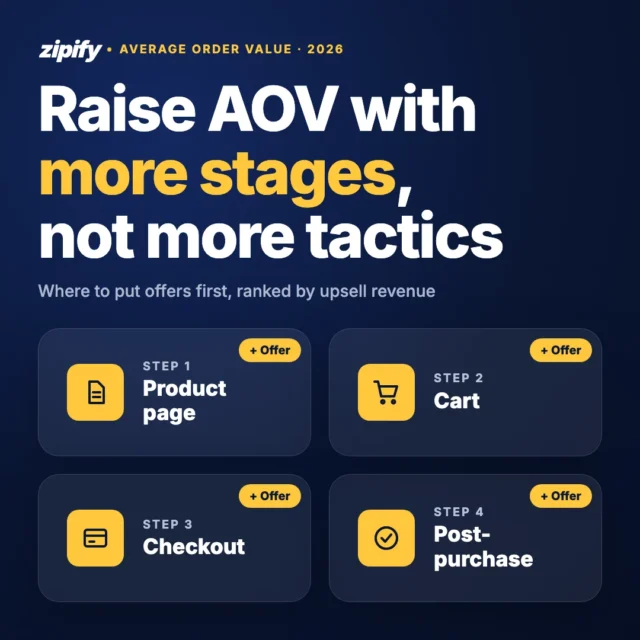
Where Should Each Offer Go on Your Shopify Store?
Match each offer to what the shopper is doing at that step. The map below uses the same coffee store:
Scroll sideways for more →
| Placement | Best fit | Example offer | Why it works there |
|---|---|---|---|
| Product page | Upsell | “Get the 2 lb bag, save 15%” | Shopper is still choosing |
| Cart drawer | Cross-sell | Filters + free-shipping bar | Decision made, small add-ons ride along |
| Checkout (Plus) | Low-price cross-sell | Sampler or gift wrap | Last step before payment, so keep it light |
| Post-purchase page | Upsell, then downsell | 2 more bags → 1 more bag | Payment is done, so the offer takes one click |
| Thank-you page | Cross-sell | Grinder for next time | Order confirmed, attention still high |
| Email, days 14–21 | Cross-sell or reorder | “Complete the set” or “Ready for another?” | Arrives while the shopper is most likely to buy again |
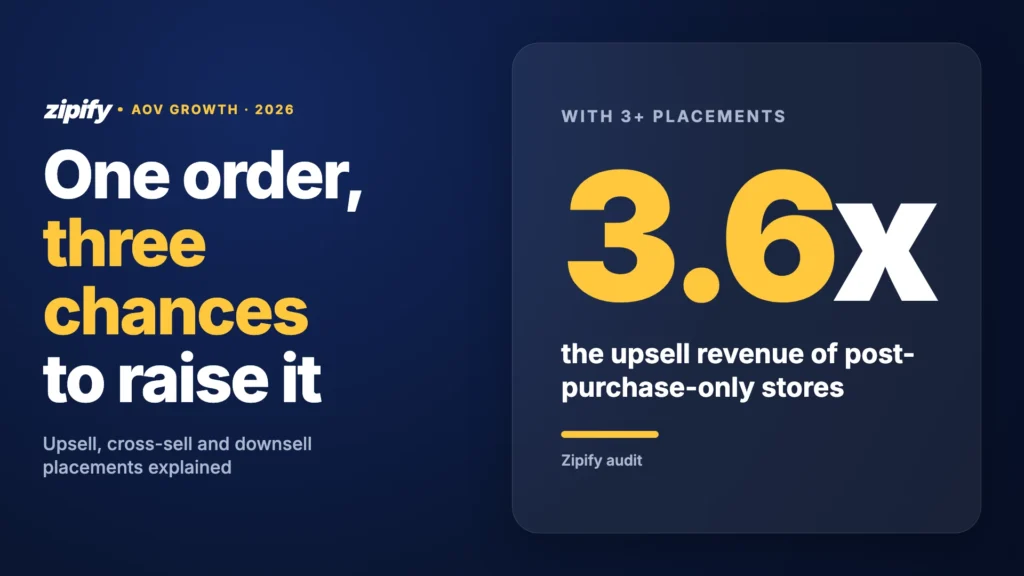
More placements catch more shoppers. A Zipify audit found that stores with three or more placements earn 3.6x the upsell revenue of post-purchase-only stores. Show one offer per placement, though: a row of choices makes the shopper stop and compare instead of clicking yes.
Try OneClickUpsell free for 30 days
Every placement on one plan, billed on upsell revenue from $9.95/month after the trial.
Shopify Example: One Order With an Upsell, a Cross-Sell and a Downsell
I built one order at a hypothetical coffee store to show how the offers work together. The shopper arrives from an ad for a 12 oz bag of house blend at $18, and the store offers free shipping over $40.
- Product page upsell. A widget under the price offers the 2 lb bag for $38. The price per ounce is lower, so the shopper takes it. Order: $38.
- Cart drawer cross-sell. The free-shipping bar shows $2 to go, and the drawer offers a pack of paper filters for $6. The shopper adds it. Order: $44.
- Post-purchase upsell. After payment, a one-click offer suggests 2 more 2 lb bags at 15% off, for $64.60. The shopper declines.
- Post-purchase downsell. The next screen offers one more 12 oz bag at 10% off, for $16.20. The shopper accepts with one click. Order: $60.20.
The shopper came for an $18 bag and placed a $60.20 order, with no extra checkout steps. Cheech & Chong runs this kind of funnel at a much larger scale. The brand moved from Rebuy to Zipify Plus, Zipify’s managed OCU service, in July 2025 and added $90,000+ in upsell revenue in 7 weeks. The tests in the section below come from those first 7 weeks.
Should You Upsell, Cross-Sell or Downsell?
Start with the offer your catalog makes easiest, then add the others. Find your situation below.
Scroll sideways for more →
| Your situation | Start with |
|---|---|
| Products come in sizes, packs or tiers | Upsell on the product page and post-purchase page |
| You sell accessories, refills or consumables | Cross-sell in the cart and on the thank-you page |
| Carts land just under free shipping | Low-priced cross-sell + free-shipping bar in the cart drawer |
| High-priced hero product, many post-purchase declines | Add a downsell to the decline path |
| Mostly first-time buyers | Cross-sell in the post-purchase email drip |
| Shopify Plus store | In-checkout cross-sell |
How Do You Test and Measure Upsells, Cross-Sells and Downsells?
Measure every offer by revenue per visit: the revenue an offer earns divided by the number of shoppers who see it. Conversion rate alone can pick the wrong winner, because it ignores order size. In the Cheech & Chong quantity test, the 3-bag offer converted less often than the 1-bag offer, but earned $4.56 per visit against $2.52. Then follow these 5 rules:
- Test discount depth. Run a smaller discount against your current one on the same traffic. In Cheech & Chong’s tests, 15% off beat 20% off on both conversion and revenue per visit.
- Change one thing at a time. If you test a new product and a new price together, you won’t know which one moved the number.
- Track take rate per placement. Compare the share of shoppers who accept at each placement, so you know which one to improve next.
- Measure what downsells rescue. For each downsell, track the share of declined upsells it turns into a sale.
- Check mobile, and keep it one-click. Most offers are built on a desktop but seen on a phone, where a cramped widget or an extra tap costs sales. Place a test order on your phone, and make sure post-purchase offers never ask for payment details again.
What Do You Need to Run All Three on Shopify?
You need an app that runs offers before and after checkout and can send a declined offer to a downsell. OneClickUpsell by Zipify puts every placement in this guide on one plan. It’s used by 15,000+ Shopify stores and has tracked $1.5B+ in upsell revenue. 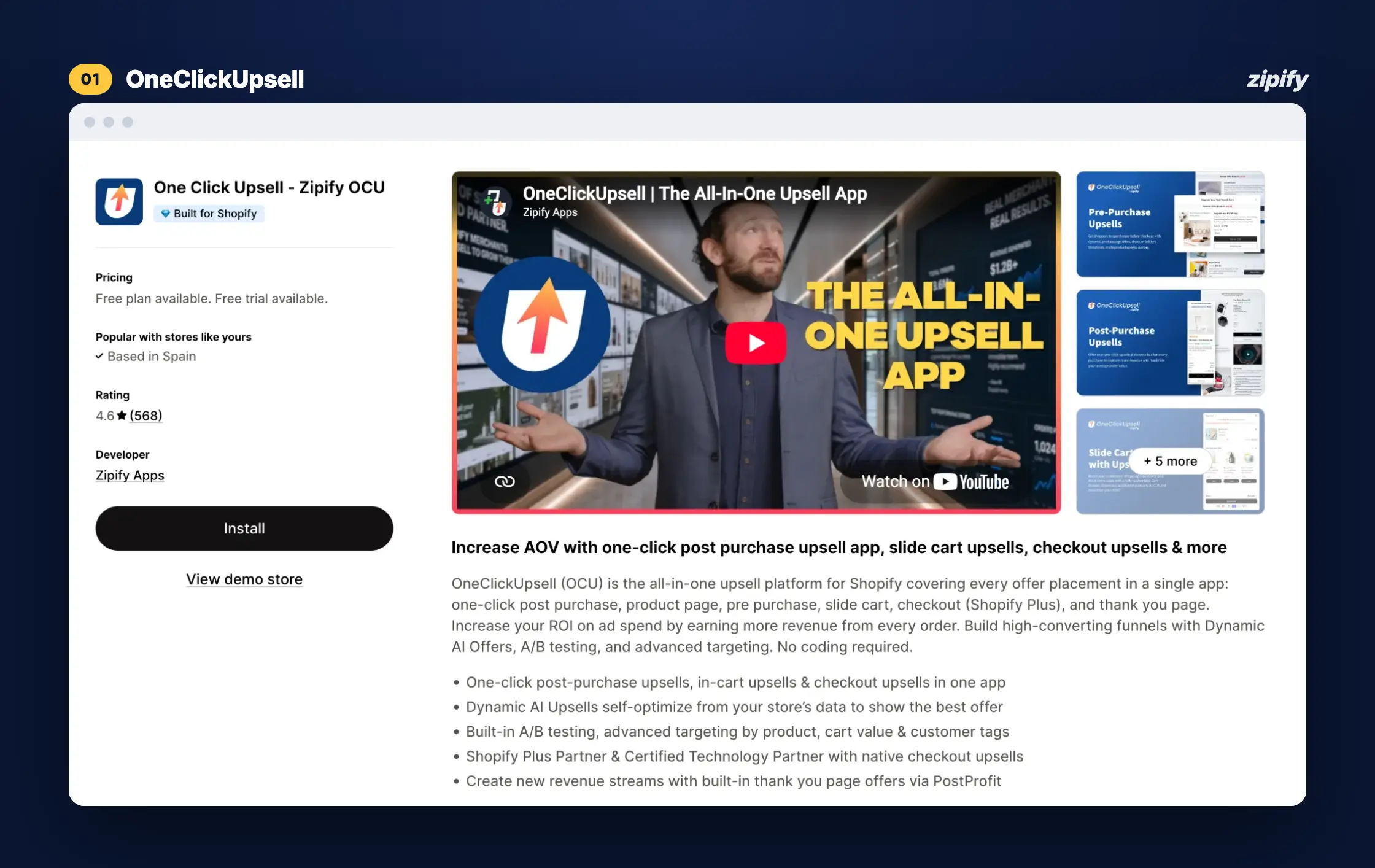 What you get on every plan:
- Product page widget and pre-purchase pop-ups for upsells;
- Slide Cart Drawer with AI-picked offers and a free-shipping bar;
- One-click post-purchase upsells and downsells, with no re-entering payment details;
- Thank-you page offers;
- In-checkout offers on Shopify Plus;
- A/B split testing of offers.
OCU starts with a 30-day free trial. After that, it’s $9.95/month while your upsells earn up to $200 a month, so a month with $150 in upsell revenue costs $9.95. The price steps up with upsell revenue and never goes above $999/month. See the full breakdown in Zipify’s OCU pricing guide.
Frequently Asked Questions
What’s the difference between upselling and cross-selling?
Upselling sells a better version or a larger quantity of the item the shopper is buying, and cross-selling sells a different item that goes with it. Upgrading to the 2 lb bag of coffee is an upsell, and adding filters is a cross-sell. Upsells fit best while the shopper is choosing, and cross-sells once they’ve decided.
What is an example of a downsell?
A shopper declines a post-purchase offer for 2 more bags of coffee at 15% off, and the next screen offers 1 more bag at 10% off. The downsell is smaller and cheaper than the offer before it, so it’s an easier yes. A travel size or a sampler can also work as a downsell.
What is the difference between an upsell and a downsell?
An upsell asks the shopper to spend more, with a better version or a larger quantity of what they’re buying. A downsell asks them to spend less, and it only appears after they’ve said no to an offer. For a skincare store, the upsell might be the full-size serum instead of the travel size, and the downsell a sample after the shopper declines a second bottle.
Is a bundle an upsell or a cross-sell?
It depends on what’s in it. A bigger pack of the same item, like a 3-pack or an “Upgrade to Bundle” offer, is an upsell. A set of different products that go together, like a cleanser and a matching serum, is a cross-sell.
Do downsells train customers to say no?
They can, if every downsell is only a deeper discount on the same offer. Make the downsell a different offer, like a smaller quantity or a cheaper product, and show only one per funnel.
The Bottom Line
Each offer type fits a different moment in the order. If I were setting up a store from scratch, I’d start with the placement that fits the catalog best, then add the next one once it’s earning. OneClickUpsell runs every offer type in this guide from one app, with every placement on every plan.