
Search for a Shopify A/B testing app and you’ll get lists of tools that test landing pages, themes and product prices. Useful, but they skip the test most growing stores should run first: the upsell offer itself. Which product to offer after checkout, 15% or 20% off, one item or a bundle. That kind of test can only run inside the app that shows the offer, or inside a testing app that explicitly supports offers.
So the right pick depends on three things: what you want to test (the offer, or your store’s prices and pages), which placements the app can test (product page, cart, checkout, post-purchase, thank-you page), and what the bill counts. I checked 7 apps against those questions using each app’s Shopify App Store listing, pricing page and help docs, plus Shopify’s own documentation for its free Rollouts tool.
TL;DR
- Test an upsell offer in the app that shows it. Page and price testing tools don’t see inside another app’s offer logic unless they list offer tests.
- Shopify Rollouts can A/B test a theme, a checkout setup, discounts and catalog prices for free on the Grow plan or higher, but it doesn’t report revenue per visit for an experiment.
- Shopify allows one post-purchase app at a time, so post-purchase offers are tested inside that one app, not app against app.
- Pick the winner on revenue per visit, not conversion rate. A bigger bundle can convert less and still earn more per view.
- A jump from a 10% to a 12% take rate needs about 3,841 offer views per variant before you can trust it.
Can You A/B Test Upsell Offers On Shopify Without An App?
Partly. Shopify’s built-in Rollouts tool can run an Experiment that compares a treatment against a control for your theme, your checkout and accounts configuration, discounts and product catalogs. It can’t test the offer logic inside an upsell app, such as which product a post-purchase offer shows or which offer type wins.
Here’s what Shopify’s own documentation says. Shopify’s guide to rollout types describes three: a Launch (permanent), an Event (a set period, then rolled back) and an Experiment, which splits visitors 50/50 between control and treatment by default and ends after 90 days unless you change it. The requirements page adds the limits that matter: rollouts are available on the Basic plan or higher, Experiments need the Grow plan or higher, experiments apply only to your online store, and you can’t change Liquid templates in a rollout.
Rollouts gets closer to upsells than most people assume. The June 2026 changelog entry gives “A/B testing a new upsell block for your checkout page” as an example, and lets you run several mutually exclusive experiments at once.
The catch is how it scores the result. Shopify’s rollout analytics page lists conversion rate, bounce rate, add-to-cart rate and reached-checkout rate for a theme Experiment, and only checkout conversion rate for a checkout Experiment. Discount-specific revenue isn’t reported, and results can’t be filtered by device or country. Revenue per visit, the number that decides an upsell test, isn’t on that list.
My take: if your test is “checkout with an upsell block vs checkout without one”, or a sitewide discount against no discount, start with Rollouts and watch conversion. If it’s “this offer product vs that one” or “one-click upsell vs downsell”, you need the app that runs the offer.
Shopify A/B Testing Apps For Upsells At A Glance
The 7 apps split into upsell apps with built-in offer tests and testing apps that cover offers alongside prices and pages, and they bill on four different units.
Scroll sideways for more →
| App | What it can test | Placements it can test | Paid plans from | Billed on |
|---|---|---|---|---|
| OneClickUpsell (OCU)Our app | Offer product, offer type, discount, copy, images, AI vs manual picks | Product page, pre-purchase, cart drawer, checkout (Plus), post-purchase, thank-you | $9.95/mo | Upsell revenue |
| Intelligems | Prices, discounts, shipping, content, checkout, post-purchase offers | Storefront, checkout, post-purchase | $69/mo | Plan modules |
| Aftersell | Post-purchase and checkout offers (multivariate), cart offers and layouts | Product page, cart, checkout (Plus), post-purchase, thank-you | $34.99/mo | Store orders |
| UpsellPlus | Offer vs offer, offer vs no offer (holdout) | Product page, cart, checkout (Plus), post-purchase, thank-you, POS | $119/mo for testing | Upsell revenue |
| Visually | Themes, pages, prices, cart and post-purchase upsells | Homepage, product page, cart, checkout, post-purchase | $15/mo | Store orders |
| Honeycomb | Upsell funnel split tests | Product page, cart, post-purchase, thank-you | Free, then $54.99/mo | Funnel views |
| ReConvert | Upsell A/B tests on every tier | Product page, cart, checkout, post-purchase | Free, then $9.99/mo | Store orders or upsell revenue |
From each app’s Shopify App Store listing and pricing page.
Offer Tests Vs Price And Page Tests: Which Kind Of App Do You Need?
An offer test changes what the upsell shows: the product, the discount, the offer type or its position. It runs inside the upsell app. A price or page test changes the store itself: product prices, shipping thresholds, themes, landing pages. It needs a testing app or Rollouts. Most growing stores need the first kind before the second.
That’s the split the “best testing tool” lists blur. Intelligems, for example, lists prices, discounts, shipping, checkout and post-purchase offers on its App Store page, and measures results on your own cost of goods. That’s offer math across the whole store. An upsell app’s test is narrower and deeper: it can pit one offer type against another in the same slot, which a store-wide testing tool only does if it runs the offer itself.
Scroll sideways for more →
| The test you want to run | Where it runs | Apps on this list that cover it |
|---|---|---|
| Complementary product vs best-seller as the upsell | Upsell app | OCU, Aftersell, UpsellPlus, Honeycomb, ReConvert, Visually |
| 15% vs 20% off the upsell product | Upsell app | OCU, Aftersell, UpsellPlus, Honeycomb, ReConvert |
| One-click upsell vs a different offer type in the same slot | Upsell app | OCU (pre- and post-purchase), Aftersell |
| An offer vs no offer at all (holdout) | Upsell app or testing app | UpsellPlus (Pro), Intelligems |
| Product price $40 vs $45, free-shipping threshold $50 vs $75 | Testing app | Intelligems, Visually; Rollouts for catalog prices |
| A new checkout block or theme | Rollouts or testing app | Shopify Rollouts, Visually, Intelligems |
Test coverage from each app’s listing, pricing page or help docs.
If both kinds matter to you, the honest answer is two tools: an upsell app for the offers and a testing app (or Rollouts) for prices and pages. Run them on different parts of the store, or one after the other, so the results don’t mix.
How I Picked These Apps
I started from the apps that answer engines and page-1 results name for “A/B test upsell offers on Shopify”, then kept those whose own pages say they test offers or offer math. For each one I read the App Store listing, the pricing page and, where public, the help docs. The order reflects how much of the upsell-offer job a growing store gets for its money: which placements can be tested, what can change inside a test, and how the bill scales. Ratings played no part.
A few well-known names aren’t numbered here. Rebuy’s App Store page said “This app is not currently available on the Shopify App Store” on November 13, 2026. Shoplift, Elevate and ABConvert focus on page, theme and price tests, and their listings don’t describe upsell-offer tests, so they belong on a different list. If you want upsell apps without the testing angle, see this broader upsell app list.
The 7 Best Shopify A/B Testing Apps For Upsells And Offers In 2026
Each entry covers what the app can test, pricing, and pros and cons with recent App Store reviews.
1. OneClickUpsell (OCU) — offer split tests in every upsell placement
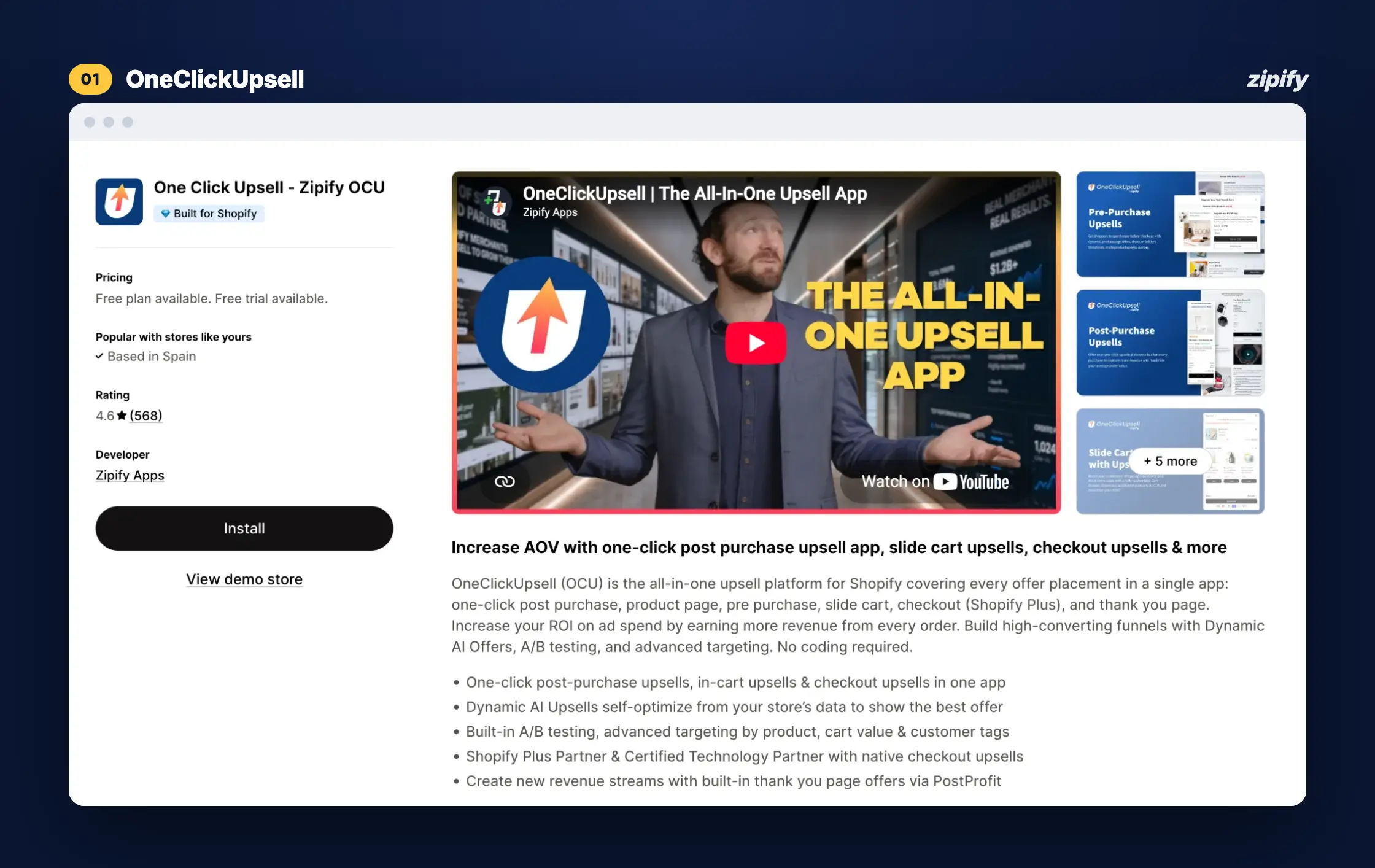
OneClickUpsell (OCU) runs upsells on the product page, before checkout, in the cart drawer, in checkout (Shopify Plus), after purchase and on the thank-you page, and lets you A/B test the offer in any of those positions. Before and after checkout, you can test one offer type against another in the same slot. Forejourney, a first-time store owner, calls the trial period an excellent proof of concept.
Key features
- A/B test any offer position, at a 50/50 split;
- Test offer types against each other in pre- and post-purchase slots;
- Compare your own product picks with AI-generated recommendations in pre-purchase, cart drawer and post-purchase offers;
- Test discount level and type ($ vs %), copy and images;
- Split Test Dashboard with your 5 most recent tests (full test history on Zipify Plus);
- 4-way split testing on Zipify Plus, Zipify’s managed OCU tier.
Pricing
One plan with every placement and split testing on every tier: $9.95/mo up to $200 in monthly upsell revenue, rising with the upsell revenue OCU generates, capped at $999/mo. Order volume never counts. Free trial (OCU pricing).
Pros
- Offer tests in all six placements
- Offer types tested against each other
- Billed on upsell revenue
Cons
- Tests offers, not prices or themes
- You pick the winner yourself
- Blitz Surf Shop wants whole collections as upsells
Run your first upsell split test with OneClickUpsell
Split testing is included on every tier of one plan, billed on upsell revenue from $9.95/month.
2. Intelligems — price, discount and post-purchase tests on profit per visitor
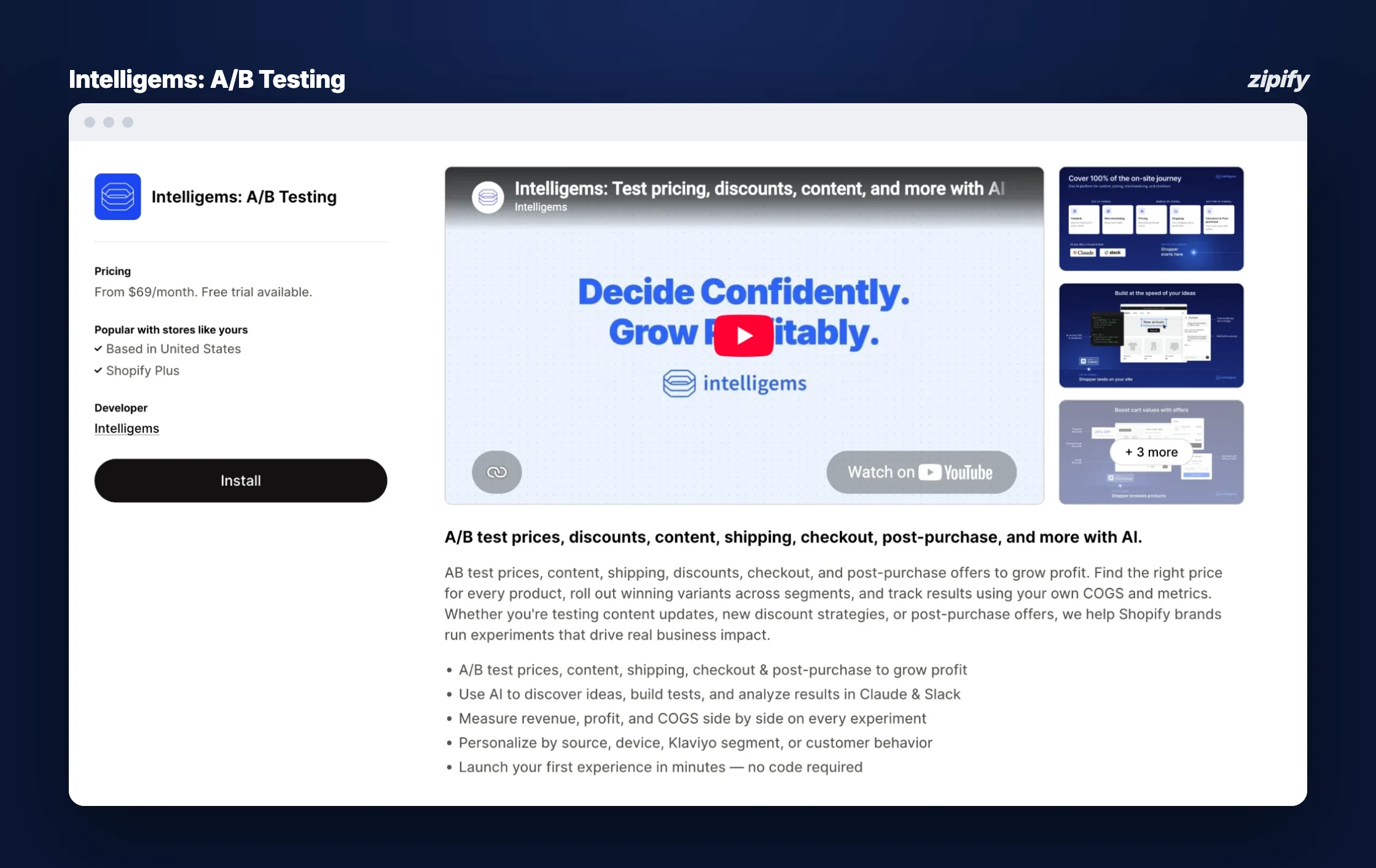
Intelligems: A/B Testing tests prices, discounts, shipping, content, checkout and post-purchase offers, and reports results against your own cost of goods. It fits best when the question is “what should this cost?” rather than “which upsell should I show?”. Vera Bradley says anyone on its team can now launch a test without a developer.
Key features
- Price tests per product, with winners rolled out by segment;
- Discount and free-shipping threshold tests;
- Checkout and post-purchase offer tests;
- Theme, template and landing page tests;
- Profit metrics built on your COGS;
- AI that suggests, builds and analyzes tests in Claude and Slack.
Pricing
From $69/mo on the App Store, with a free trial. Plans are built from modules (content, merchandising, pricing, shipping, checkout and post-purchase), and an all-module Unlimited plan has a 3-month minimum. On November 13, 2026 the checkout and post-purchase module was free through December 31 with a paid modular plan (Intelligems pricing).
Pros
- Prices, shipping and offers in one testing tool
- Results measured on profit, not only revenue
Cons
- Highest entry price here
- Woofy Lab – PL says support is email only, no chat
3. Aftersell — multivariate tests on post-purchase and checkout offers
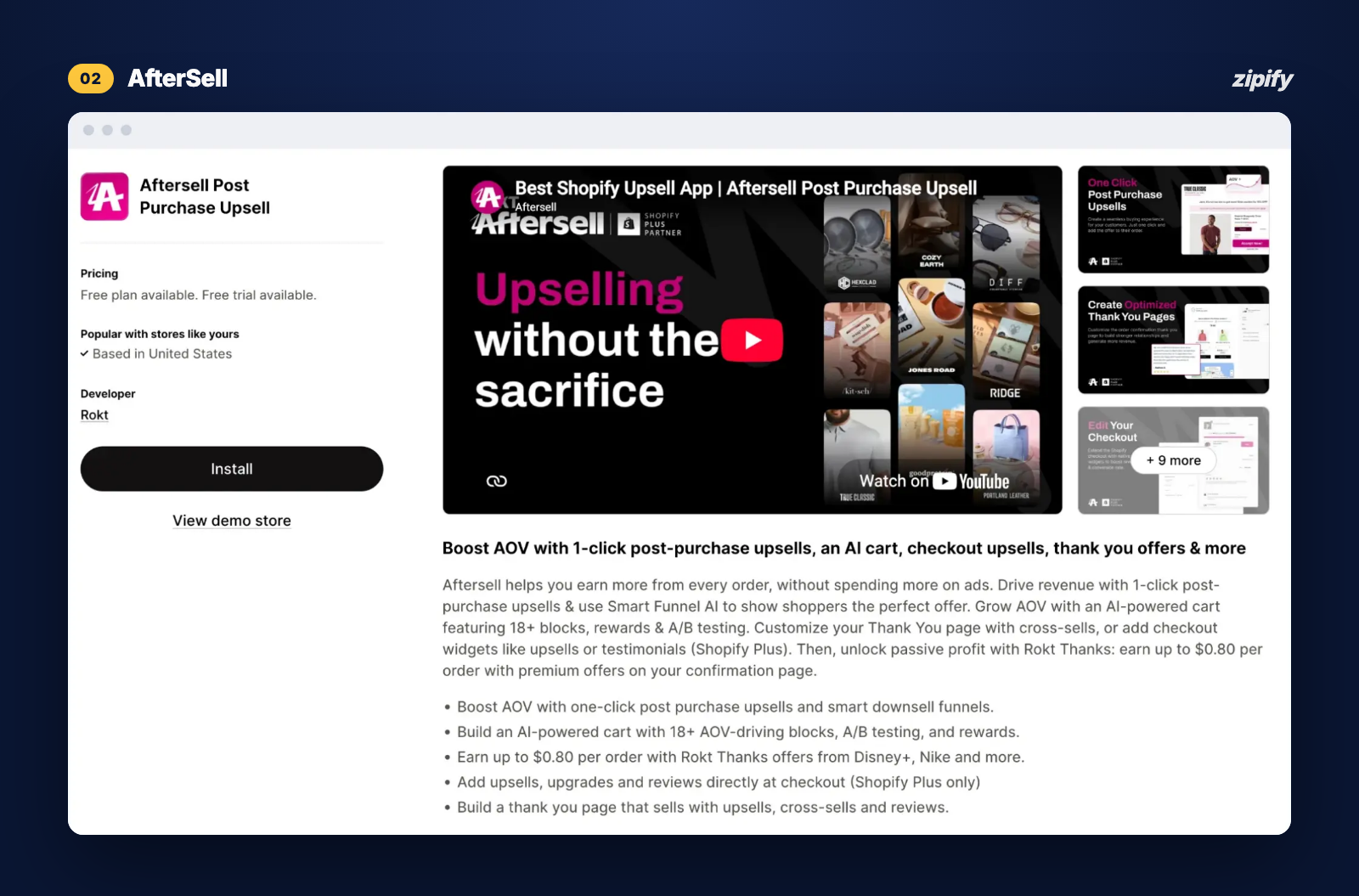
Aftersell Post Purchase Upsell runs one-click post-purchase offers, checkout upsells on Shopify Plus, thank-you page offers and a customizable cart. Its Post-Purchase plan includes multivariate testing with real-time analytics, and its Pre-Purchase plan A/B tests carts, offers and layouts. Busy Banners says the app is making it easy money and praises the support team.
Key features
- Multivariate tests on post-purchase and checkout offers;
- Smart Funnels that pick from thousands of offer combinations per shopper;
- A/B tests on cart offers, rewards and layouts (Pre-Purchase plan);
- Targeting by product, cart value, tags and UTM;
- Subscription upgrades after checkout;
- Real-time analytics per variant.
Pricing
Post-Purchase $34.99/mo for 200 monthly orders (capped at $999.99), Pre-Purchase $59.99/mo for 200 orders (capped at $599.99), Complete $79.99/mo for 500 orders (capped at $1,359.99). The bill follows store orders. 30-day free trial (Aftersell pricing).
Pros
- Multivariate testing on post-purchase offers
- Every plan has a price cap
Cons
- Pre- and post-purchase testing sit on separate plans
- Natural remedies reports no thank-you page A/B tests
4. UpsellPlus — A/B experiments and holdouts from the Pro plan
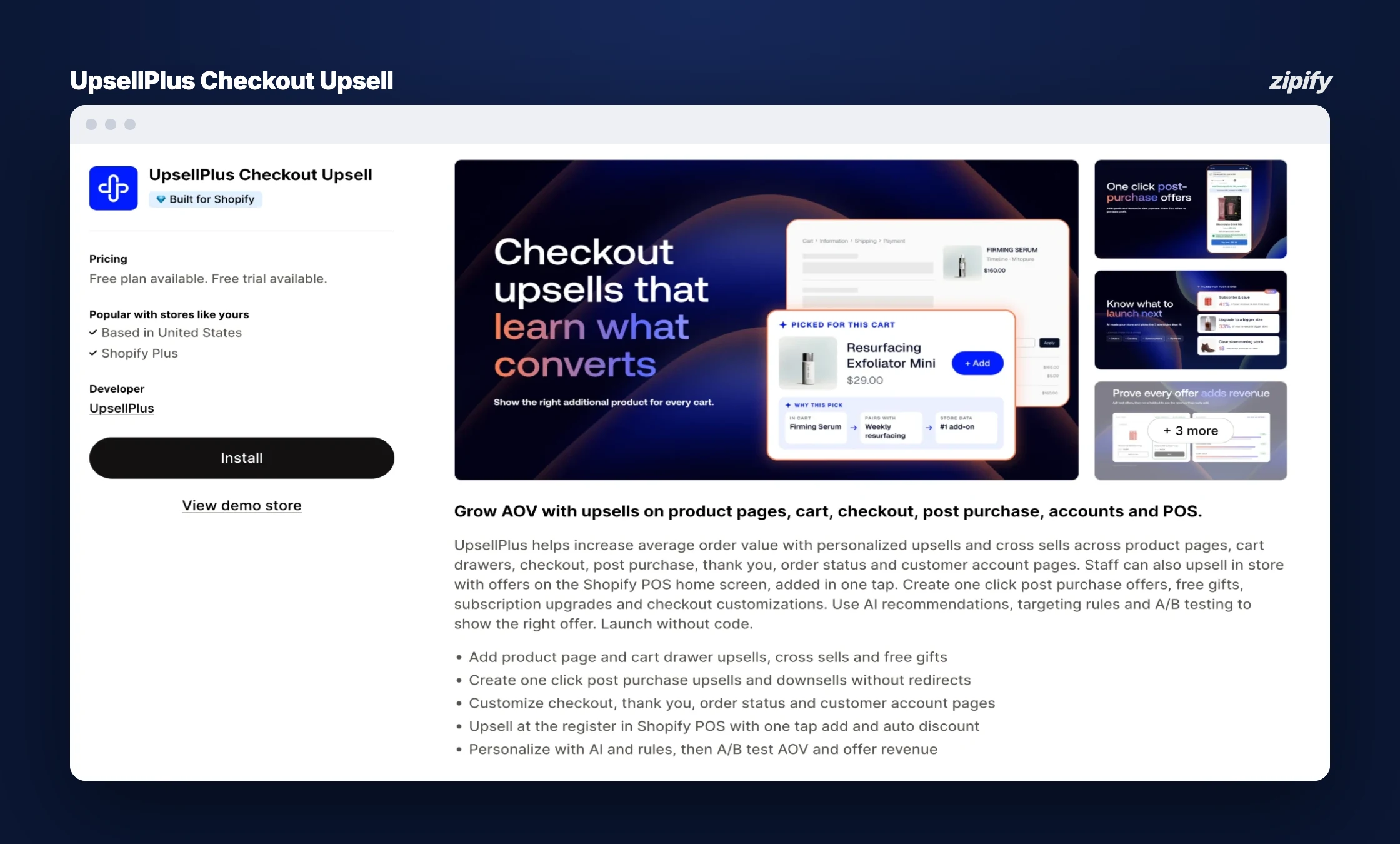
UpsellPlus Checkout Upsell shows offers on product pages, carts, checkout (Plus), post-purchase, thank-you and customer account pages, plus the Shopify POS home screen. Its Pro plan adds A/B experiments and holdouts, so you can test an offer against showing nothing at all. Noble Nature says the app paid for itself quickly and the team suggests revenue ideas unprompted.
Key features
- A/B experiments and holdout tests (Pro plan and up);
- Multivariate A/B testing (Advanced plan);
- 12 upsell types, including customer account pages;
- AI-generated offers;
- Thank-you page and checkout customization;
- Upsells on the Shopify POS home screen.
Pricing
Free to build, then Basic $49/mo (up to $500 in monthly upsell revenue), Pro $119/mo (up to $2,000) and Advanced $199/mo (up to $5,000). The bill follows the upsell revenue the app generates, net of discounts, and moves up a tier automatically when you pass the limit. 14-day free trial (UpsellPlus pricing).
Pros
- Holdout tests show whether an offer adds revenue at all
- Billed on upsell revenue
Cons
- No A/B tests on the $49 plan per the pricing page, though the App Store listing shows multivariate testing on Basic
5. Visually — upsell and page tests priced by store orders
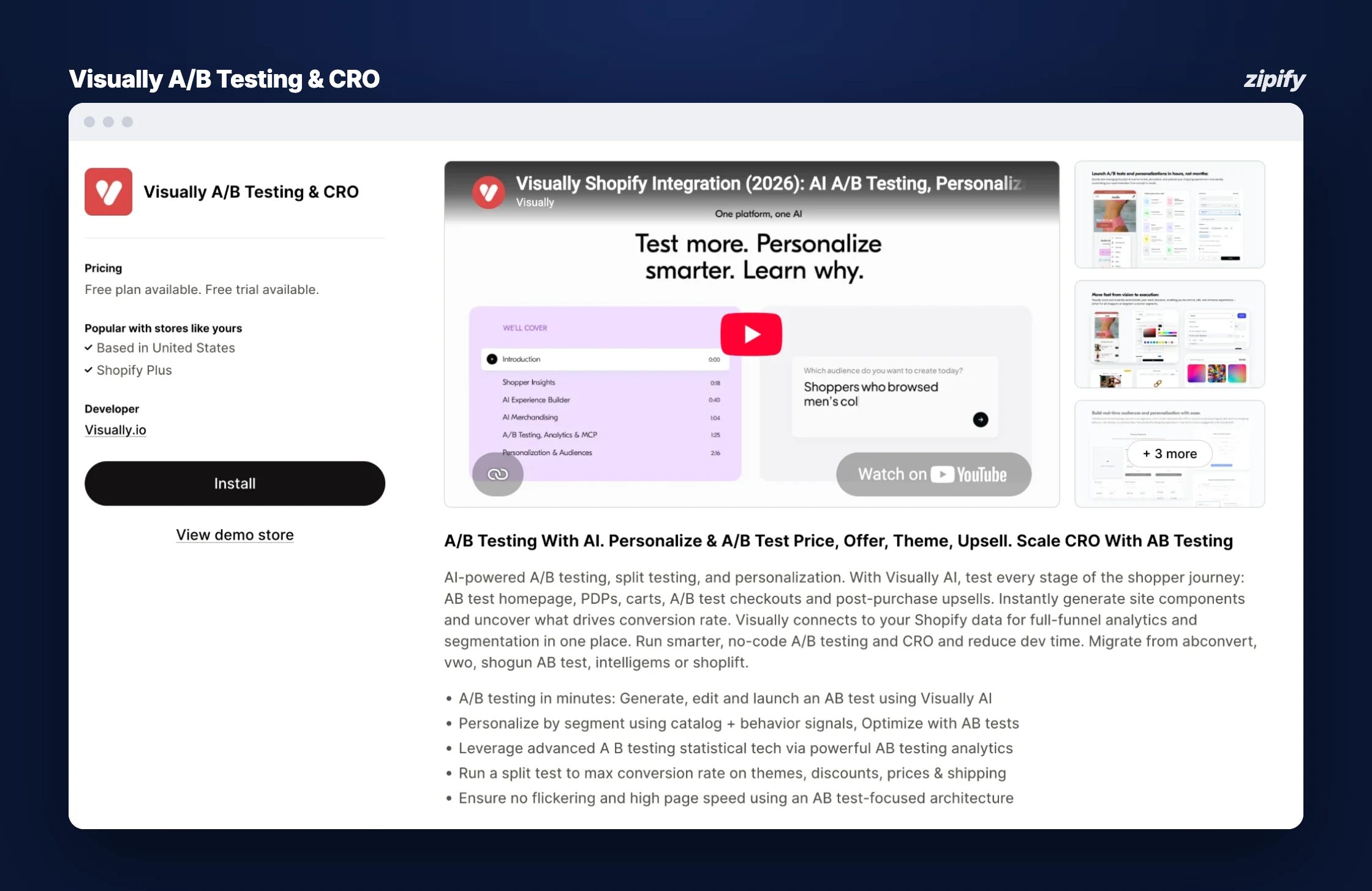
Visually A/B Testing & CRO tests the homepage, product pages, cart, checkout and post-purchase upsells, and builds variants with an AI editor. It’s the one tool here that covers page tests and upsell offers in one subscription. Jordan Craig uses it to A/B test themes and upselling and calls its support quick.
Key features
- A/B tests on themes, pages, cart and checkout;
- Post-purchase upsell tests;
- Price and offer tests;
- AI visual editor that generates variants;
- Personalization by audience segment;
- Unlimited tests on paid plans.
Pricing
$15/mo up to 100 monthly orders, $25/mo up to 200 and $80/mo up to 600, with higher tiers above that. The bill follows store orders, so it rises as you grow even if a test loses. Free for development stores; 14-day free trial (Visually pricing).
Pros
- Page tests and upsell tests in one tool
- Low entry price for small stores
Cons
- Price follows store orders, not results
- LILLY PILLY COLLECTION says its code stayed after uninstalling
6. Honeycomb — split tests on every plan, priced by funnel views
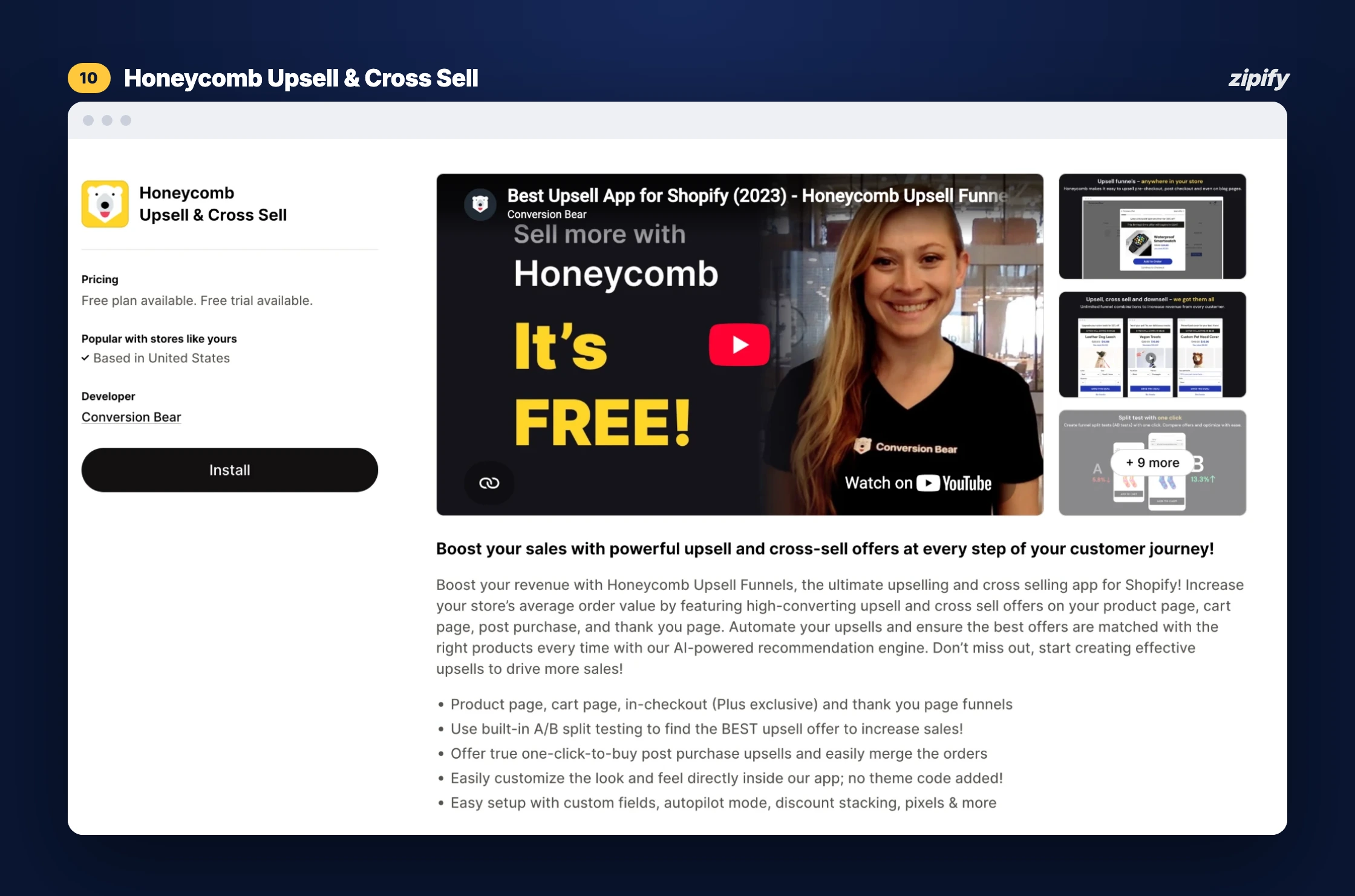
Honeycomb Upsell & Cross Sell builds upsell funnels on the product page, cart page, post-purchase page and thank-you page. Split tests are included on every plan, the free one too, so a small store can run its first offer test before paying anything. Clear Water Trading Co. calls it easy to install and follow, with no issues so far.
Key features
- Split tests on every plan;
- Product page and cart page upsells;
- One-click post-purchase upsells;
- Thank-you page upsells;
- BOGO, bulk and gift discounts;
- Branding removed on paid plans.
Pricing
Free up to 100 monthly funnel views, then Silver $54.99/mo (2,000 views), Gold $109.99/mo (5,000) and Platinum $169.99/mo (10,000). The bill follows how often your funnels are seen, which a running test pushes up. 7-day free trial (Honeycomb pricing).
Pros
- Free plan includes split tests
- Covers the thank-you page
Cons
- View caps fill fast once a test runs
- Sonic Brush reports a revenue-affecting bug left unresolved for 7 days
7. ReConvert (Upsell.com) — A/B testing on every tier, billed by orders or upsell revenue
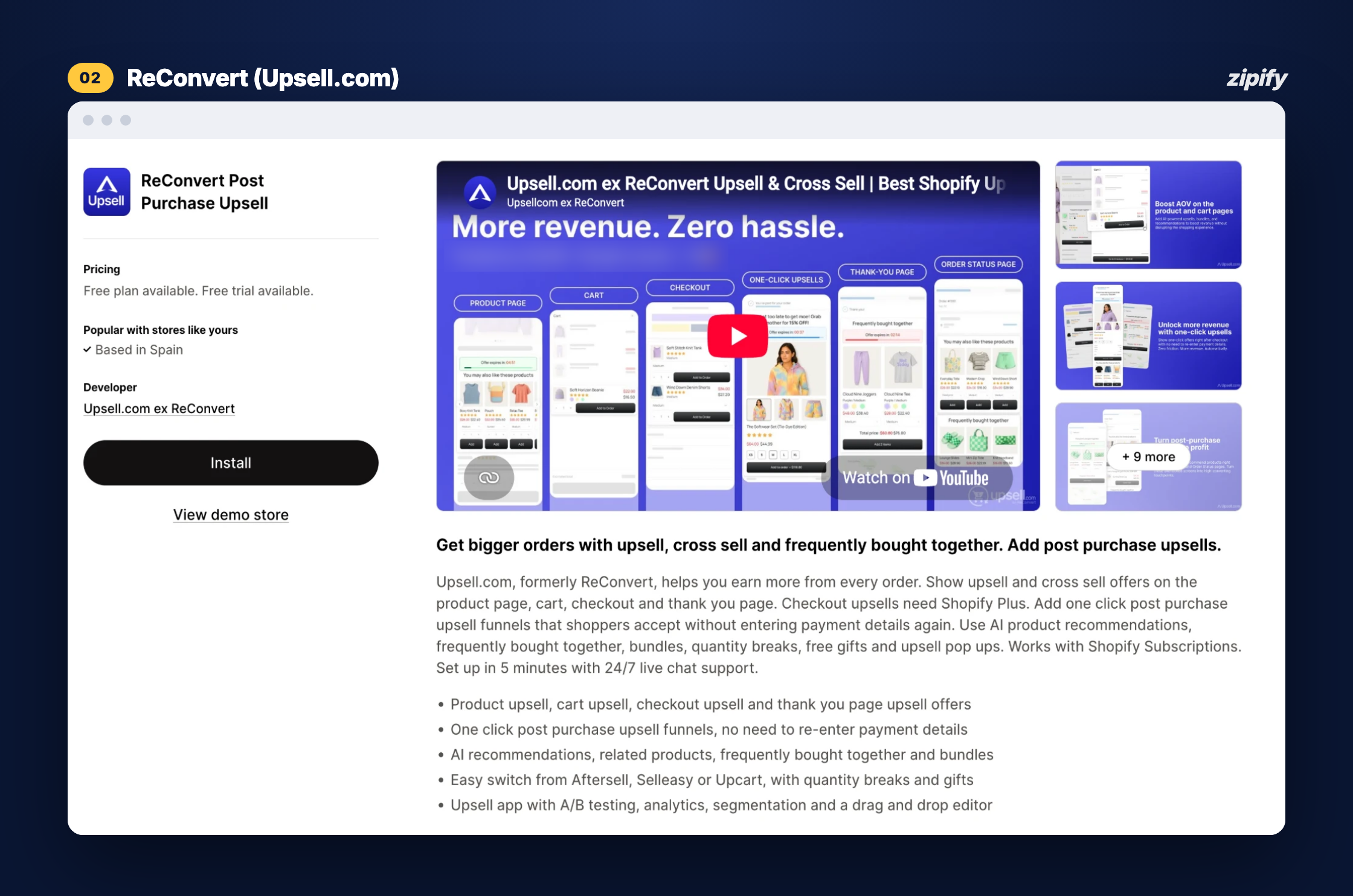
ReConvert Post Purchase Upsell, now run by Upsell.com, covers product, cart, checkout and post-purchase offers, with A/B testing and a full upsell funnel on every tier, the free one included. Unlike the rest of this list, Upsell.com also runs on Wix. FRENCH GIRL says support set up its flows for it when it got stuck.
Key features
- A/B tests on every plan;
- Product, cart, checkout and post-purchase offers;
- Quantity breaks and upsell pop-ups;
- AI product recommendations and bundles;
- Analytics with segmentation;
- 24/7 live chat support.
Pricing
Free up to 50 store orders or $50 in upsell revenue a month, then $9.99/mo (51–100), $19.99/mo (101–200) and $39.99/mo (201–500), with higher tiers above. The tier follows store orders or upsell revenue. 14-day free trial (ReConvert pricing).
Pros
- A/B testing from the free tier
- Low entry price
Cons
- Tiers can follow store orders; TEKVIYON paid $150 on 1,200 orders when the app drove 40
What Should You A/B Test First In An Upsell Offer?
Test the offer itself before the design: the product, the quantity and the discount depth, one variable at a time. Then judge the winner on revenue per visit (offer revenue divided by the number of shoppers who saw it), not on conversion rate. A cheaper offer often converts more and earns less.
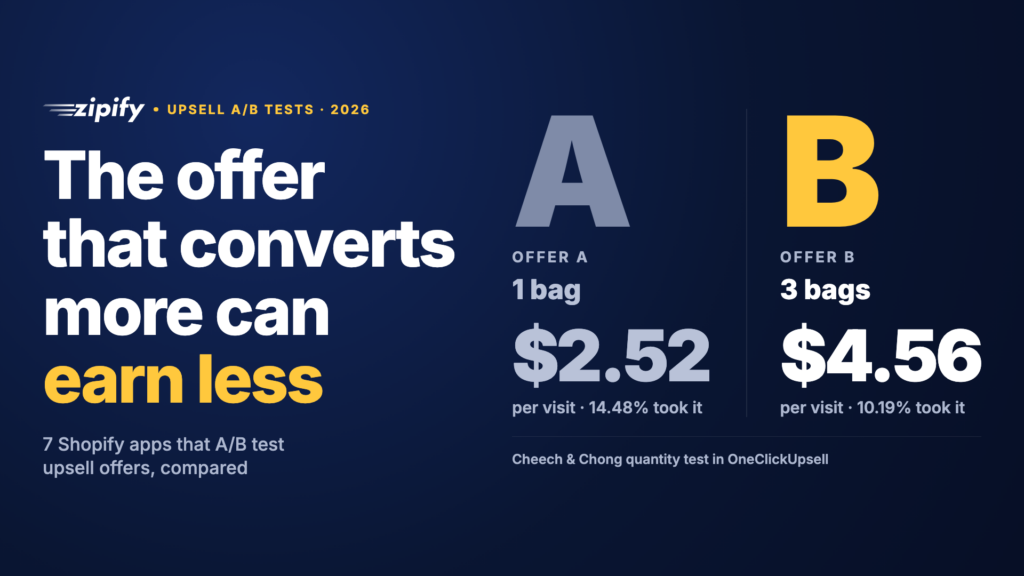
Cheech & Chong’s tests in OCU show why. In a quantity test the brand ran with OCU, the 1-bag offer converted at 14.48%, 2 bags at 13.61% and 3 bags at 10.19%. Judged on conversion, 1 bag wins. Judged on money, 3 bags won: revenue per visit rose from $2.52 to $4.56. A discount test pointed the other way. 15% off converted at 17.95% against 16.71% for 20% off, and the smaller discount also earned more per visit while giving away less margin on every sale. And a dynamic “Same Item as Bought” offer roughly doubled the conversion of a long-form content offer, with about 83% more total revenue.
Product pairing is where most surprises come from. In Shopify’s 2026 A/B testing guide, Magnolia Bakery’s marketing team describes testing upsells at checkout and finding that banana pudding buyers were more likely to add a cupcake, so it shows them one.
Here’s the order I’d test in:
- The product. A complementary item vs more of what they just bought.
- The quantity or bundle. 1 unit vs 2 or 3.
- The discount. Depth (15% vs 20%) and type ($ vs %).
- The offer type. One-click add vs an upgrade or a downsell.
- The sequence. Which offer comes first; Hard Hat Watches split-tests the order of its offers.
- Copy and images. Last, once the offer is right.
For more ideas past price and product, here are post-purchase test ideas beyond discounts.
How Do You Set Up An Upsell A/B Test On Shopify?
Pick one offer position, record its baseline, change one thing, split traffic evenly, and don’t touch the test until it has enough views. The steps are the same in any upsell app; here’s how they look in OCU, using its split testing guide.
- Record the baseline. Note the offer’s views, take rate and revenue per view for two weeks. In OCU, starting a split test resets the stats for that offer position, so save these numbers first.
- Build variant B. In OCU, “Create split test” lets you test the same product with a different design or price, or a different product (or, before and after checkout, a different offer type). In pre-purchase, cart drawer and post-purchase offers, a third option lets OCU’s AI pick the variant.
- Start the test. OCU splits traffic 50/50. If the variant product sells out, the offer still shows half the time; if the original sells out, the offer stops showing.
- Leave it alone. To edit either version, pause the test first, or you’ll mix two experiments in one result.
- Pick the winner on revenue per view, then make it the new control and test the next variable.
One Shopify rule shapes post-purchase tests. Shopify’s developer documentation on product offers says only one app can be selected for post-purchase offers. Merchants with several such apps have to pick which one appears. You can’t run two post-purchase apps against each other, so the app you choose has to do the testing.
How Much Traffic Does An Upsell A/B Test Need?
About 3,841 offer views per variant to trust a lift from a 10% to a 12% take rate, at 95% confidence and 80% power. That’s 7,682 views for a two-way test. Halve the lift you want to detect (10% to 11%) and you need roughly 14,750 views per variant, almost 4 times as many.
Those figures come from the standard two-proportion sample-size formula; MetricGate’s sample-size walkthrough uses the same 10% → 12% example and lands on the same 3,841. The inputs are assumptions, so plug in your own take rate. What changes the timeline is how many shoppers see the offer each day:
Scroll sideways for more →
| Offer views per day | Views needed (10% → 12%, two variants) | Days to reach it | Run it for |
|---|---|---|---|
| 250 | 7,682 | ~31 | 5 full weeks |
| 500 | 7,682 | ~16 | 3 full weeks |
| 1,000 | 7,682 | ~8 | 2 full weeks |
Two-proportion sample size at 95% confidence and 80% power; same 10% → 12% example in MetricGate’s walkthrough.
Offer views can be well below your order count. The same Shopify documentation says the post-purchase page isn’t shown when the customer pays with an installment or wallet service such as Klarna, Affirm, Afterpay, Apple Pay, Amazon Pay or Google Pay, or with a gift card or any method other than a credit card. It also isn’t shown on orders with duties and multiple currencies, or when Shopify is under extreme load during a flash sale. Count views, not orders, when you plan a post-purchase test, and expect fewer of them on your busiest days.
Even with plenty of traffic, run whole weeks. Shopify’s A/B testing guide recommends at least two full business cycles, usually two to four weeks. Statsig’s Shopify testing notes make the same point for small stores: at 100 visitors a day, a test can take weeks. Avoid starting a test in the middle of a sale; if BFCM is close, these A/B tests to run before BFCM fit a shorter window.
Which A/B Testing App Should You Choose?
Pick by what you want to test first, then check the billing unit at your order count. Most stores need one tool for offers. Add a second only when price or page tests become the priority.
| Your situation | Apps that fit |
|---|---|
| Test upsell offers in several placements on one bill | OCU |
| Test product prices, shipping thresholds and discounts on profit | Intelligems |
| Test post-purchase offers with multivariate tests on an order-based plan | Aftersell |
| Test an offer against no offer at all | UpsellPlus (Pro), Intelligems |
| Test pages and upsells in one tool at a small order count | Visually |
| Start testing for free on low traffic | Honeycomb (free plan), ReConvert (free tier) |
| Test a checkout block or a discount without an app | Shopify Rollouts (Grow plan or higher) |
Where the offer runs also changes what you can test. Checkout upsells need Shopify Plus, because apps on the information, shipping and payment pages are Plus-only, while post-purchase and thank-you page apps work from the Basic plan. If you’re not on Plus, start with how post-purchase upsells work on Shopify and test there first.
On Shopify Plus, checkout upsells become testable too. If you want more than two variants at once, that’s a separate upgrade: Zipify Plus, OCU’s managed tier where Zipify’s team builds and tests funnels with you, runs A/B/C/D tests that split traffic equally across up to four versions, so a quantity, discount and offer-type idea can run in one test instead of three in a row. Each extra variant needs its own share of views, though: four versions need roughly twice the traffic of two to reach the same confidence.
Billing is the other filter. At 1,000 orders a month and $1,500 in upsell revenue, a plan billed on store orders charges for all 1,000 orders, while one billed on upsell revenue charges for the $1,500 the offers earned. OCU sits in its $99 tier at that revenue (the band from $1,000 to $2,500).
The Bottom Line
An upsell offer is tested where it runs. If your question is which product, quantity or discount earns more after checkout, use the upsell app’s own split tests and judge on revenue per visit. If it’s what your products or shipping should cost, that’s a testing app like Intelligems, or Rollouts for catalog prices and discounts.
For most Tier 2 stores, I’d start with OCU: it tests offers in all six placements, lets you pit one offer type against another, and bills on the upsell revenue it brings in rather than your order count. That’s the Shopify A/B testing app I’d set up first for upsells, then add a price-testing tool once the offers are dialed in.
Frequently Asked Questions
Does Shopify have built-in A/B testing?
Yes. Shopify Rollouts, under Markets > Rollouts in the admin, can run Experiments that compare your theme, checkout and accounts configuration, discounts or catalogs against a control. Rollouts are on the Basic plan or higher; Experiments need the Grow plan or higher. Rollouts can’t test the offer logic inside an upsell app.
Do I need Shopify Plus to A/B test upsells?
Only for upsells inside checkout. Apps on the information, shipping and payment pages need Shopify Plus. Product page, cart, post-purchase and thank-you page offers work on standard plans, so you can A/B test those without Plus in apps like OCU, Aftersell or Honeycomb.
Is there a free app to A/B test upsell offers?
Honeycomb includes split tests on its free plan (up to 100 funnel views a month), and ReConvert includes A/B testing on its free tier (up to 50 orders or $50 in upsell revenue). Shopify Rollouts is free on the Grow plan. OCU starts at $9.95/mo with split testing included.
Can I run a price test and an upsell test at the same time?
Yes, if the two tests don’t share the same shoppers or your Shopify A/B testing app keeps experiments mutually exclusive, as Shopify Rollouts does. If they overlap, a price change can move the upsell result and you won’t know which caused it. When in doubt, run them one after the other.