
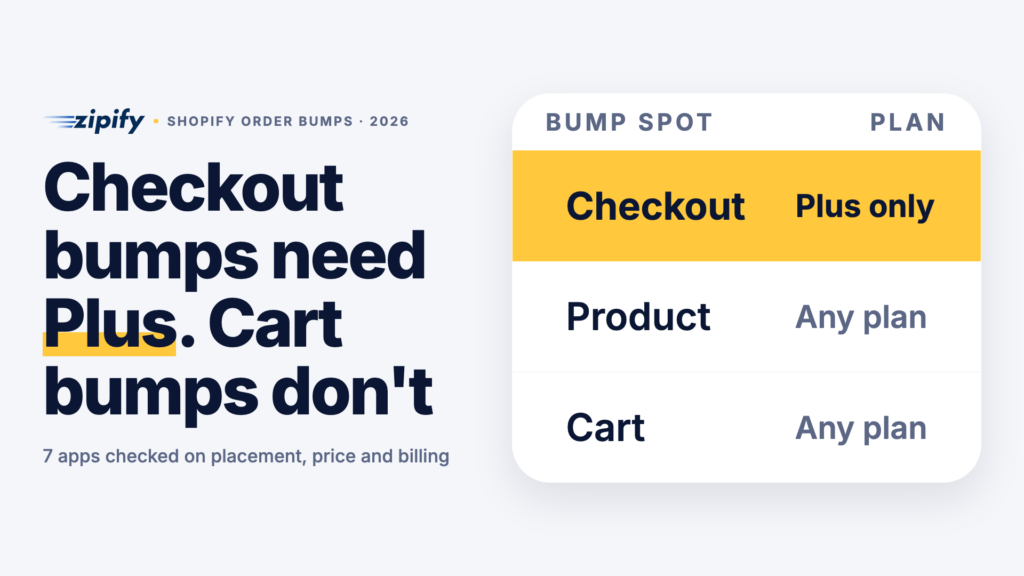
An order bump is the small “add this too” offer a shopper accepts right before paying: a refill, gift wrap, shipping protection. On Shopify, where it can sit depends on your plan. Only Shopify Plus lets apps add blocks to the checkout steps, so on other plans the bump goes in the cart or on the product page. And OrderBump, the app ranking first for “order bump Shopify”, showed “not currently available” on the App Store when I checked on November 18, 2026.
I compared 7 apps that still offer bumps, using each listing, pricing page and help docs on that date.
TL;DR
- A bump on the checkout page needs Shopify Plus. Cart and product page bumps work on every plan.
- Pick the app by where the bump will sit, then check what the bill counts: orders, upsell revenue or a flat fee.
- Keep the bump small and related: Shopify suggests capping an upsell at about a quarter of the cart value.
- Before launch, place a test order with every payment method you accept.
Where Can An Order Bump Sit On Shopify?
An order bump can sit in three places on Shopify: the checkout page (Plus only), the cart or cart drawer, and the product page (any plan). Kajabi’s help center defines the classic bump as an offer on the checkout screen, while an upsell comes after the purchase.
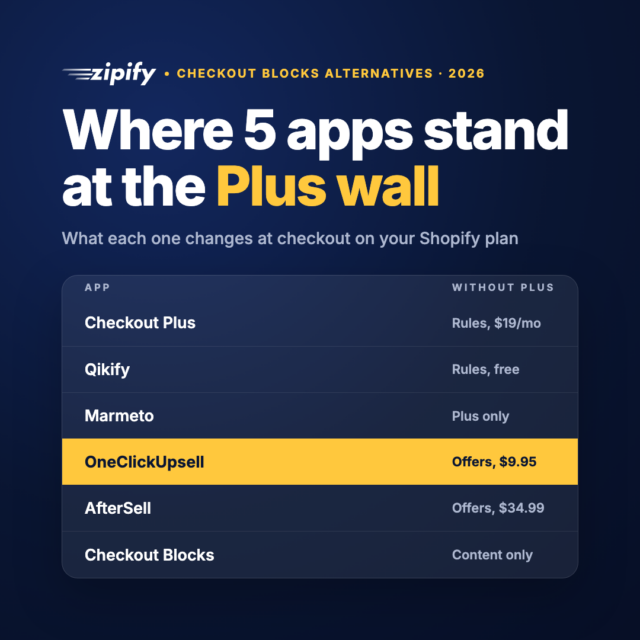
Shopify’s checkout UI extensions documentation (API 2026-10) limits extensions on the information, shipping and payment steps to Plus stores, and those extensions are how apps add product offers like upsells to checkout.
Scroll sideways for more →
| Where the bump shows | Shopify plan | Apps on this list |
|---|---|---|
| Checkout page | Plus only | OCU, Upsell.com, Selleasy (Pro), AfterSell, Checkout Plus (Advanced) |
| Cart or cart drawer | Any plan | OCU, Upsell.com, Selleasy, AfterSell (Pre-Purchase), Kaching Cart Drawer |
| Product page | Any plan | OCU, Upsell.com, Selleasy, AfterSell (Pre-Purchase), Axe Checkbox |
Sources: shopify.dev (API 2026-10) and each app’s App Store listing, checked November 18, 2026.
OrderBump and Rebuy, both in older roundups, were unavailable on November 18, 2026. On Plus? Here’s how in-checkout upsells work on Shopify Plus.
Order Bump Apps At A Glance
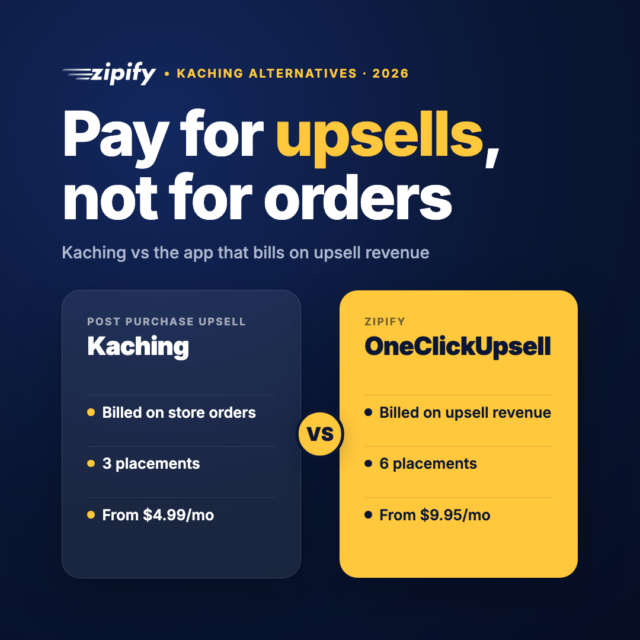
Three apps bill by store orders, three charge a flat fee and one bills on upsell revenue.
Scroll sideways for more →
| App | Bump placements | Free plan | Paid plans from | Bills on |
|---|---|---|---|---|
| OneClickUpsell (OCU)Our app | Product page, cart drawer, checkout (Plus) | Dev stores only | $9.95/mo | Upsell revenue |
| Upsell.com | Product page, cart, checkout (Plus) | Up to 50 orders | $9.99/mo | Store orders or upsell revenue |
| Selleasy | Product page, cart drawer, checkout (Plus, Pro) | 5 campaigns | $9/mo | Flat plan fee |
| AfterSell | Checkout (Plus), cart, product page | Dev stores only | $34.99/mo | Store orders |
| Checkout Plus | Checkout (Plus, Advanced) | Dev stores only | $19/mo | Flat plan fee |
| Kaching Cart Drawer | Cart drawer toggle | Dev stores only | $9.99/mo | Store orders |
| Axe Checkbox | Product page checkbox | None | $10/mo | Flat fee |
Prices from each app’s App Store listing or pricing page, checked November 18, 2026.
How I Picked And Ordered These Apps
I installed every app on this list on Ezra‘s Stores and built a working order bump in each one. For each app, I checked whether it supports all three placements, which bump formats it offers (tick-box, toggle or product card), how discounts work, whether it has A/B testing, and how billing is calculated. The order is based on how many placements you get for each dollar, not on ratings.
OneClickUpsell (OCU) comes first because every plan includes all three placements, and the bill is based on upsell revenue, not order count. Upsell.com comes second: it covers the same three placements, but its pricing is based on orders.
The 7 Best Shopify Order Bump Apps In 2026
Same format for every app: features, pricing, and pros and cons from recent reviews.
1. OneClickUpsell (OCU) — bumps on product page, cart and checkout
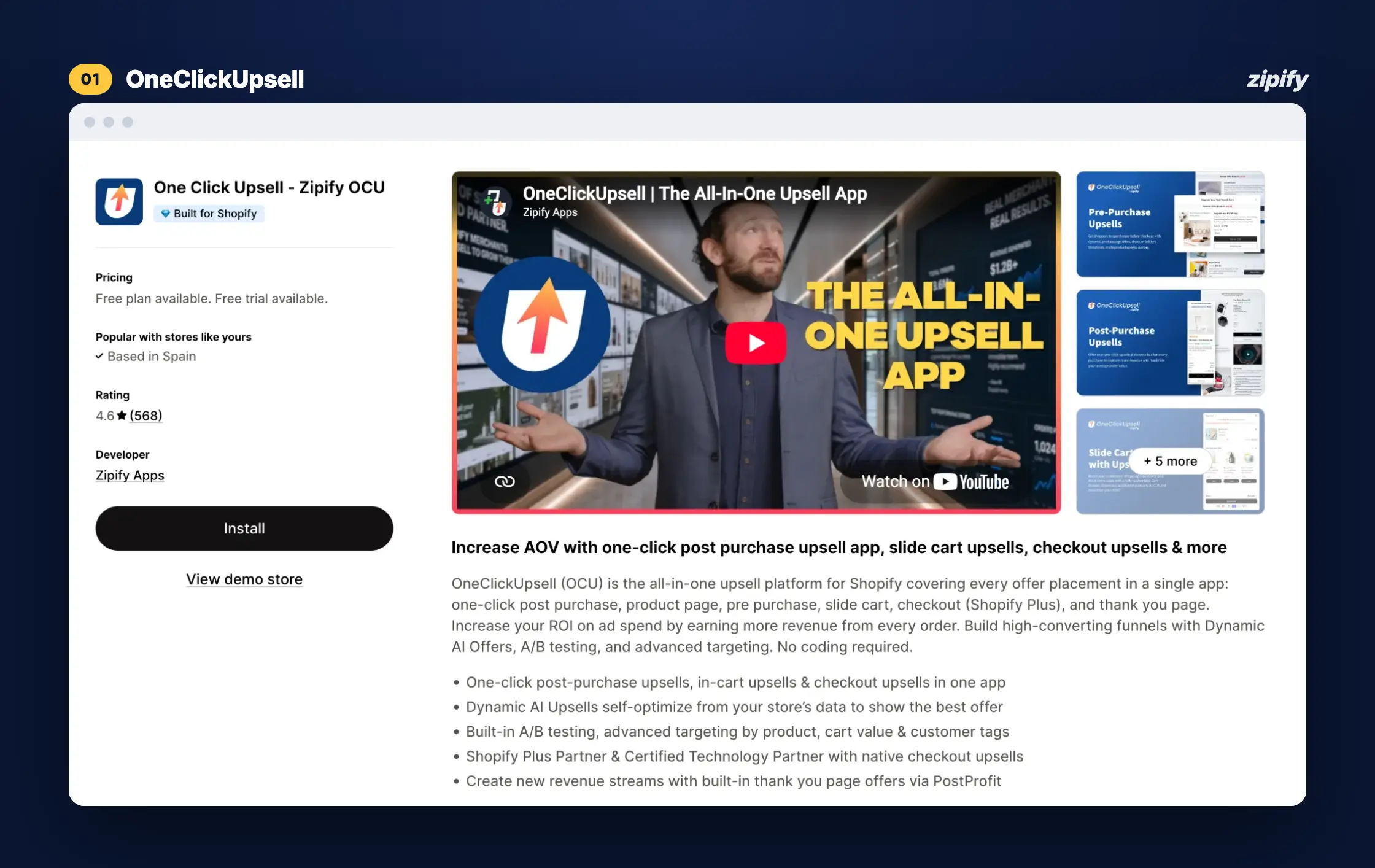
OneClickUpsell (OCU) by Zipify places add-on offers on the product page, in its Cart Drawer and, on Shopify Plus, inside checkout. Its in-checkout block holds up to 8 products, placed in Shopify’s Checkout Editor.
Key features
- In-checkout offers (Plus) with %, fixed or compare-at discounts;
- Product page widget and pre-purchase offers;
- Cart Drawer with in-cart offers on every plan;
- A/B split tests and targeting by product, cart value and customer tag.
Pricing
$9.95/mo up to $200 in monthly upsell revenue, capped at $999/mo; never billed on order volume. 30-day trial (OCU pricing).
Pros
- All three bump spots on every plan
- Simple setup, with returns from the first day (Sowaka Foods)
Cons
- Offers use an Add button, not a tick-box
- One store wants whole collections as offers for a fast-changing range (Blitz Surf Shop)
Try OCU’s checkout and cart offers free for 30 days
$9.95/mo up to $200 in monthly upsell revenue; never billed on order volume.
2. Upsell.com — every placement, free to start
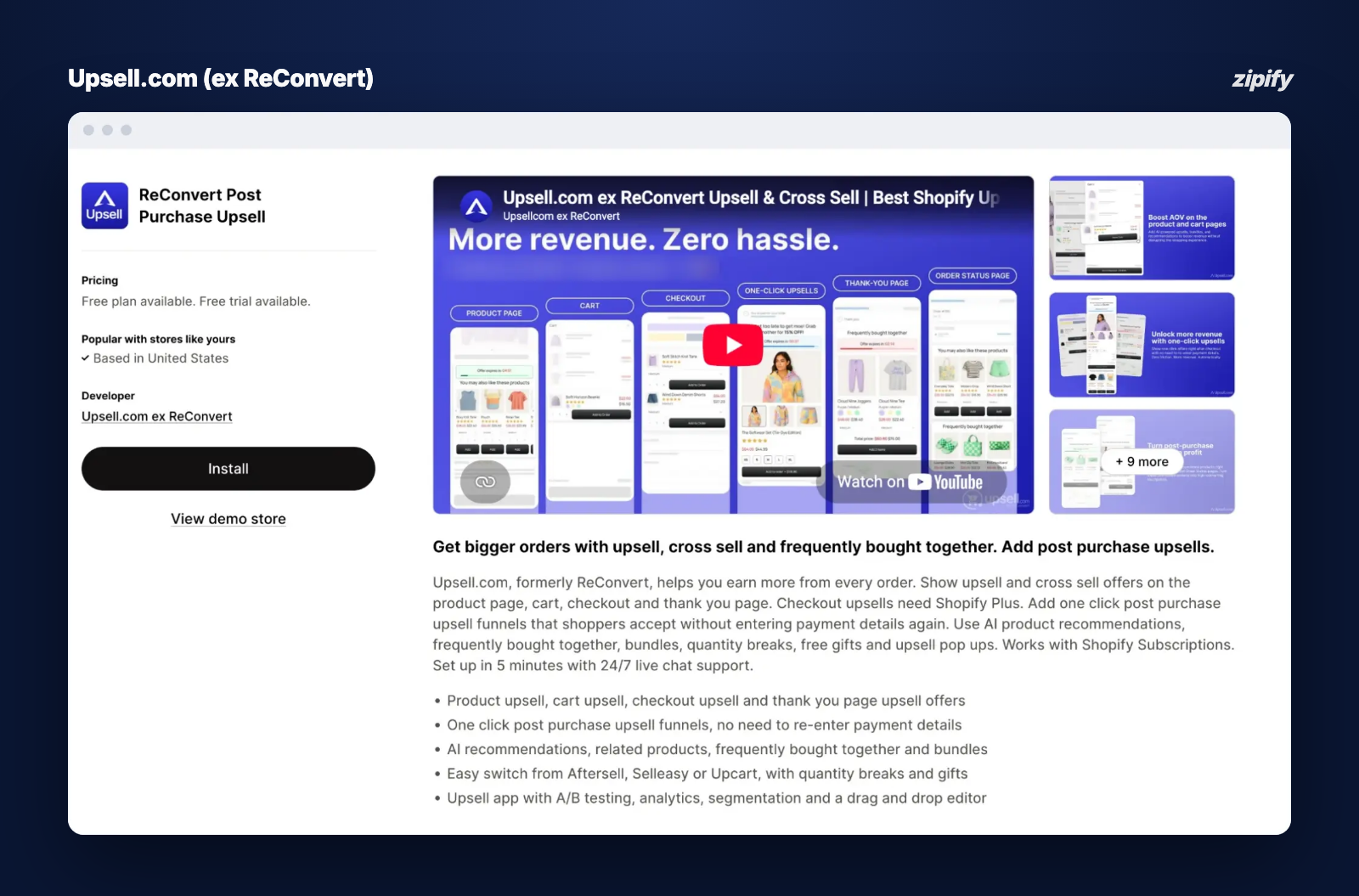
Upsell.com, formerly ReConvert, shows offers on the product page, cart and checkout (Plus), plus post-purchase funnels. An AI setup can build starter campaigns.
Key features
- Product page, cart and checkout (Plus) offers;
- Warranty, gift wrap and shipping protection add-ons;
- Upsell pop-ups, quantity breaks and bundles;
- A/B testing and segmentation on every plan.
Pricing
Free up to 50 orders or $50 in upsell revenue a month, then $9.99/mo (51–100), $19.99 (101–200) and $39.99 (201–500), on orders or upsell revenue. 14-day trial (Upsell.com pricing).
Pros
- Every placement on the free plan
- AI setup built about 6 campaigns in one click (FormulaFanatics)
Cons
- Price climbs with order count
- One store reports charges after leaving the free plan (Stepure)
3. Selleasy — product page add-ons, checkout bumps on Pro
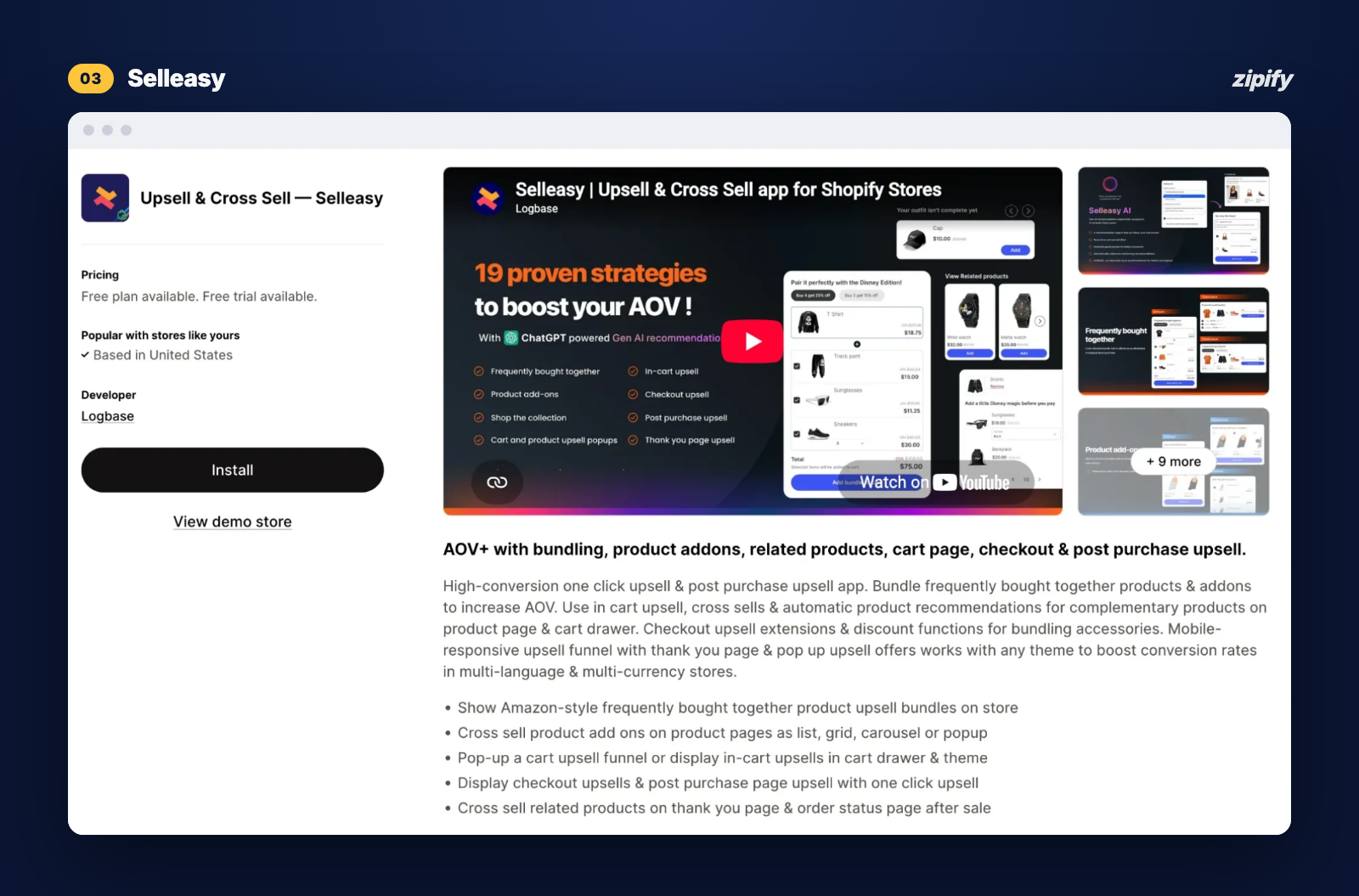
Upsell & Cross Sell — Selleasy shows product add-ons on the product page as a list, grid or carousel, plus cart drawer and thank-you offers. Checkout upsells (Plus) start on the $29 Pro plan.
Key features
- Product page add-ons and frequently bought together;
- Cart drawer and in-cart upsells styled to your theme;
- Checkout upsell for Plus (Pro and up);
- AI recommendations (50 on Starter, 1,000 a month on Pro).
Pricing
Free for 5 campaigns, unlimited orders. Starter $9/mo, Pro $29/mo, Max $59/mo, no order caps. 30-day trial (Selleasy pricing).
Pros
- Flat price at any order volume
- Worth it once you find the right campaigns (Marinaut)
Cons
- Checkout bumps need Pro plus Shopify Plus
- One new store hit errors in its first hours (Tennis Giant)
4. AfterSell — checkout add-ons and a block-built cart
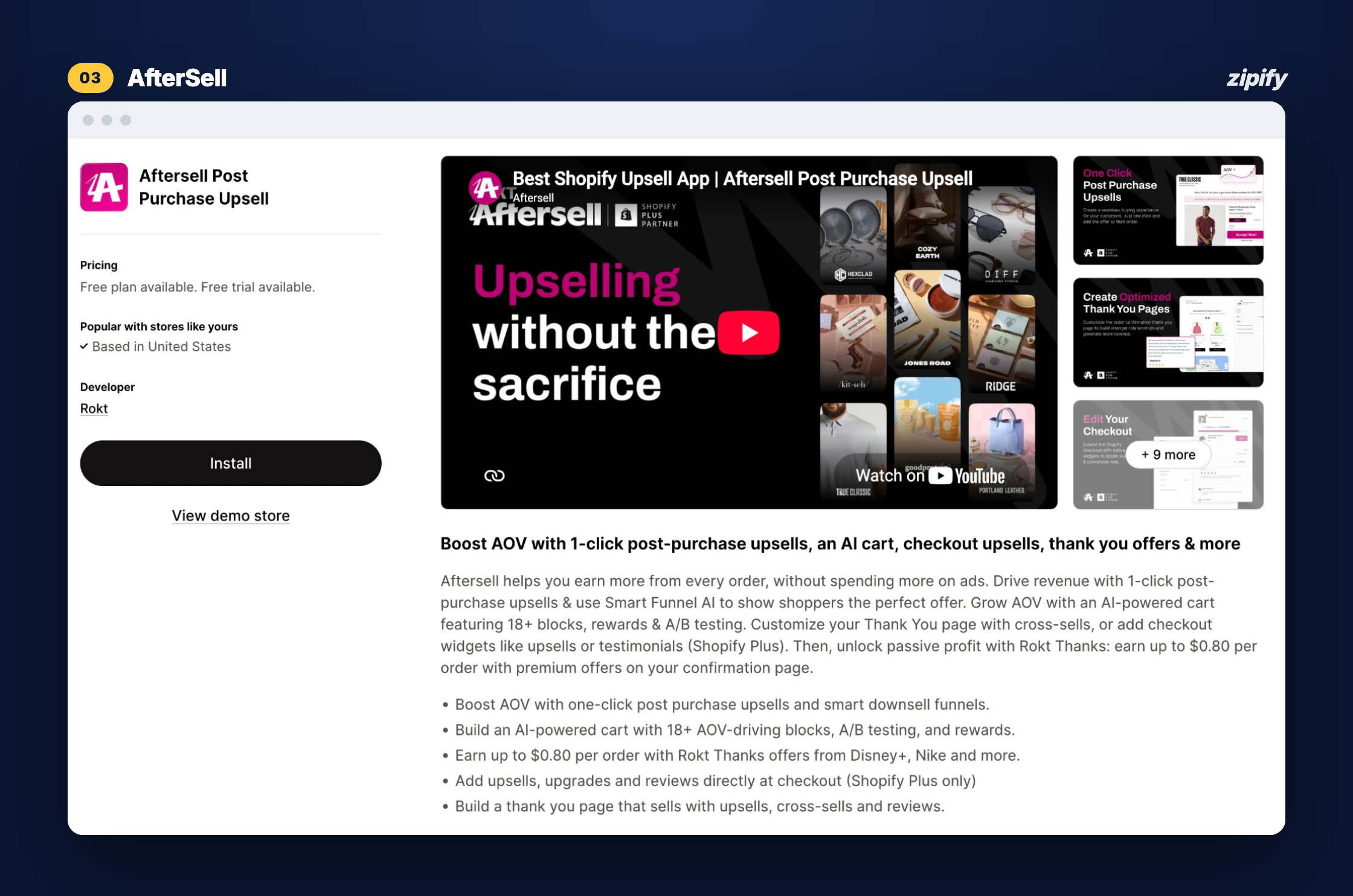
Aftersell Post Purchase Upsell adds upsells, add-ons and upgrades inside checkout on Shopify Plus and builds a cart drawer from 18+ blocks. It also runs one-click post-purchase offers.
Key features
- Checkout upsells, add-ons and upgrades (Plus);
- Cart with 18+ drag-and-drop blocks and rewards;
- Product page upsells (Pre-Purchase plan);
- Multivariate tests on post-purchase, A/B tests in cart.
Pricing
Post-Purchase $34.99/mo (checkout add-ons), Pre-Purchase $59.99/mo (cart, product page), Complete $79.99/mo; prices rise with orders. 30-day trial (AfterSell pricing).
Pros
- Checkout add-ons on its entry plan
- One store added about $12k in under a year (Grass Fed Soaps)
Cons
- All three placements need the $79.99 Complete plan
- One store’s PayPal checkout failed until it uninstalled (Medovira)
5. Checkout Plus — a checkout-only toolkit for Plus stores
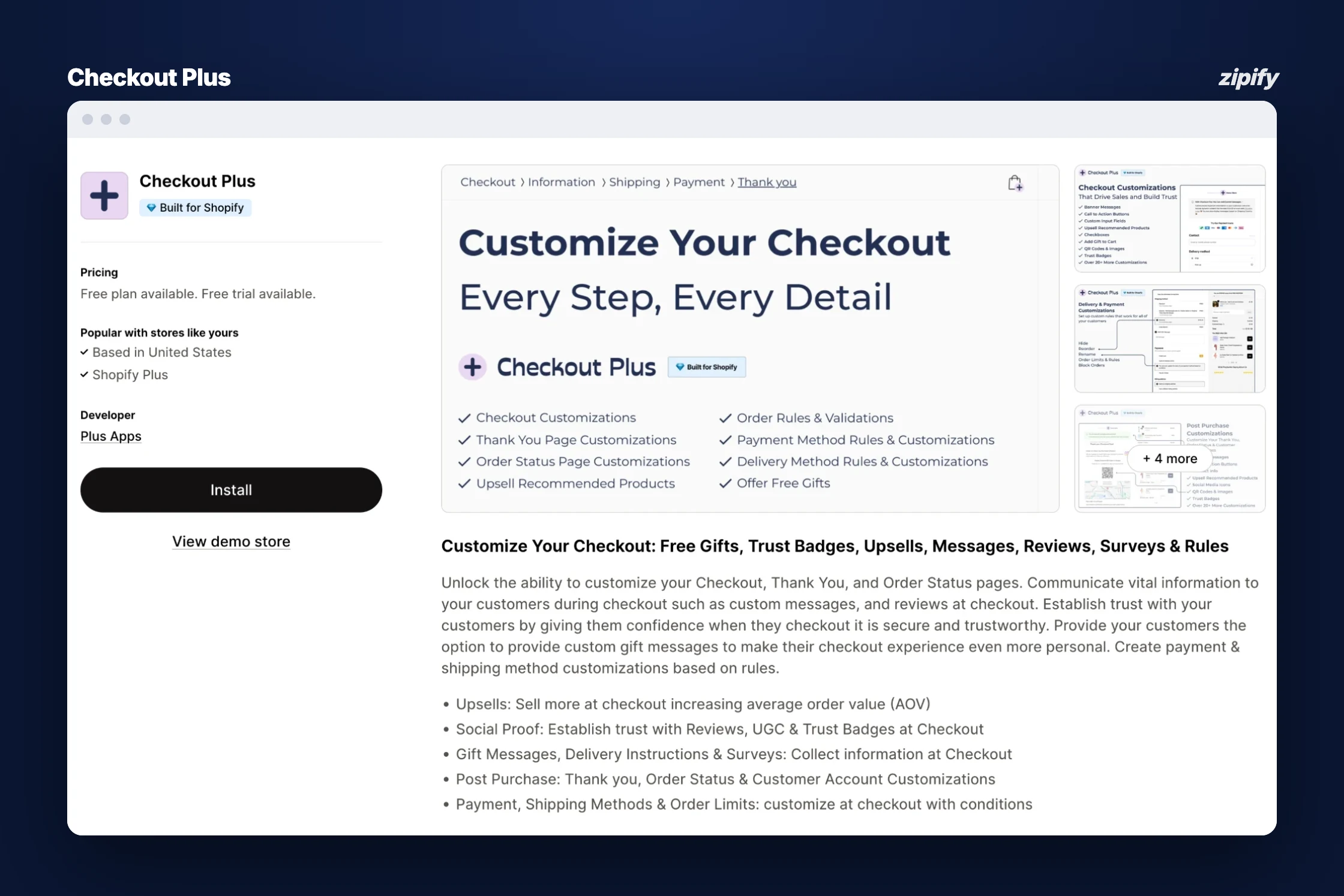
Checkout Plus customizes the checkout, thank-you and order status pages, with checkout upsells and auto-added products on its Advanced plan. The bump sits beside messages, trust badges and payment rules.
Key features
- Checkout upsells (Advanced, Plus only);
- Auto-add a product or gift at checkout;
- Messages, reviews and trust badges at checkout;
- Payment and shipping method rules.
Pricing
Basic $19/mo, Plus $49/mo and Advanced $99/mo (the last two for Plus stores; Advanced adds checkout upsells). 7-day trial (Checkout Plus pricing).
Pros
- Bump, messaging and rules in one checkout app
- One apparel brand uses it for dynamic messages and gifts at checkout (Dixxon Flannel Co.)
Cons
- Checkout upsells only on the $99 plan
- No cart or product page bumps
6. Kaching Cart Drawer — a one-tap add-on toggle in the cart
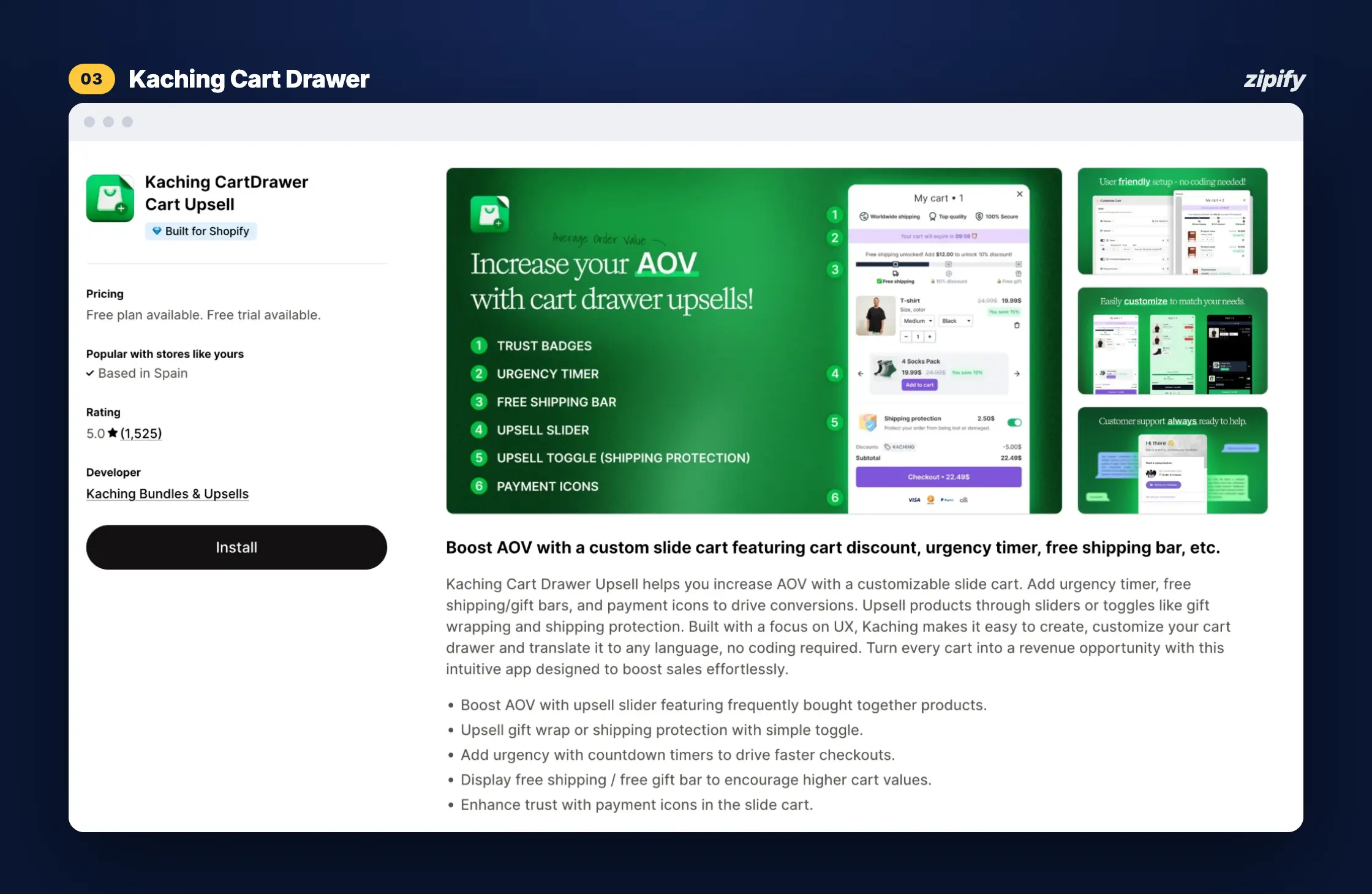
Kaching Cart Drawer Upsell replaces your cart with a slide drawer that has an upsell toggle for add-ons like shipping protection or gift wrap. It works on every plan because the bump lives in the cart.
Key features
- Upsell toggle for shipping protection or gift wrap;
- Upsell slider with frequently bought together items;
- Free shipping and free gift bars;
- A/B tests of cart designs.
Pricing
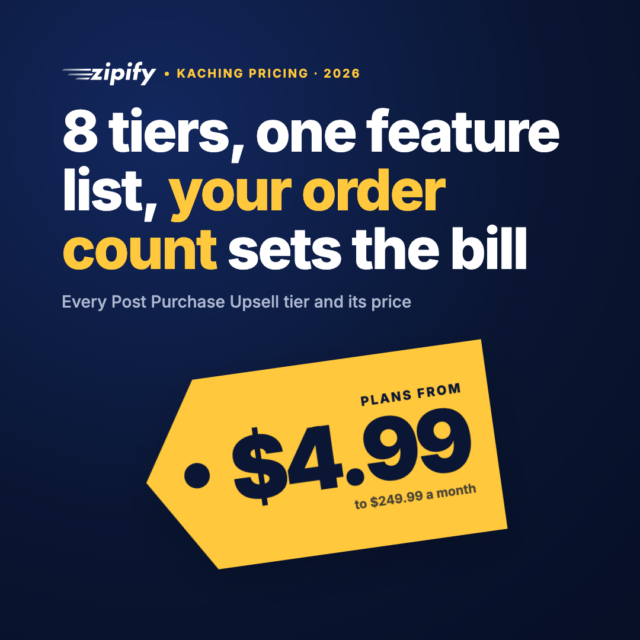
$9.99/mo up to 99 orders, $14.99 (199), $24.99 (499), $39.99 (999), up to $199.99 at 10,000+. 14-day trial (Kaching Cart pricing).
Pros
- Lowest-priced cart toggle here at under 100 orders
- Set up gift tiers by cart total for one store (Pug & Bulldog)
Cons
- Cart only, priced by order count
- One store says its revenue report counts non-upsell choices (Lykkeengler.no)
7. Axe Checkbox — a flat-price tick-box on the product page
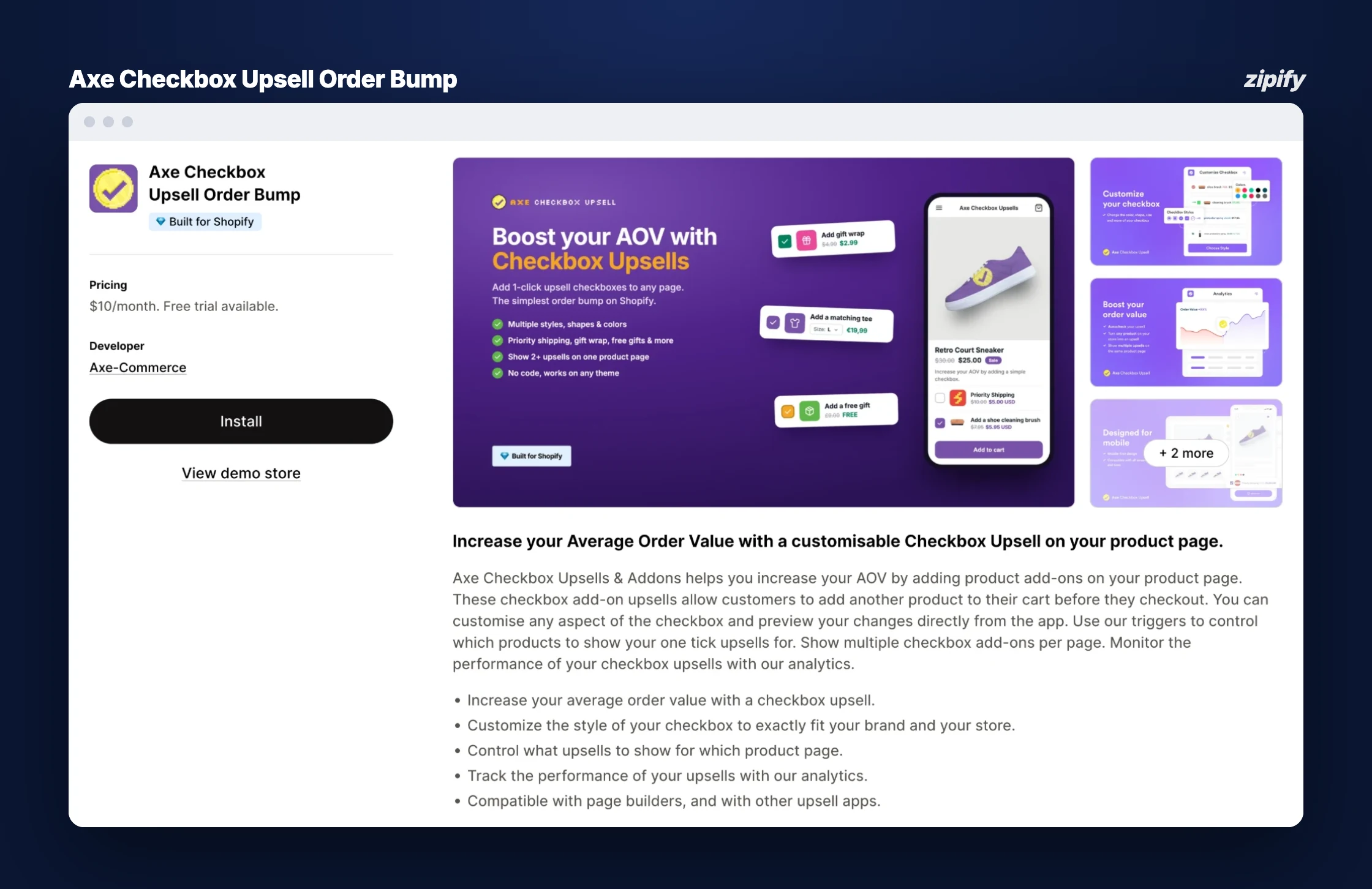
Axe Checkbox Upsell Order Bump adds tick-box add-ons to product pages, so shoppers add a second item before the cart. It’s the closest thing here to a classic bump without Plus.
Key features
- Checkbox add-ons on product pages;
- Multiple checkboxes per page;
- Triggers that choose which products show each checkbox;
- Full style control with live preview.
Pricing
Professional $10/mo with unlimited checkboxes and products and no order cap. 14-day trial (Axe pricing).
Pros
- Flat price at any volume
- Add-ons suit one fitness gear store’s catalog (Verse Fitness)
Cons
- Product page only
- One store couldn’t find a cancel button (103Legacy)
Which Order Bump App Fits Your Store?
Start with where your plan lets the bump sit, then compare cost at your order count.
| Your situation | Apps that fit |
|---|---|
| Plus, bumps in checkout, cart and product page | OCU, Upsell.com, AfterSell (Complete), or see upsell apps for Shopify Plus |
| Plus, a checkout-only tool | Checkout Plus (Advanced) |
| No Plus, a tick-box on the product page | Axe Checkbox, or read up on product page upsells |
| No Plus, an add-on toggle in the cart | Kaching Cart Drawer, or see the cart upsell apps I compared |
| Lowest cost to start | Upsell.com (free tier), Selleasy (free plan) |
At 300 orders a month, Axe costs $10, Kaching $24.99 and Upsell.com $39.99; AfterSell is past its $34.99 200-order tier. OCU stays $9.95 until offers bring in $200 a month, because it counts upsell revenue.
What Should You Check Before Your Bump Goes Live?
A bump pays only when it’s priced right and doesn’t break checkout. Run these on a test order.
- Price. Shopify’s 2025 upselling guide suggests capping an upsell at about a quarter of the original cart value.
- Relevance. Offer an accessory, refill or upgrade of what’s in the cart. Triquetra Health earned 65% of its $211,885 in extra revenue with OCU from pre-purchase “Upgrade to Bundle” offers.
- Payments. Pay with every method you accept; one October 2026 review reports PayPal failing after a checkout app install.
- Focus. Baymard Institute (2026) warns that offers can pull shoppers away from completing the purchase, so show one bump, not five.
- Billing. Note what the plan counts and how to cancel before the trial ends.
The Bottom Line
On Plus, OCU puts bumps in checkout, the cart drawer and the product page under one bill tied to upsell revenue; Upsell.com and AfterSell cover the same spots on order-based pricing, and Checkout Plus suits a checkout-only setup. Without Plus, Axe Checkbox (product page) or Kaching (cart) is the simple start, and OCU covers both if you’ll grow into checkout.
Frequently Asked Questions
Can I add an order bump without Shopify Plus?
Yes, just not on the checkout page. Shopify lets apps add blocks to the checkout steps only on Plus. On other plans, put the bump in the cart drawer (Kaching, OCU, Selleasy) or on the product page as a tick-box (Axe Checkbox, OCU, Upsell.com). It shows before checkout, and the shopper still adds it in one click.
What’s the difference between an order bump and an upsell?
An order bump is offered before payment and joins the same order, usually as a small add-on. An upsell is often shown after the purchase, on a post-purchase page, and asks for a separate yes. OCU and AfterSell run both, so you can bump in checkout and upsell after payment.
What should I offer as an order bump?
Offer something small and related: a refill, an accessory, gift wrap, shipping protection or a bundle upgrade of the item in the cart. Price it well below the main item, show the saving, and test one bump at a time to learn which order bump on Shopify earns its spot.