
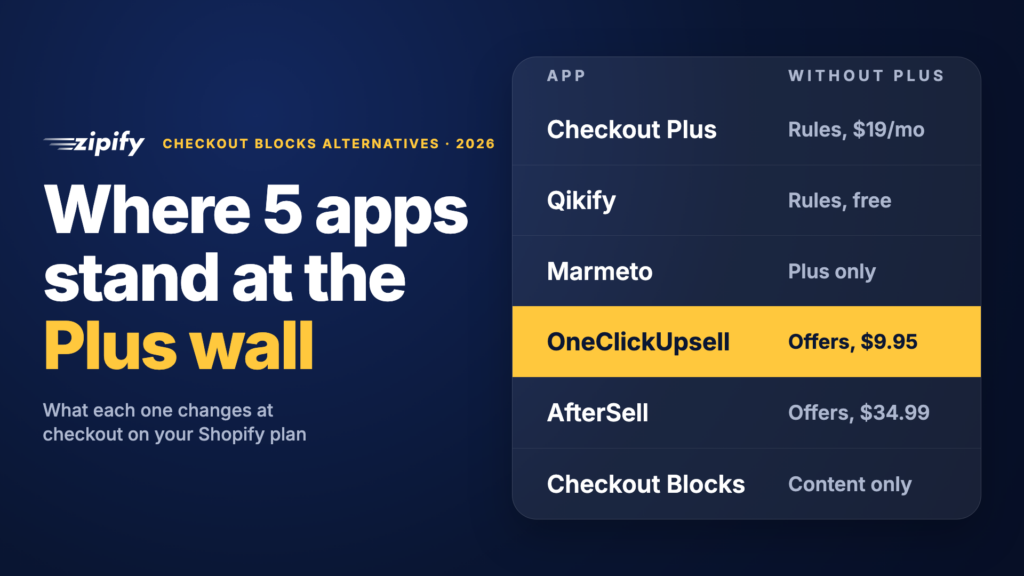
Most merchants look for a Checkout Blocks alternative after hitting the same wall: the free app only puts blocks on the checkout page if the store is on Shopify Plus. Below Plus, it adds content to the Thank you and Order status pages, and its payment rules, delivery rules and custom fields stay locked.
That wall is smaller than it looks. Checkout-step blocks need Plus with every app, but payment, delivery and validation rules from App Store apps work on every plan.
I compared five apps that cover those jobs: Checkout Plus, Qikify Checkout Customizer, Checkout Blocks & Customizer by Marmeto, Zipify’s own OneClickUpsell (OCU) and AfterSell. I checked each listing, pricing table and recent reviews on November 18, 2026.
TL;DR
- On Basic, Shopify and Advanced plans, Checkout Blocks only adds content to the Thank you and Order status pages. Everything else needs Shopify Plus.
- Blocks on the checkout steps need Plus with every app. Payment, delivery and validation rules from App Store apps work on any plan.
- Checkout Blocks lost features recently: auto-added products ended in February 2025 and the Address Blocker sunset on August 31, 2026.
- List the jobs you use Checkout Blocks for (content, fields, rules, offers) and pick the app that covers them on your plan.
What Does Checkout Blocks Do, And What Changed In 2026?
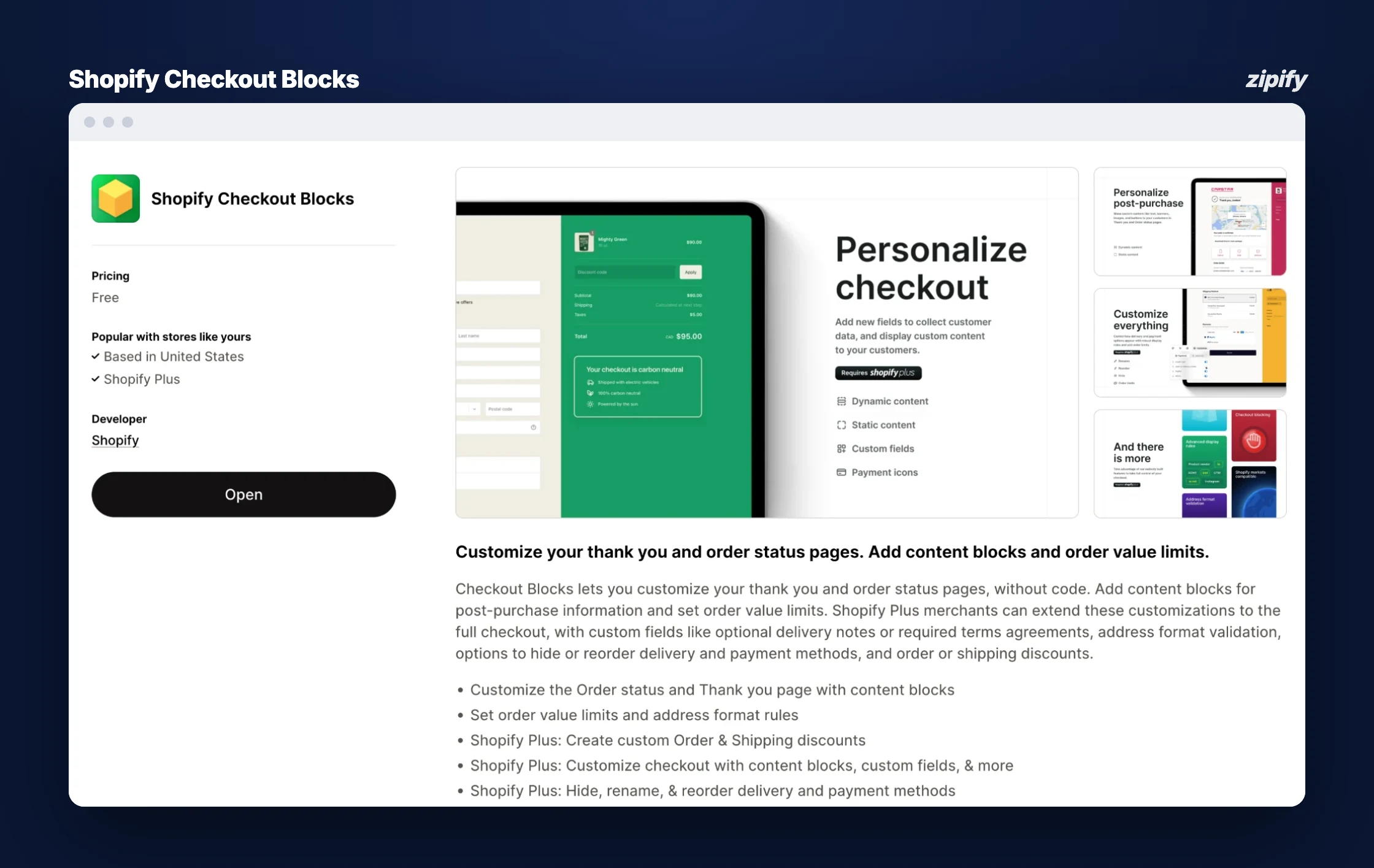
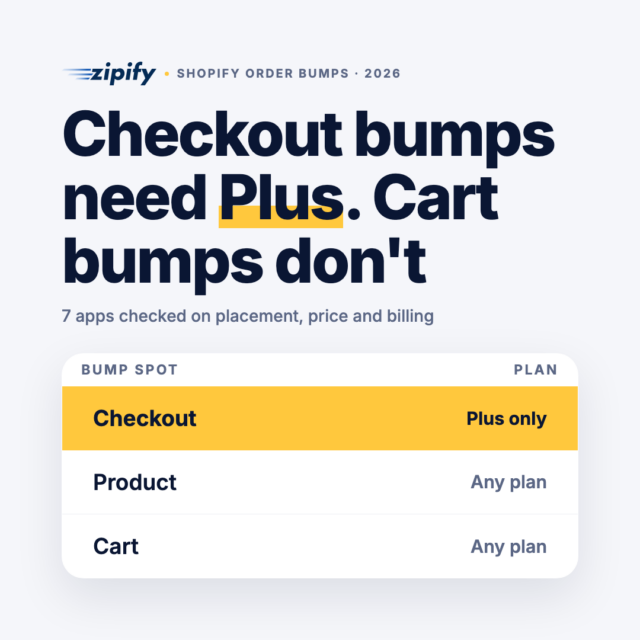
Checkout Blocks is a free Shopify-built app for customizing checkout without code. From Basic up, it adds static and dynamic content blocks to the Thank you and Order status pages. Shopify Plus unlocks the rest: blocks and custom fields on the checkout steps, hiding or renaming payment and delivery methods, and custom order and shipping discounts.
Scroll sideways for more →
| Job | Basic, Shopify, Advanced | Shopify Plus |
|---|---|---|
| Content blocks on Thank you and Order status pages | Yes | Yes |
| Content blocks and custom fields on checkout steps | No | Yes |
| Hide, rename or reorder payment and delivery methods | No | Yes |
| Custom order and shipping discounts | No | Yes |
| Product offers (upsells) | Not in the current block list | Not in the current block list |
From Shopify’s Help Center page on Checkout Blocks blocks and the app’s App Store listing, checked November 18, 2026.
The app has also lost features. In February 2025, Shopify removed auto-added products from checkbox upsell blocks. In June 2026, it deprecated the Address Blocker, which sunset on August 31, 2026, and moved address format validation into Shopify’s own checkout rules. The help center’s seven block types include no product offer block.
Recent reviews agree. One store wrote that it “was perfect until they deprecated the upselling block” (September 2026); another found blocks can’t go on the checkout page without Plus (August 2026).
What Can You Change Without Shopify Plus?
Without Plus, you can add content and offers to the Thank you and Order status pages, and run payment, delivery and validation rules through App Store apps. No app can place blocks on the information, shipping or payment steps; that wall is Shopify’s.
Shopify’s developer docs say checkout UI extensions on those three steps are available only on Shopify Plus, while extensions shown after purchase work on every plan except Starter. Rules run on Shopify Functions, and stores on any plan can use public App Store apps that contain functions. Only custom-built function apps need Plus.
So a Basic store can hide cash on delivery for large carts or block orders under a minimum. It still can’t add a trust badge next to the payment button. If you’re moving to Plus for checkout offers, see how in-checkout upsells work on Shopify Plus.
Every app below works through Shopify’s own checkout, which matters: Shopify says it converts 15% better on average than competing platforms (April 2023 consulting-firm study). For the pages you can change on any plan, see these thank-you page tactics.
How Do The 5 Checkout Blocks Alternatives Compare?
Three apps are checkout customizers that replace content, fields and rules; two are upsell apps that replace the offers.
Scroll sideways for more →
| App | Best for | Works without Plus | Checkout-step blocks (Plus) | Paid plans from | Free trial |
|---|---|---|---|---|---|
| Checkout Plus | Closest like-for-like replacement | Thank you and Order status pages, payment and shipping rules, validations | Plus plan, $49/mo | $19/mo | 7 days |
| Qikify Checkout Customizer | Rules on a free plan | Payment, delivery and validation rules | Checkout Premium, $99/mo | Free plan, then $39/mo | 14 days |
| Checkout Blocks & Customizer | Free customizer for Plus stores | Not described | Free | Free | None listed |
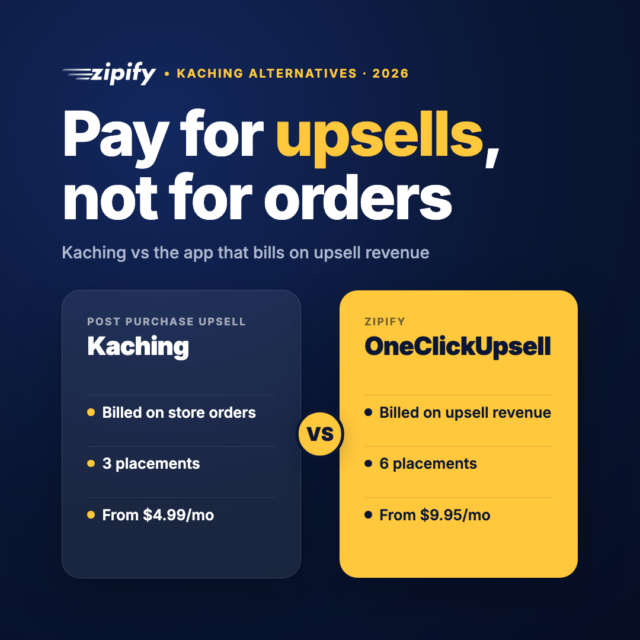
| OneClickUpsell (OCU) | Upsells across the funnel | Thank you page, post-purchase, cart and product page offers | In-checkout upsells | $9.95/mo | 30 days |
| AfterSell | Post-purchase offers first | Thank you page and post-purchase offers, AI cart | Checkout upsells and widgets | $34.99/mo | 30 days |
| Checkout Blocks | The app you’re replacing | Thank you and Order status content | Blocks, fields, payment and delivery rules | Free | – |
Prices and plan details from each app’s Shopify App Store listing or pricing page, checked November 18, 2026.
Which Apps Can Replace Checkout Blocks In 2026?
I ordered the apps by how many Checkout Blocks jobs each replaces, then by cost. Ratings didn’t decide the order.
1. Checkout Plus — closest like-for-like replacement
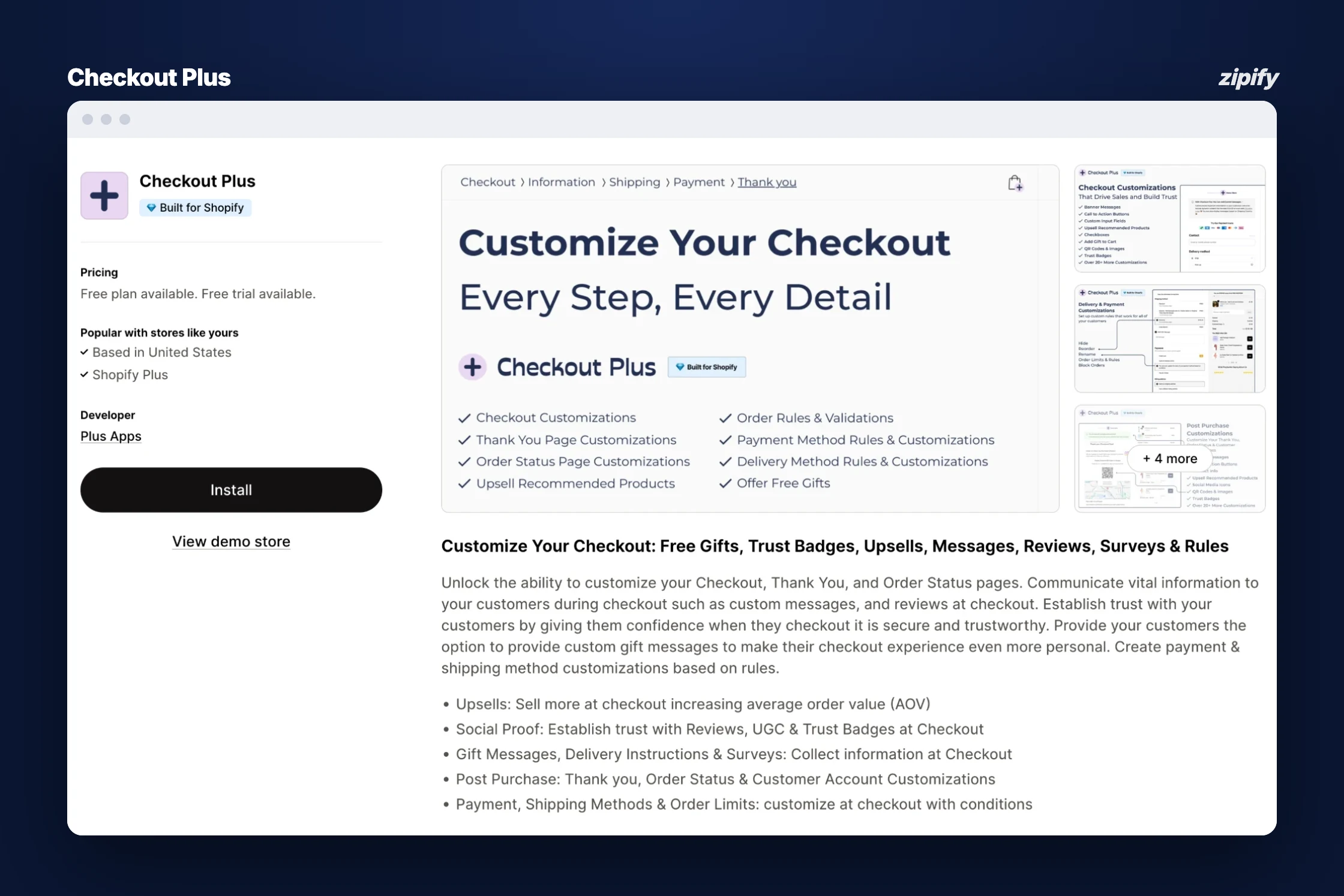
Checkout Plus by Plus Apps customizes the Checkout, Thank you and Order status pages with messages, trust badges, reviews, gift messages and upsells. Its Basic plan covers the jobs Checkout Blocks keeps behind Plus, such as payment and shipping rules and order validations, on any Shopify plan. Checkout-step blocks need its Plus or Advanced plan and a Plus store.
Key features
- Thank you and Order status page content and offers;
- Payment and shipping method rules with conditions;
- Order validations, limits and rules;
- Auto-added products or gifts in the cart (at checkout on Advanced);
- Checkout upsells and branding on Advanced (Plus).
Pricing
Basic $19/mo, Plus $49/mo and Advanced $99/mo; yearly billing saves about 25%. The free plan is for development and staging stores only. 7-day free trial (Checkout Plus pricing).
Pros
- Rules and validations on every Shopify plan
- Helps “validate orders using rules” (CrazyBulk USA, November 2026)
Cons
- No free plan for live stores
- Checkout-step blocks cost $49/mo and need Shopify Plus
2. Qikify Checkout Customizer — rules on a free plan
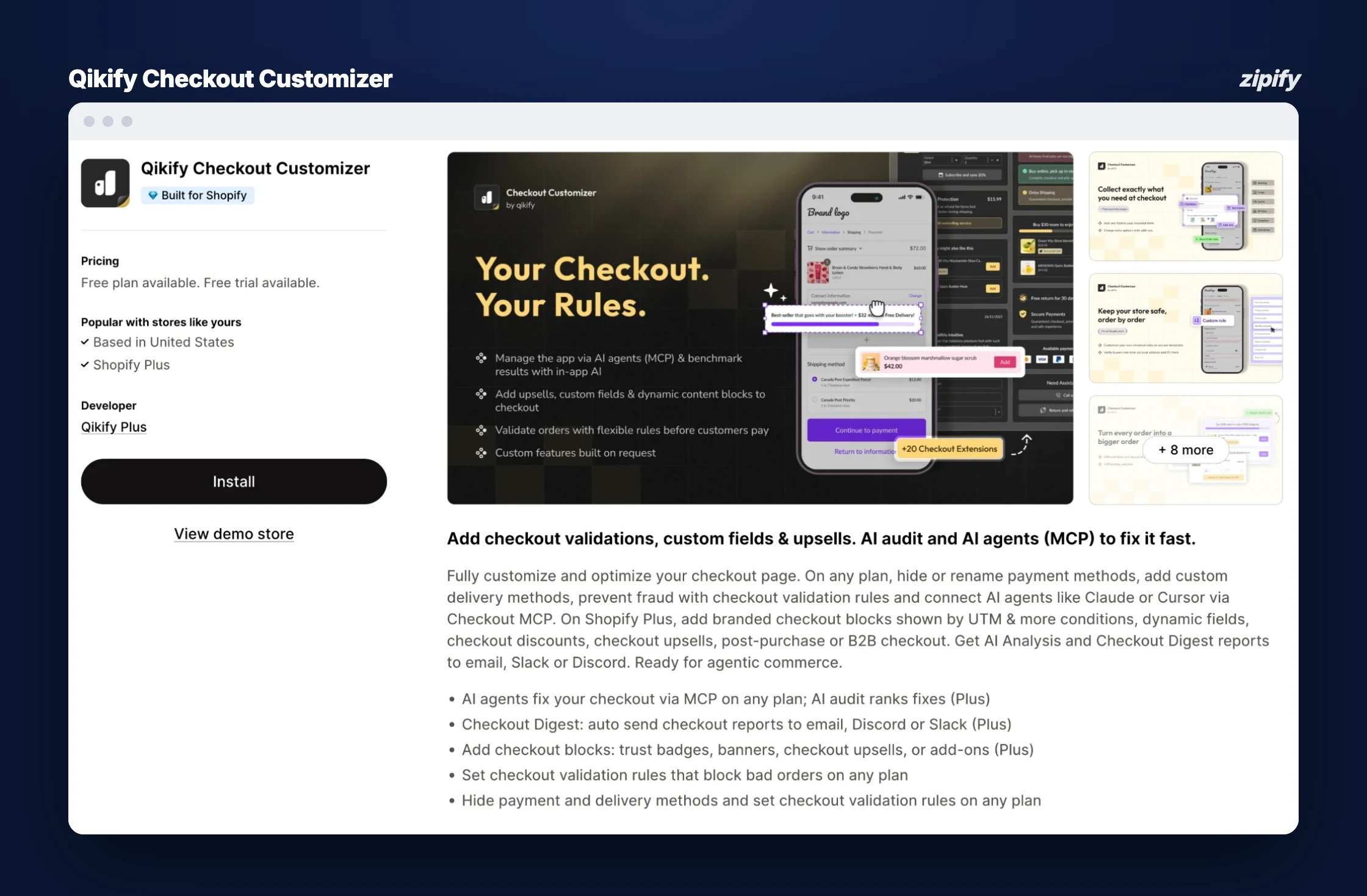
Qikify Checkout Customizer by Qikify Plus adds checkout validations, custom fields and upsells built on Shopify Functions. On any plan, it can hide or rename payment methods, add custom delivery methods and block bad orders with validation rules. Branded checkout blocks, dynamic fields, checkout discounts and checkout upsells need Shopify Plus.
Key features
- Hide and rename payment methods on any plan;
- Custom delivery methods and validation rules;
- Checkout blocks, banners and add-ons (Plus, Checkout Premium);
- Checkout and post-purchase upsells (A/B testing on Checkout Premium);
- AI checkout audit and connections for AI agents.
Pricing
Free plan with one payment, shipping and validation rule each, plus 4 upsell offers. Starter $39/mo (unlimited rules), Checkout Premium $99/mo (checkout blocks) and Enterprise $199/mo. 14-day free trial (Qikify pricing).
Pros
- Free plan covers one rule of each type
- “They allow you to customize everything” (Flower Moxie, May 2026)
Cons
- Checkout blocks start at $99/mo
- Most block features need Shopify Plus
3. Checkout Blocks & Customizer — free customizer for Plus stores
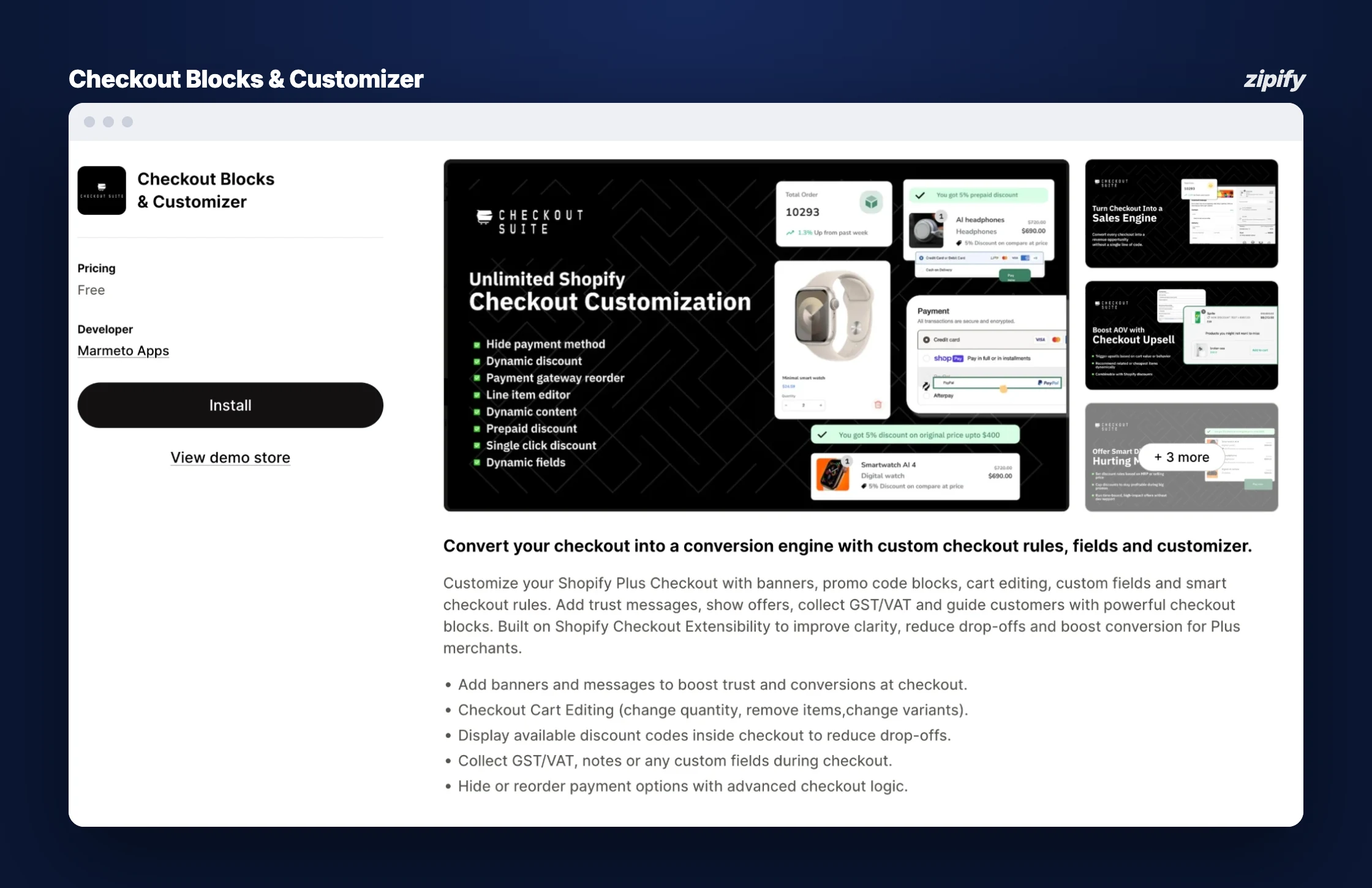
Checkout Blocks & Customizer by Marmeto Apps is a free checkout customizer built for Shopify Plus stores. It adds banners, promo code blocks, cart editing and custom fields to checkout, plus rules for payment options. Its listing describes Plus checkout features only.
Key features
- Banners and trust messages at checkout;
- Cart editing in checkout (quantity, variant, remove);
- Available discount codes shown in checkout;
- Custom fields such as GST/VAT numbers or notes;
- Hide or reorder payment options with conditions.
Pricing
Free. The listing shows no paid plans and no usage charges (Marmeto pricing). Built on Shopify’s checkout extensions, so it needs a Shopify Plus store for checkout blocks.
Pros
- Free, with no usage charges
- “Great support and very useful tools” (Muebles Pergo, June 2026)
Cons
- Listing describes Plus checkout features only
- No upsell or post-purchase features listed
4. OneClickUpsell (OCU) — upsells across the funnel
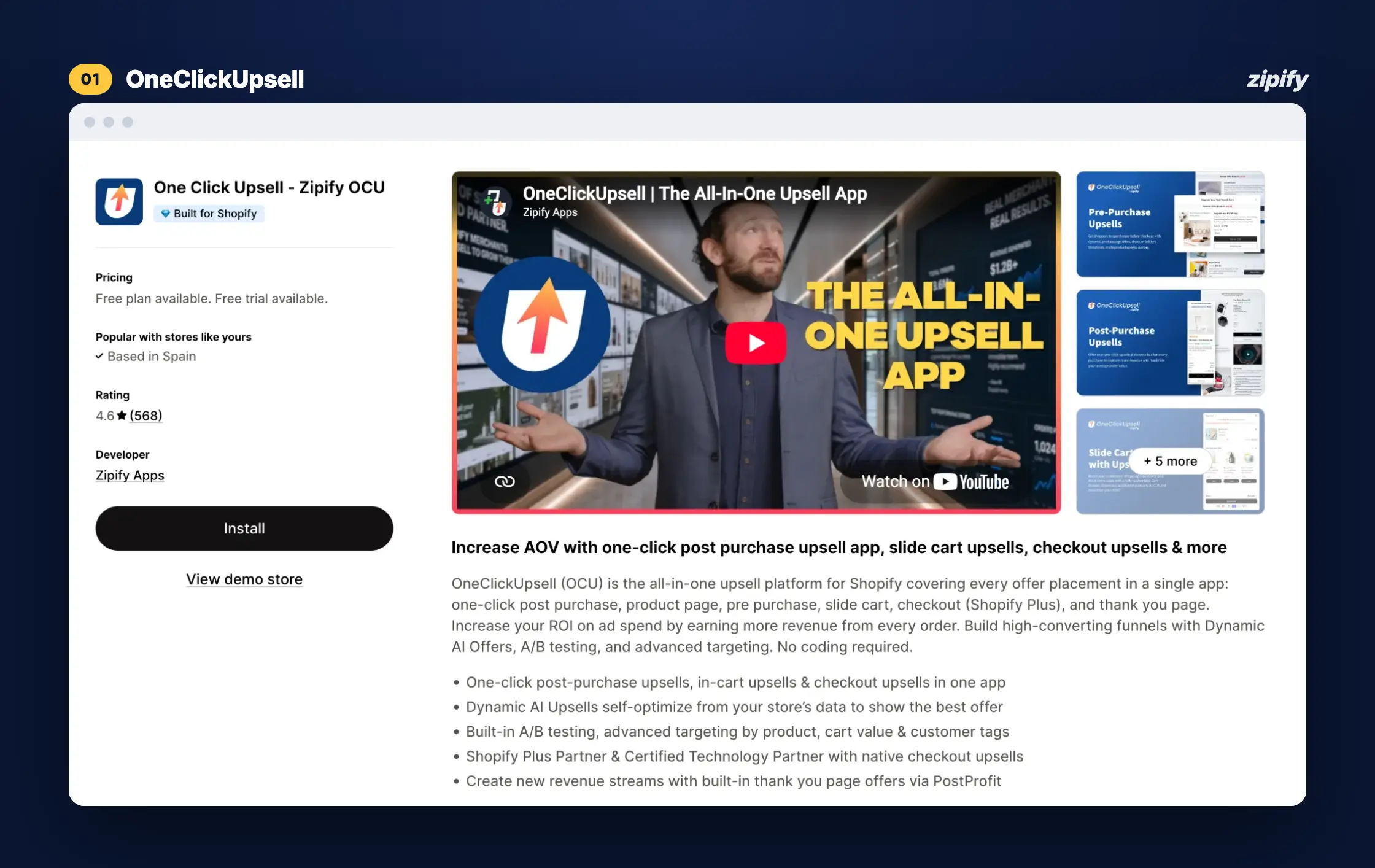
OneClickUpsell (OCU) by Zipify replaces the offer side of Checkout Blocks: thank-you page offers on every paid plan, in-checkout upsells on Plus, and post-purchase, cart and product page offers. It’s used by 15,000+ Shopify stores and has tracked $1.5B+ in upsell revenue. It doesn’t add custom fields or payment rules.
Key features
- Thank-you page offers on every paid plan;
- In-checkout upsells on Shopify Plus;
- One-click post-purchase upsells and downsells;
- Slide cart drawer and product page offers;
- Dynamic AI Offers and A/B testing of offers.
Pricing
$9.95/mo up to $200 in monthly upsell revenue, $25 to $99 between $200 and $2,500, then from $149, never above $999/mo. It never bills on order volume. 30-day free trial (OCU pricing).
Pros
- Offers before, during and after checkout in one app
- “This app has helped grow my AOV” (Scent Cartel, November 2026)
Cons
- No custom fields or payment rules
- One merchant wanted more flexible offer selection for a seasonal catalog (September 2026 review)
Try OneClickUpsell free for 30 days
Offers before, during and after checkout in one app, from $9.95/mo after the trial.
5. AfterSell — post-purchase offers first
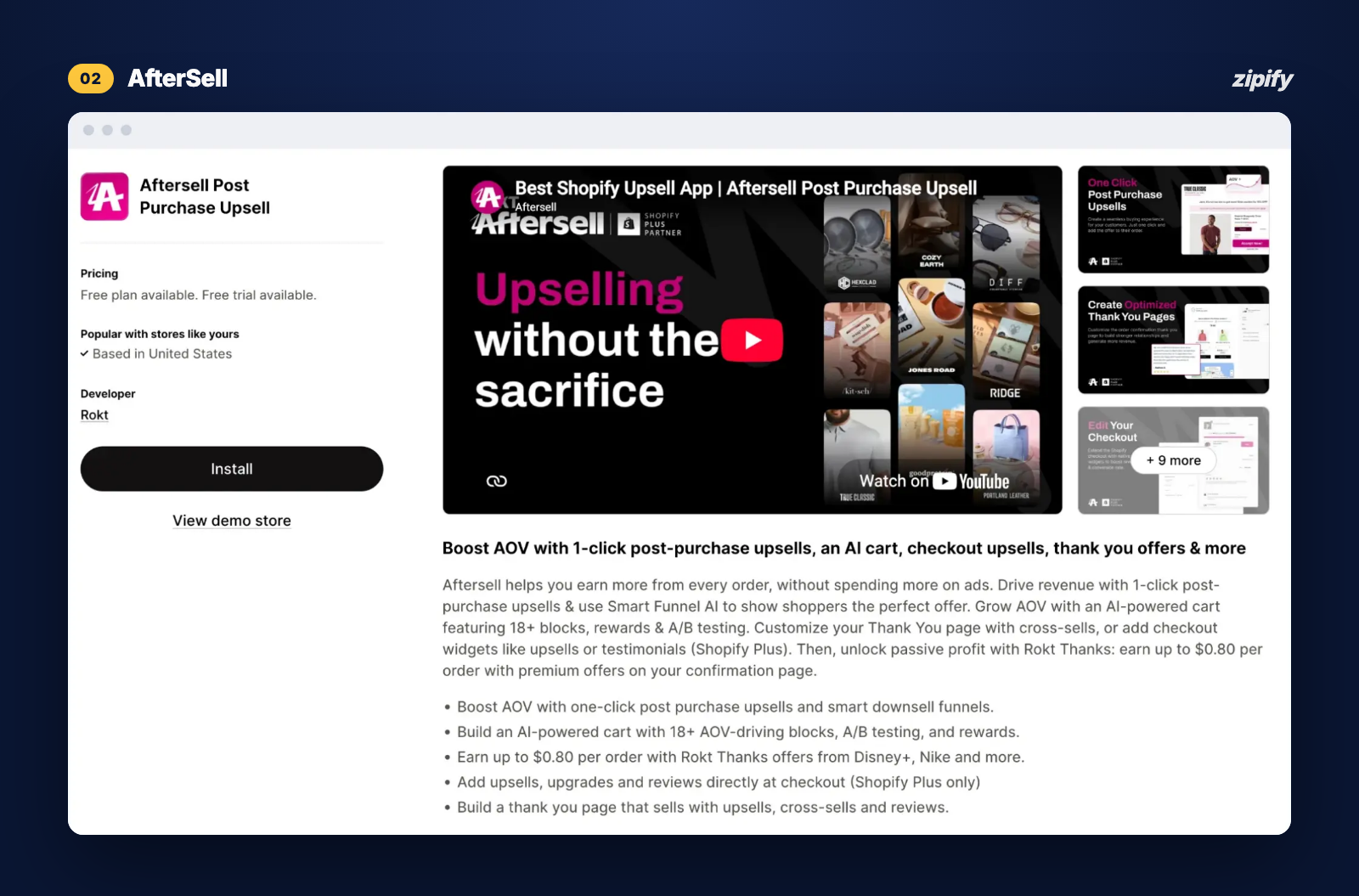
AfterSell, owned by Rokt, is built around one-click post-purchase offers and thank-you page offers. Like OCU, it adds checkout upsells and widgets on Shopify Plus and runs an AI cart on its Pre-Purchase plan. Like OCU, it doesn’t add custom fields or payment rules.
Key features
- One-click post-purchase offers and smart funnels;
- Thank-you page upsells, cross-sells and reviews;
- Checkout upsells, add-ons and widgets (Plus);
- AI cart with 18+ blocks (Pre-Purchase);
- Rokt Thanks partner offers on the confirmation page.
Pricing
Post-Purchase $34.99/mo and Pre-Purchase $59.99/mo for 200 monthly orders, Complete $79.99/mo for 500. The fee rises with order volume, capped at $999.99, $599.99 and $1,359.99 (AfterSell pricing). 30-day free trial.
Pros
- 30-day trial on every plan
- “Very good customer support” (Grass Fed Soaps, November 2026)
Cons
- The fee follows store orders, not offer results
- A merchant was surprised by per-order charges (May 2026 review)
Which Checkout Blocks Alternative Fits Your Store?
Start with the job, then check your plan: messages and rules need a customizer, offers need an upsell app.
| Your situation | Apps that fit |
|---|---|
| Not on Plus, need payment, delivery or validation rules | Checkout Plus (Basic), Qikify (free or Starter) |
| On Plus, want blocks and fields at no cost | Checkout Blocks & Customizer, or keep Checkout Blocks |
| On Plus, want blocks, rules and upsells in one paid app | Checkout Plus (Advanced), Qikify (Checkout Premium) |
| Lost the upsell block, want offers on the thank-you page and checkout | OneClickUpsell, AfterSell |
| Want offers before and after checkout, billed on results | OneClickUpsell |
Many stores run two apps, a customizer for rules and an upsell app for offers, with one app per job. Plus stores weighing checkout offers can start with this guide to choosing an upsell app for Shopify Plus.
How Do You Switch From Checkout Blocks Without Breaking Checkout?
Rebuild everything in the new app before you remove anything from Checkout Blocks. Here’s the order I’d follow:
- List what Checkout Blocks does today. Note every block, field, rule and discount, and its page.
- Install the new app and start the trial. Check that each job is on the plan you picked.
- Duplicate your checkout configuration. Build in the copy, not the live checkout.
- Place test orders. Try a normal order and one that should trigger each rule.
- Publish, then remove the old blocks. Turn off Checkout Blocks’ rules so the two apps don’t overlap.
- Watch a week of orders, then uninstall. Compare checkout completion and average order value with the week before.
The Bottom Line
The best Checkout Blocks alternative covers the jobs you actually use, on the plan you’re on. Checkout Plus is the closest replacement on any plan, Qikify is the cheapest start for rules, and Marmeto’s app is a free swap for Plus stores. If your setup was really about offers, OneClickUpsell covers the thank-you page on every plan and checkout on Plus, plus post-purchase and cart offers, billed on upsell revenue.
For a side-by-side, see OCU vs. AfterSell
Frequently Asked Questions
Does Checkout Blocks require Shopify Plus?
Partly. On the Basic plan and up, Checkout Blocks adds static and dynamic content blocks to the Thank you and Order status pages. Blocks on the checkout steps, custom fields, payment and delivery rules and custom discounts need Shopify Plus.
Can Checkout Blocks still add upsells?
Not as it used to. Shopify removed auto-added products from checkbox upsell blocks in February 2025, and the current help center block list has no product offer block. For thank-you page and checkout upsells, use an app such as OneClickUpsell or AfterSell.
Is there a free alternative to Checkout Blocks?
Yes. Checkout Blocks & Customizer by Marmeto is free for Shopify Plus stores, and Qikify Checkout Customizer has a free plan with one payment, one shipping and one validation rule on any plan. Checkout Plus is free only for development stores.
Can I hide payment methods without Shopify Plus?
Yes, with an App Store app. Payment customizations run on Shopify Functions, and public apps that use them work on every plan. Checkout Plus (Basic) and Qikify both offer payment rules on non-Plus stores, while Checkout Blocks keeps them for Plus.
What happened to the Checkout Blocks Address Blocker?
Shopify deprecated it in June 2026 and sunset it on August 31, 2026. Compatible settings moved to address format validation, a native checkout rule now open to all merchants, so you don’t need a separate checkout blocks alternative for that job.