
Free is a great price. It’s also a great way to find out how fast a cap sneaks up on you. And the traffic is there to hit it. Shopify merchants sold $115.6 billion in Q2 2026, up 32% year over year, according to Shopify’s Q2 2026 results. More shoppers are checking out than ever. The real question is how much more each one buys from you.
Several upsell apps offer free plans for live stores, but each draws the line somewhere different: total store orders, upsell revenue or features. OneClickUpsell (OCU) takes another route. You get a 30-day free trial on the unlimited plan, so you can test every offer placement before you pay a cent.
Key Takeaways
- Check what ends the free plan: total store orders, upsell revenue or a feature limit.
- Order caps count every store order, so a busy month can end a free plan even if few shoppers took an offer.
- A full free trial shows what every placement earns on real traffic; a capped plan shows one slice.
- Judge an app by profit after discounts and product costs, not by revenue alone.
What Are The Best Free Shopify Upsell Apps?
There isn’t a single best free upsell app because each Shopify extension comes with its own limitations. For example, OneClickUpsell provides an unlimited 30-day trial with full access to all features. It lets you get all placements in a single app, and one month is enough to test its capabilities.
Other apps, like AOV.ai and Selleasy, limit your upsell revenue and total orders.
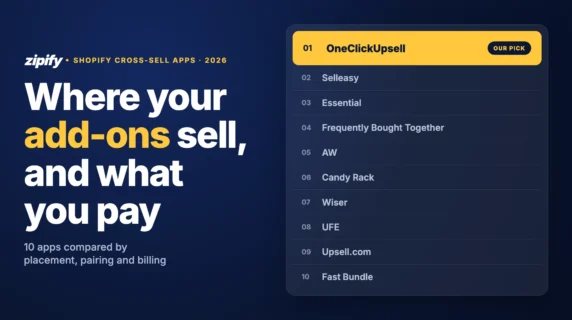
The table below shows where each option’s free use ends and what you’ll pay after. All prices and limits were checked in October 2026 against each app’s own Shopify App Store listing or official help center.
Scroll sideways for more →
| App | Free for a live store | Main free-plan use case | First paid plan | Shopify App Store |
|---|---|---|---|---|
| OneClickUpsellOur app | 30-day free trial on the full plan (permanent free plan for development/partner stores) | Full funnel: product page, cart, checkout, post-purchase and thank-you page offers, plus A/B testing | $9.95/month | Available |
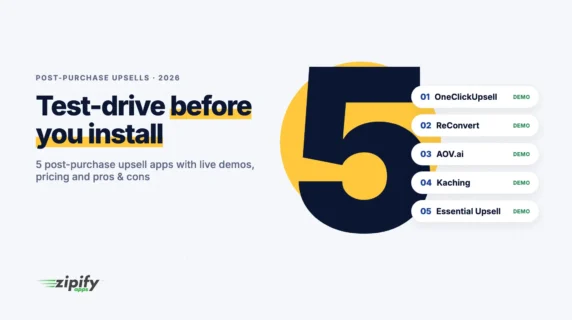
| AOV.ai Post Purchase Upsell | $200 upsell revenue per 30 days | Post-purchase, thank-you and order-status offers | $19/month on Basic Shopify | Available |
| Selleasy | Up to 50 total store orders/month | Product add-ons and cross-sell offers | $9/month | Available |
| Essential Upsell & Cross Sell | Up to $100 additional revenue generated | Product-page and post-purchase offers | $9.99/month | Available |
| ReConvert | Up to 50 orders or $50 upsell revenue | Multiple offer placements | $9.99/month | Available |
| Frequently Bought Together CBB | Up to three manual bundles | Simple product bundles | $14.99/month | Available |
Prices and limits checked in October 2026, availability on October 29, 2026, on each app’s Shopify App Store listing: OneClickUpsell, AOV.ai, Selleasy, Essential Upsell, ReConvert, Frequently Bought Together.
Notice that OCU is the only option here built around a trial rather than a cap. That’s on purpose. A full-featured trial shows you what every placement earns on real traffic, while a capped plan shows you one slice until you hit the limit. And for development and partner stores, OCU stays free permanently.
What Counts As A Free Shopify Upsell App?
We counted an app as “free” if a live Shopify store can run real upsell offers for $0, either on a permanent free plan or a full free trial. “Free to install” alone didn’t qualify, since plenty of apps install for free and bill you the moment you publish an offer.
Free plans for live stores
A free plan lets you run offers indefinitely, as long as you stay under its limit.
Five apps on this list have one, and each draws the line differently:
- Revenue caps: AOV.ai ($200 in upsell revenue per 30 days) and Essential Upsell ($100 in added revenue)
- Order caps: Selleasy (50 total store orders a month)
- Combined caps: ReConvert (50 orders or $50 in upsell revenue)
- Feature caps: Frequently Bought Together CBB (three manual bundles)
The catch? Order caps count every order in your store, not just the ones that took an upsell.
Free trials and development-store plans
A free trial gives you the full paid product for a set period, then switches to billing.
OCU’s 30-day trial includes every placement, AI-recommended offers and A/B testing, with no feature held back. Shopify development and partner stores get OCU free permanently, which is handy for agencies building a store before launch.
We included OCU because a trial on the full plan is the most complete free way to test upsells on a live store. You can always cancel the trial at any moment to avoid paying the subscription price.
6 Free Shopify Upsell Apps Compared
Our experts researched each app to see what they offer for free and where the pro-bono part ends. You’ll see each extension based on their features, placements, and more.
1. OneClickUpsell by Zipify: a 30-day trial across multiple offer placements
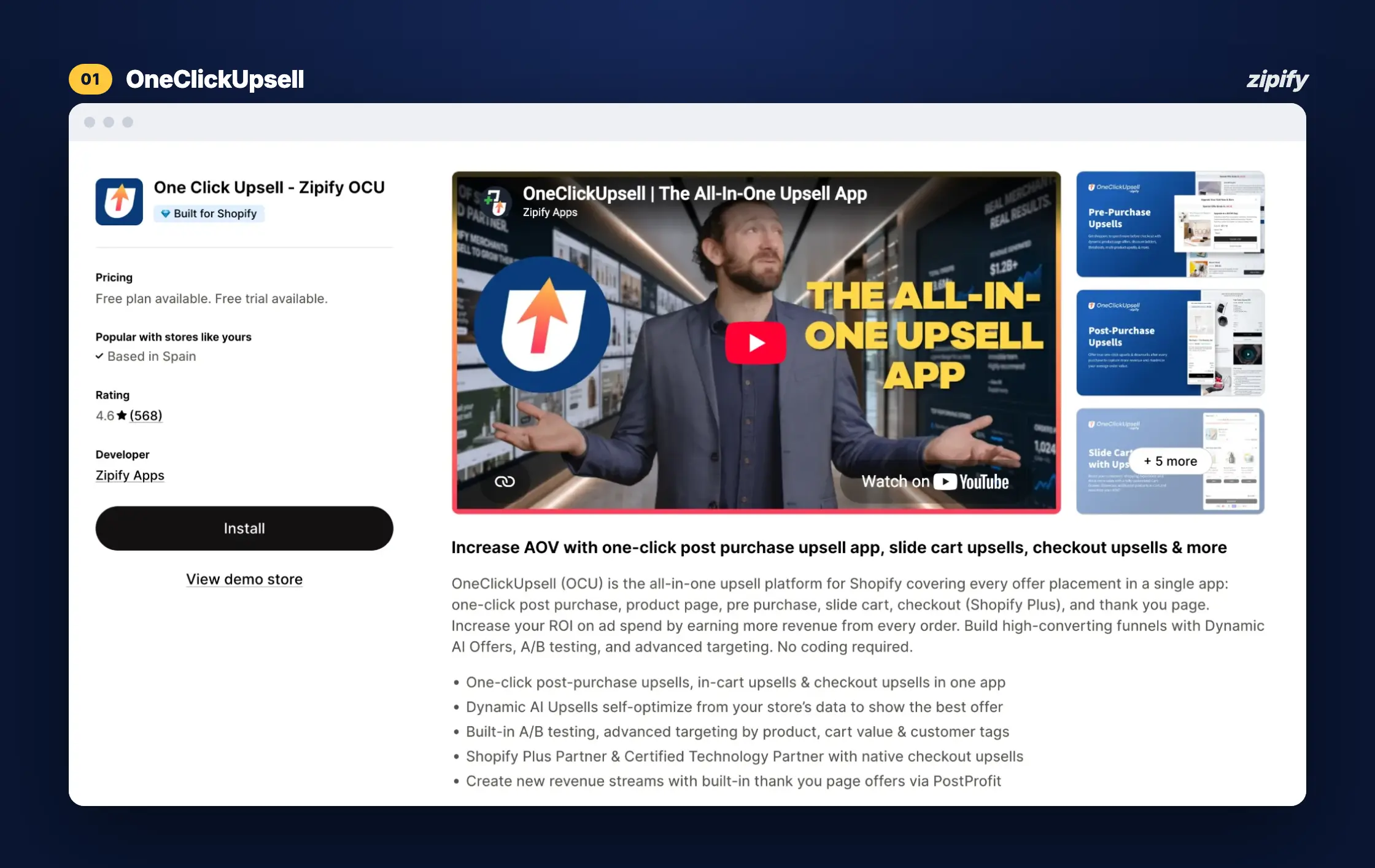
OneClickUpsell (OCU) puts upsell offers at every stage of the customer journey. You get everything covered from the product page to the thank-you page. It’s trusted by 50,000+ Shopify stores and has driven $1.5B+ in tracked upsell revenue.
What’s included in the 30-day trial
- Product page and pre-purchase offers
- Built-in Cart Drawer with in-cart upsells
- Checkout upsells (Shopify Plus)
- True one-click post-purchase upsells, with no re-entering payment details
- Thank-you page offers
- AI-recommended offers and A/B testing
- Pre-built funnels you can launch in a couple of clicks, no coding required
More revenue from the traffic you already have? That’s just smart business.
Start your 30-day free trial of OCU
Every placement, AI-recommended offers and A/B testing, then from $9.95/month.
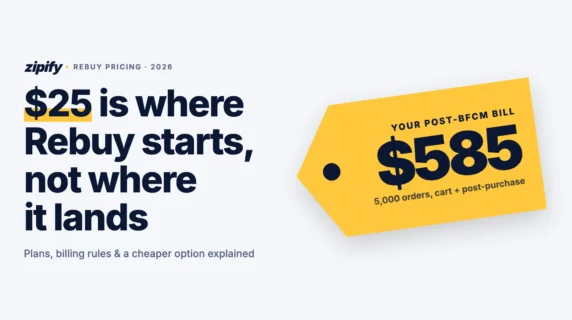
What it costs after the trial: $9.95/month while your upsells earn up to $200 a month. From there, the price scales with the upsell revenue OCU generates, never with your total store orders, and tops out at $999/month. Full breakdown available in our OCU pricing guide.
Pros
- Every placement in one app, so you’re not paying for (and loading) three separate tools
- Billing tied to results: a busy month with few upsells won’t bump your bill
- One dashboard for every offer. Merchant Prana-Pets.com praised OCU’s reporting for showing AOV with and without upsells, instead of claiming credit for sales that would have happened anyway
Best for: merchants who want to test full-funnel upsells on a live store before paying, and who’d rather pay for results than for traffic.
2. AOV.ai Post Purchase Upsell: free up to $200 in upsell revenue per 30 days
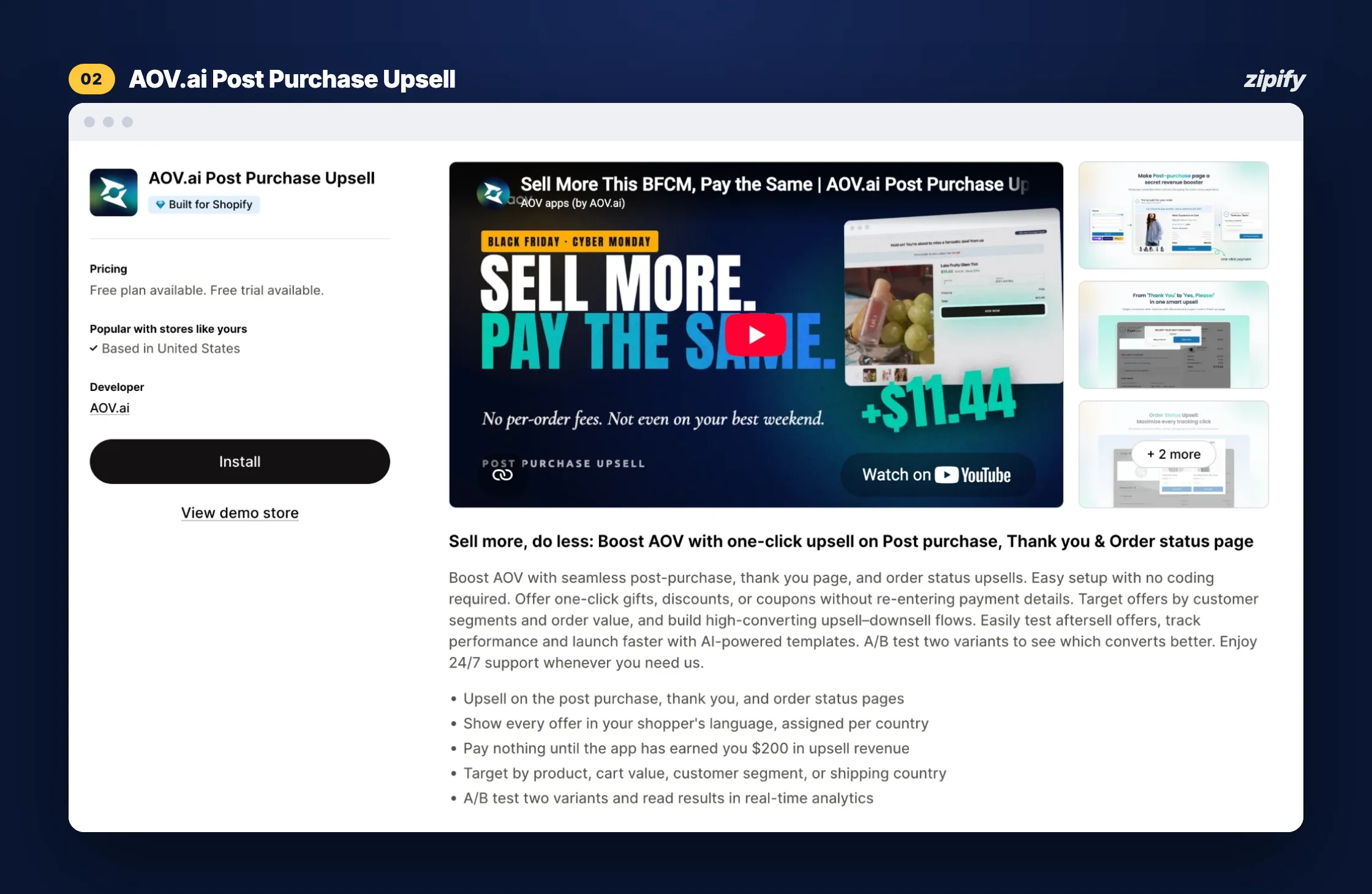
AOV.ai focuses only on the moments after payment: the post-purchase page, the thank-you page and the order status page. Other placements are left unavailable.
What’s free
- Post-purchase upsells and downsells
- Thank-you and order status page offers
- Unlimited offers, templates and analytics
When free ends
- Limit: $200 in upsell revenue per 30-day cycle
- Upgrade: $19/month on Basic Shopify, $29 on Grow or Advanced, $59 on Plus (7-day free trial)
Pros
- The cap is based on upsell revenue, so store traffic alone won’t end the free plan
Limitations
- A/B testing and AI recommendations are paid features
Best for: a store that only wants after-checkout offers and expects to earn less than $200 a month from them.
3. Selleasy: free for stores with up to 50 total orders a month
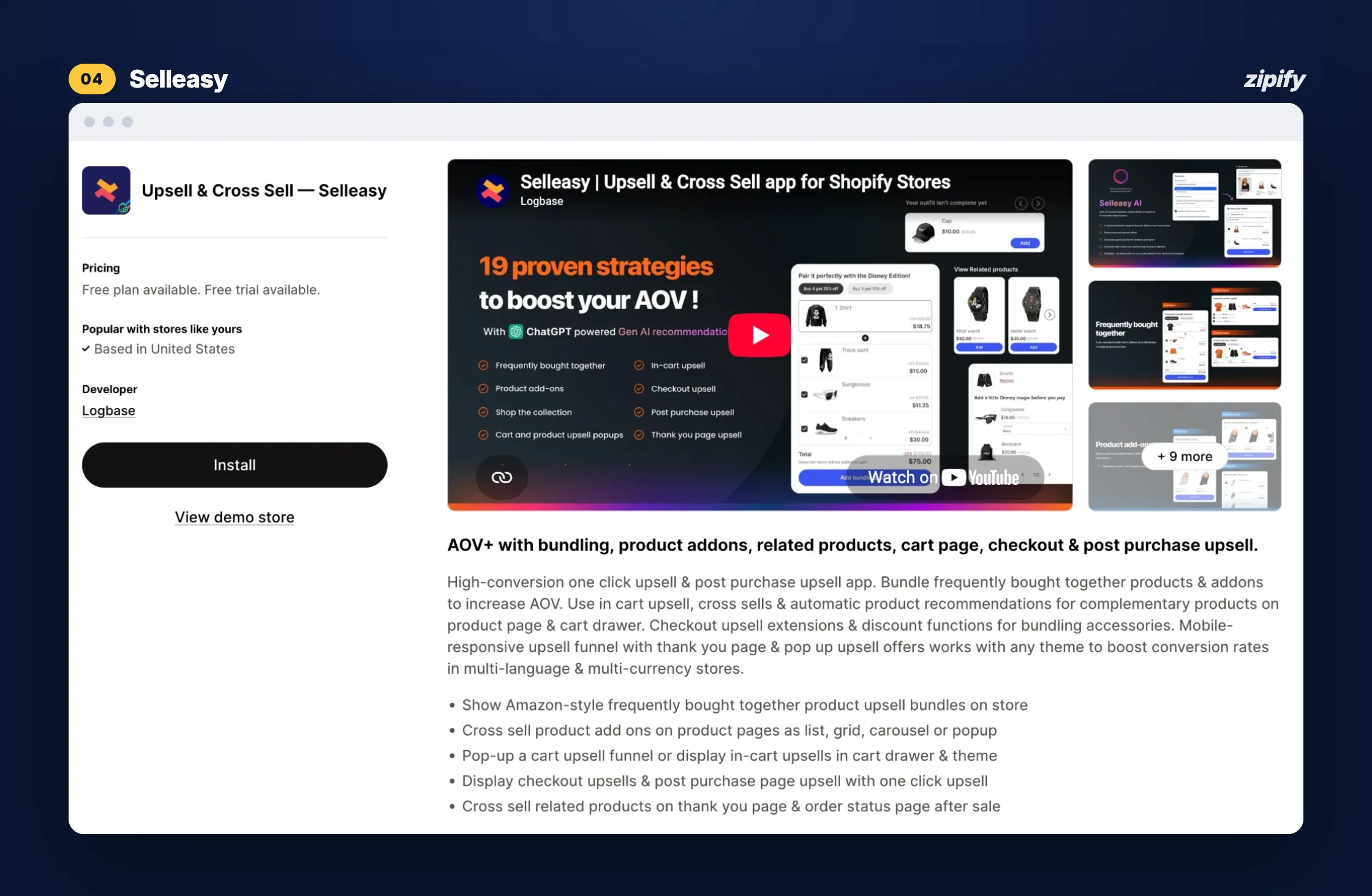
Selleasy by Logbase centers on “frequently bought together” bundles, product add-ons and in-cart cross-sells, with checkout and post-purchase offers too.
What’s free
- 18 upsell and cross-sell layouts
- 50 free AI recommendations
- A free setup call, plus chat, email and Zoom support
When free ends
- Limit: 50 orders a month, counting your store’s total orders
- Upgrade: $9/month up to 500 orders, $19 up to 1,000, $29 beyond (30-day free trial)
Pros
- The free tier includes the same layouts as paid plans
Limitations
- Once your store passes 50 orders, you pay, whether or not anyone took an offer
Best for: a brand-new store doing fewer than 50 orders a month that wants product add-ons.
4. Essential Upsell & Cross Sell: free up to $100 in added revenue
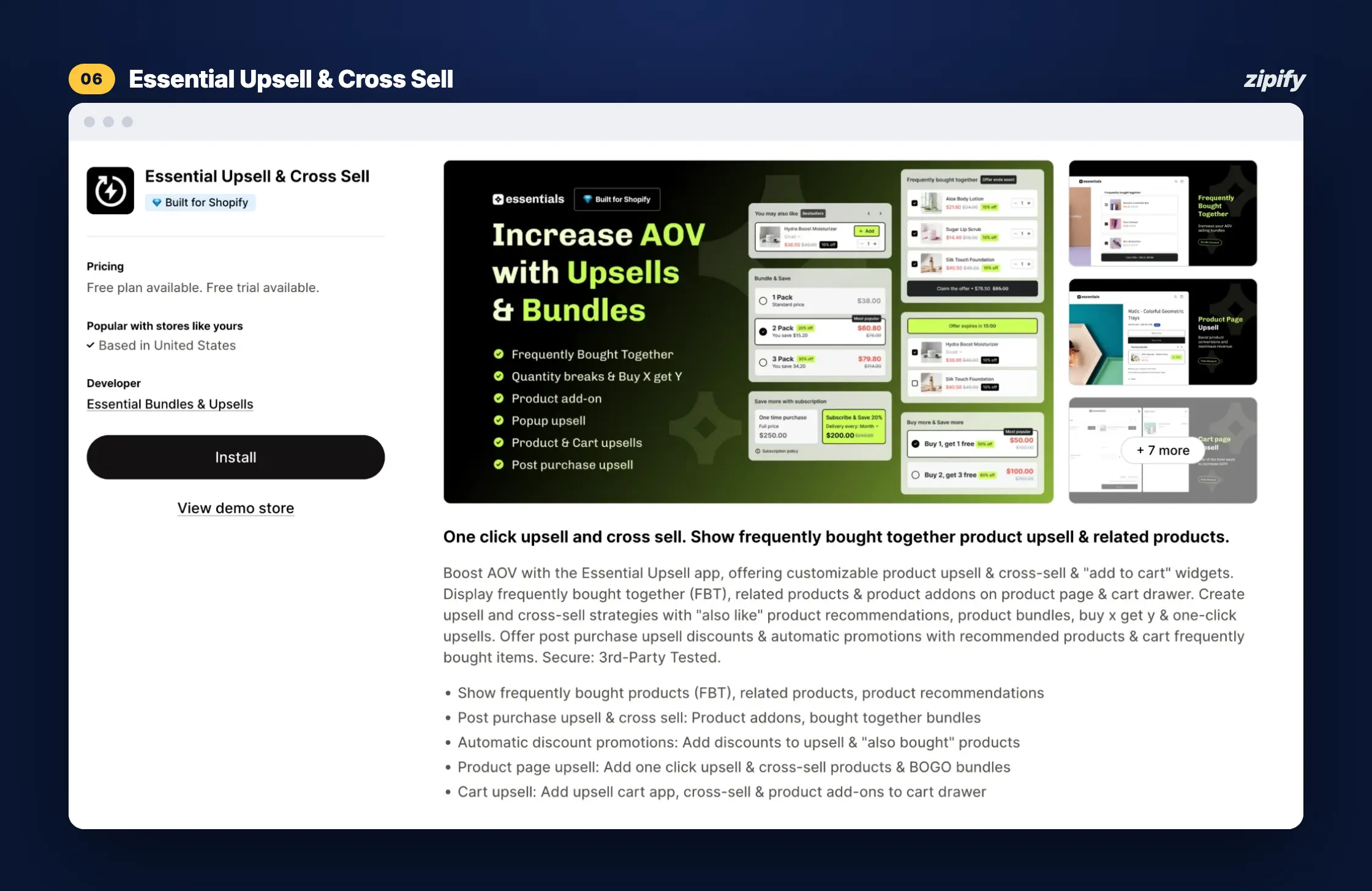
Essential Upsell & Cross Sell keeps it simple: “frequently bought together” blocks, related products and add-ons on the product page, plus post-purchase offers.
What’s free
- “Frequently bought together” and add-on offers on the product page
- Post-purchase offers
When free ends
- Limit: $100 in additional revenue generated by the app
- Upgrade: Starter $9.99/month (up to $500), Essential $19.99 (up to $1,000), Professional $39.99 (unlimited), each with a 14-day free trial
Pros
- It bills on revenue the app generates rather than store orders
Limitations
- Cart page offers only start on the $19.99 plan
Best for: a store testing one or two product-page add-ons on a small catalog.
5. ReConvert: free up to 50 orders or $50 in upsell revenue
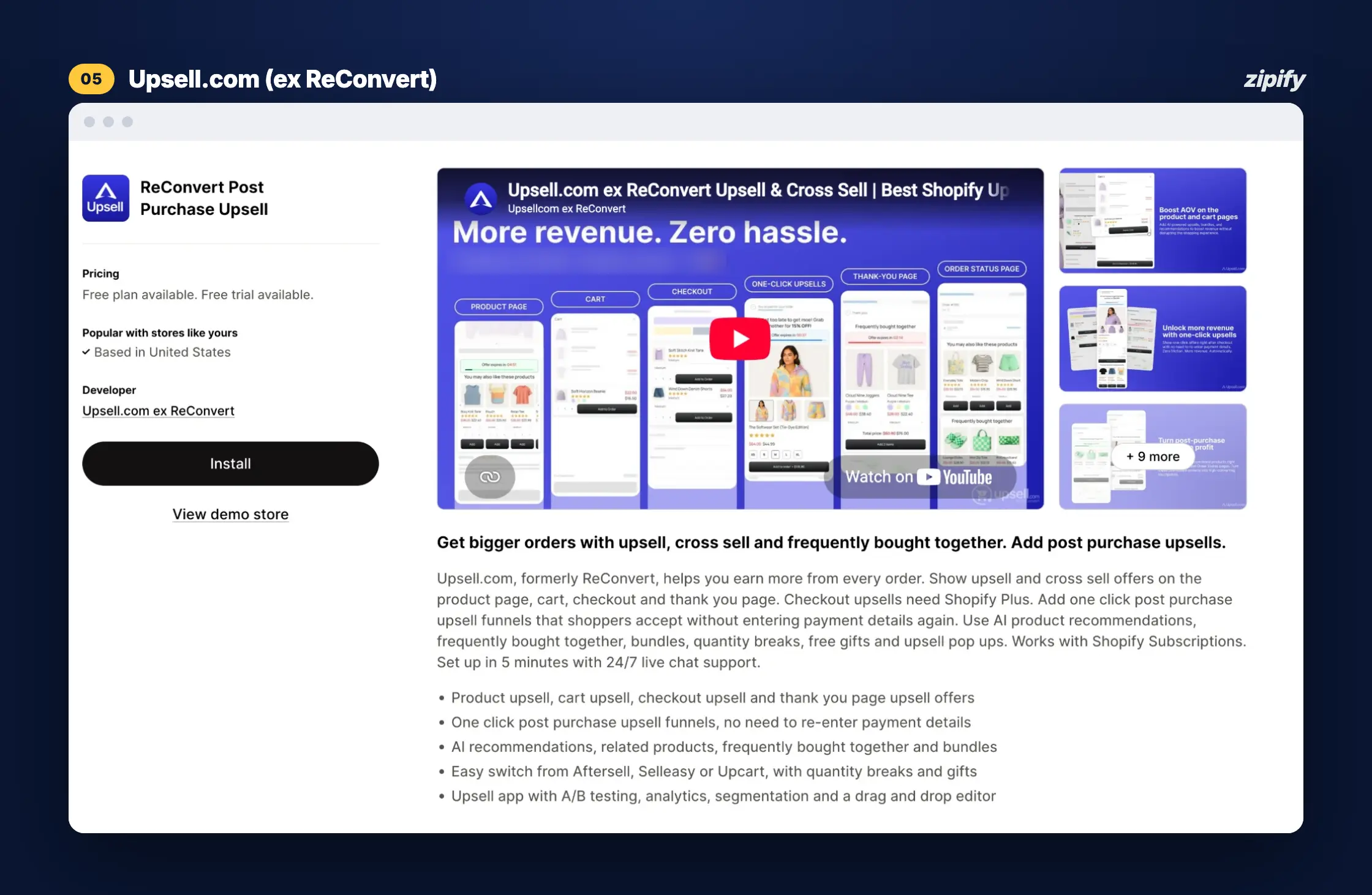
ReConvert, now under the Upsell.com brand, is best known for its thank-you page builder and also covers cart, checkout and post-purchase offers.
What’s free
- One-click post-purchase funnels
- Thank-you page widgets (order tracking, surveys, birthday collection)
- A/B testing
When free ends
- Limit: 50 orders or $50 in upsell revenue a month. Per ReConvert’s help center, billing follows whichever is higher over the last 30 days: total store orders or app-generated revenue
- Upgrade: Growth plan at $9.99/month for up to 2,000 orders or $2,000 in upsell revenue (14-day free trial)
Pros
- A/B testing is available from the start
Limitations
- Every store order counts toward the cap, so 51 orders can end the free plan even if only one customer took an offer
Best for: a very small store, well under 50 orders a month, that mainly wants a richer thank-you page.
6. Frequently Bought Together CBB: free for up to three manual bundles
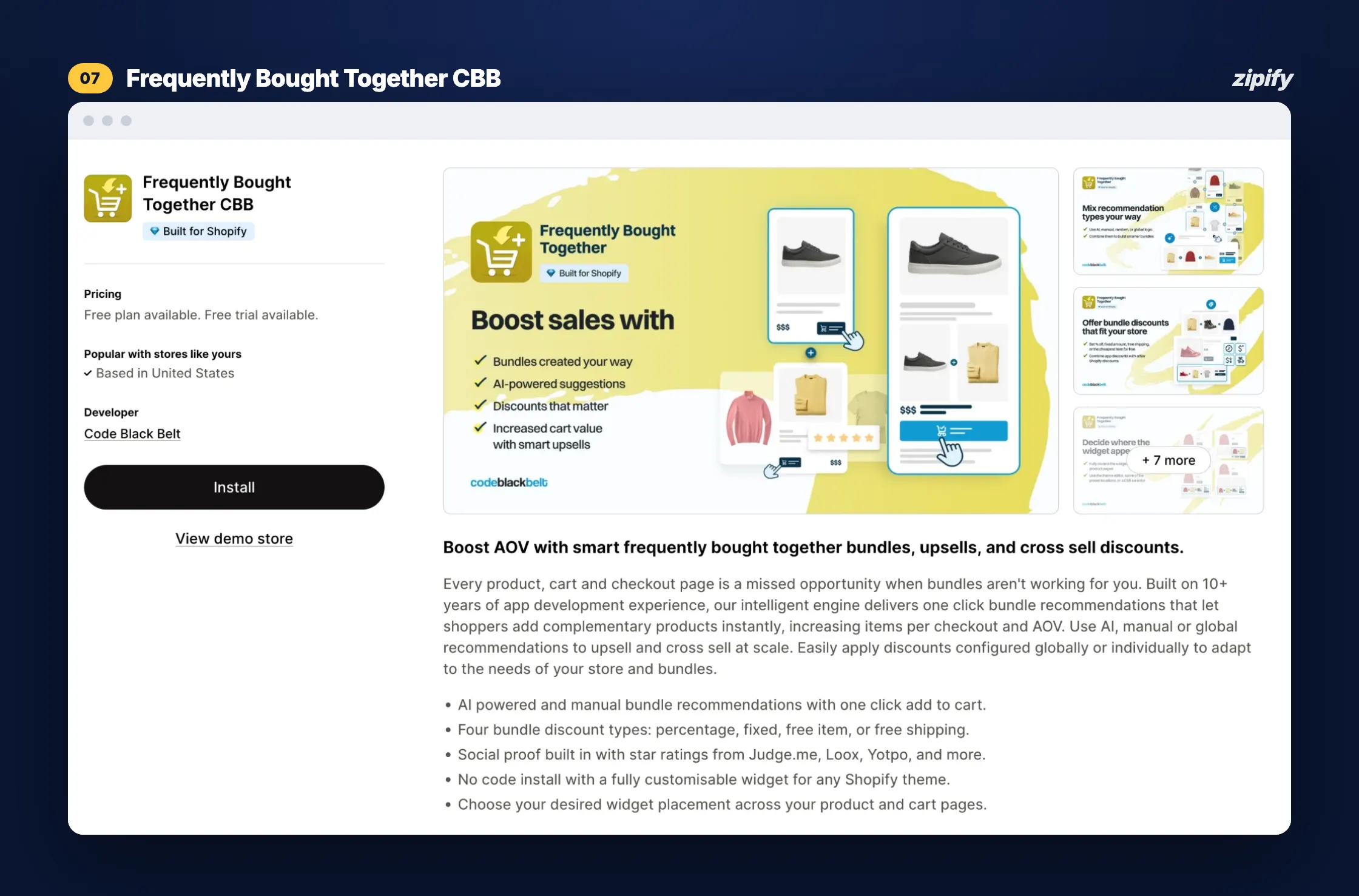
Frequently Bought Together by Code Black Belt does one job: Amazon-style bundle widgets on the product and cart pages.
What’s free
- Up to three bundles that you build by hand
When free ends
- Limit: no order or revenue cap, just the three-bundle limit
- Upgrade: automatic AI recommendations and bundle discounts start at $14.99/month up to 50 orders, $19.99 up to 500, $39.99 above 500 (14-day free trial)
Pros
- A $0 bill that never changes, no matter how busy your store gets
Limitations
- Three hand-picked bundles is a small sandbox, and there are no one-click post-purchase offers
Best for: a store with a few obvious product pairings (think phone case + screen protector) and no plans to go further yet.
When Is A Free Trial Better Than A Free Plan: OneClickUpsell By Zipify
A free trial beats a free plan when you need more than one offer placement, or when your store is about to outgrow a 50-order or $200 cap anyway. It is the best way to test all features and calculate your potential profits if you keep using them. That’s where OCU fits.
What you can test during the 30-day trial
The trial gives you the full OCU plan with nothing locked, so you can test:
- Product-page and pre-purchase offers
- In-cart upsells in the built-in Cart Drawer
- One-click post-purchase offers
- Thank-you page offers
- AI-recommended offers alongside your own picks
- A/B tests on offers and placements
A month is long enough for most stores to run a split test, compare placements, and see what makes the most money. And that’s all before you have to buy a subscription.
What OneClickUpsell costs after the trial
OCU starts at $9.95/month and stays there while your upsells earn up to $200 a month. Your total store orders never affect the price. Only the upsell revenue OCU generates can move you into a higher tier, so the bill grows only when the app is making you more money.
See the full tier breakdown in the OCU pricing guide.
When OneClickUpsell fits a small or seasonal store
Selleasy and ReConvert count total store orders toward their free limits. So a Black Friday spike can push you onto a paid plan even if your upsells earned little. OCU never counts store orders: its price moves only with upsell revenue generated.
Which Free Upsell App Fits Your Shopify Store?
The right free upsell app depends on what you want to sell and where.
You can use this as a checklist to find the best fit for your store.
| Your store needs | What to check | Best fit |
|---|---|---|
| One post-purchase offer | Revenue allowance, templates and eligibility | A capped free plan (AOV.ai, Essential, ReConvert), as long as upsell revenue stays under the cap |
| Product add-ons before checkout | Product-page placements and customization | OneClickUpsell: pre-purchase offers on the product page and in the cart, included in the trial |
| A few fixed product pairings | Manual bundle limits | Frequently Bought Together CBB, if three bundles and a $0 bill are all you need |
| Offers during a seasonal sales spike | Whether all store orders count toward the free limit | OneClickUpsell: pricing never counts total store orders, so a Black Friday spike won’t trigger an upgrade on its own |
| Several placements and A/B testing | Included features, trial access and paid-tier cost | OneClickUpsell: every placement plus A/B testing in the 30-day trial |
How Do I Get Started With A Shopify Upsell App?
Getting started takes three moves: install OneClickUpsell, start your 30-day free trial and launch a pre-built funnel. You don’t need a developer, and your first offer can be live the same day. Follow these steps:
- Step 1. Install OCU. Add OneClickUpsell from the Shopify App Store.
- Step 2. Start the trial. Your 30-day free trial on the full plan starts automatically once you install the app.
- Step 3. Pick a funnel. Launch a pre-built funnel in a couple of clicks, or build an offer from scratch. No coding needed.
- Step 4. Choose placement and targeting. Pick the product page, Cart Drawer, checkout (Shopify Plus), post-purchase, or thank-you page. Then use AI-recommended offers or set your own rules.
- Step 5. Preview and publish. Check the offer on your phone first (it’s where a big share of your shoppers will see it), then go live.
- Step 6. Measure. Track views, acceptance rate and added revenue in the OCU dashboard. Not sure what to fix next? Ask the OCU AI Assistant. It reads your store’s own data and recommends your next move.
How Do I Know If An Upsell App Is Worth Keeping?
An upsell app is worth keeping when the profit it adds is clearly higher than what it will cost after the free period. Here’s how to find out before the free part ends.
Start with one relevant offer
Offer something that makes the first purchase better: a complementary item (a protective case with a phone) or a quantity upgrade (two bottles instead of one). Make sure it has enough margin to survive a 10 to 20% discount. Our guide to post-purchase upsells on Shopify shares offer ideas that convert.
Then place a test order on mobile. It’s a must-have because most Shopify customers buy through their phones. The offer should load fast, look like part of your brand, and work with your store’s checkout.
Measure profit and monitor the free-plan limit
Revenue is the number every app shows you first. Profit is the one that tells you whether to keep the app.
Track these four metrics:
- Offer views: how many shoppers actually saw the offer
- Accepted offers: how many said yes
- Added revenue: what those yeses brought in
- Contribution: what’s left after discounts and product costs
Then watch the price side. On a capped free plan, know how close you are to the limit and what the next tier costs. With OCU, check which upsell-revenue tier your results put you in, so you know exactly what you’ll pay before the trial ends.
Give it enough data too. A low-volume store may need the full 30 days (or longer) before the numbers mean anything, because ten accepted offers don’t mean a trend. While you wait, review your average order value strategy for other quick wins.
Frequently Asked Questions
What is the best free upsell app for Shopify?
The best free way to run full-funnel upsells on Shopify is OneClickUpsell’s 30-day free trial, which includes every placement, AI-recommended offers and A/B testing. If you need a $0 bill indefinitely and expect to stay under the cap, capped free plans like AOV.ai ($200 in upsell revenue per 30 days) or ReConvert (50 orders or $50) are the alternative.
Can I add post-purchase upsells to Shopify for free?
Yes. OCU’s 30-day free trial includes one-click post-purchase upsells. AOV.ai, Essential Upsell, and ReConvert all offer post-purchase upsells on capped free plans. Shopify’s post-purchase page lets customers accept an offer without re-entering payment details.
What happens when I exceed a free upsell app’s limit?
It depends on the app’s billing terms. Order-based plans like Selleasy and ReConvert count your store’s total orders, so passing 50 orders puts you on a paid tier. Revenue-based caps like AOV.ai and Essential end once the app’s offers earn past the limit, and you’ll need a paid plan to keep running offers. Check each app’s pricing section before you install, so the switch doesn’t surprise you.
Can I try OneClickUpsell for free?
Yes. Live stores get a 30-day free trial on the full plan, with every feature included. Shopify development and partner stores can use OCU free permanently.
Summary
Free upsell apps are a smart way to start, but “free” always ends somewhere. The question is whether it ends on a cap that counts traffic, or on a trial that shows you exactly what your upsells can earn.
OneClickUpsell gives you 30 days on the full plan: every placement from the product page to the thank-you page, AI-recommended offers and A/B testing. After that, it’s $9.95/month to start, and the price only moves when your upsell revenue does.
It’s the same app trusted by 50,000+ Shopify stores, with $1.5B+ in tracked upsell revenue behind it.Best free Shopify upsell apps in 2026: free plans compared